How to Install and Play Genesis War on PC with BlueStacks
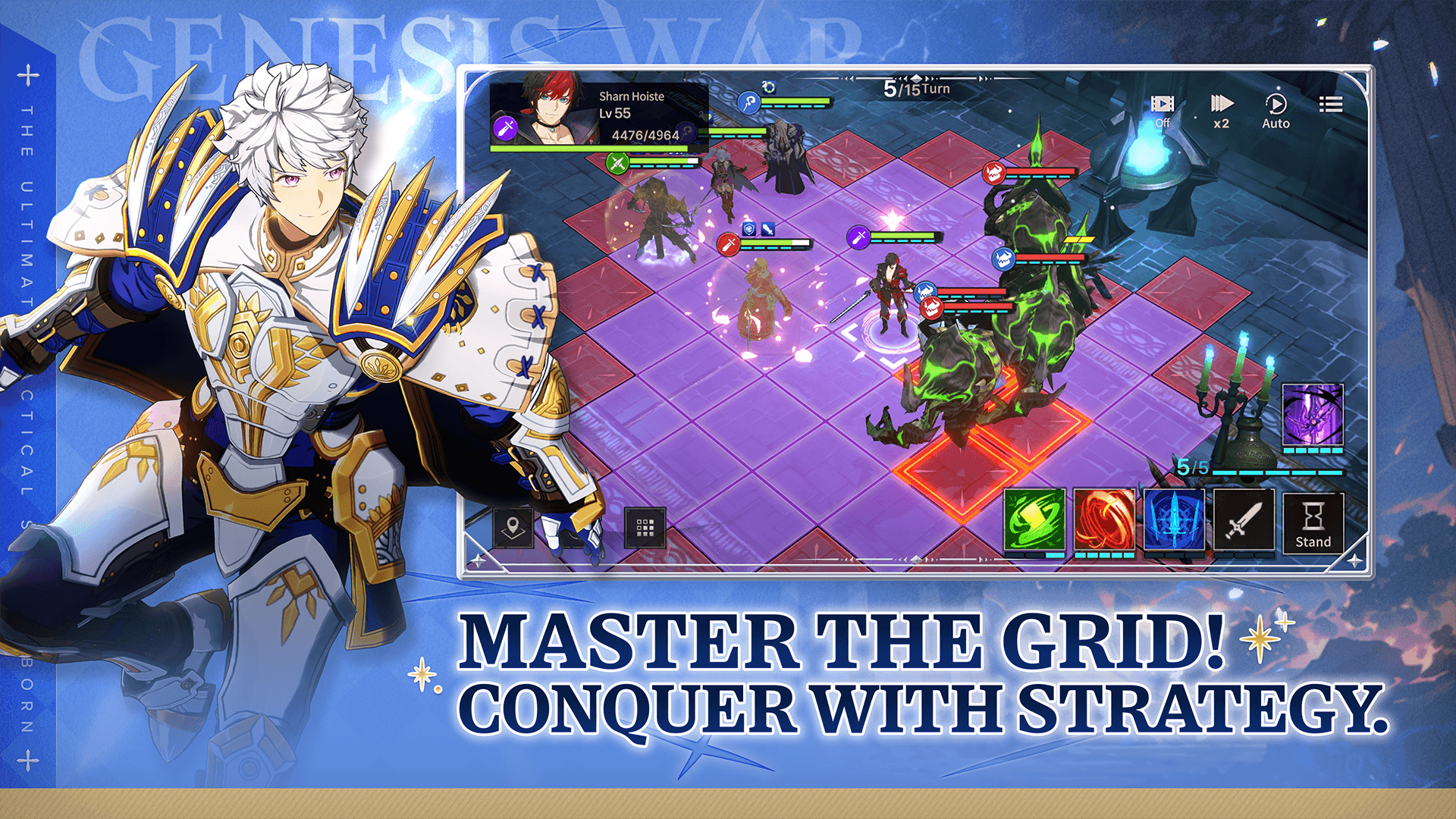
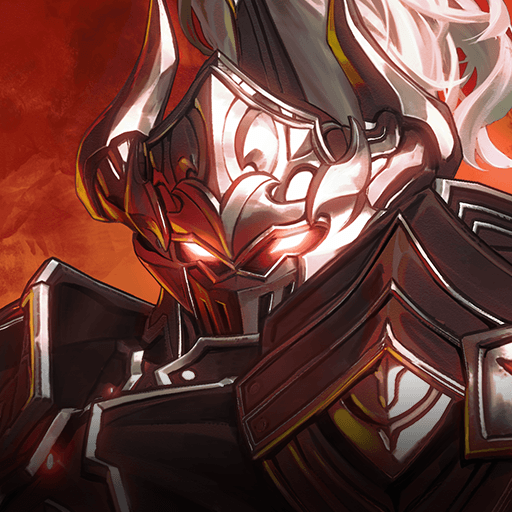
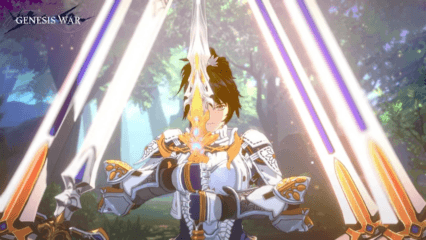
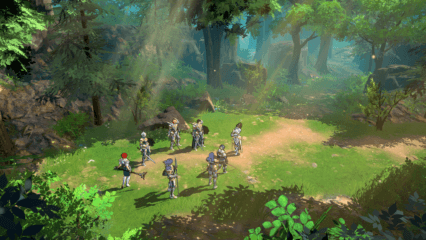
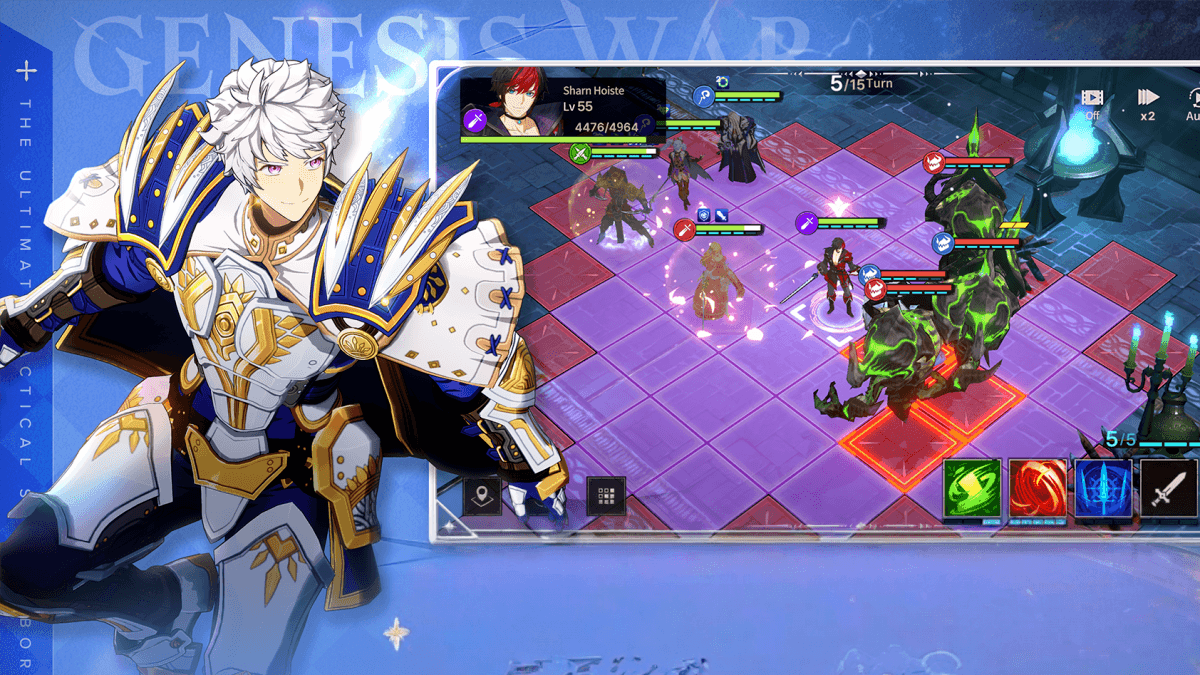
Genesis War is a tactical role-playing game that mixes deep strategy with a strong story. You follow Princess Iyolin as she travels across the land of Antaria, fighting to take back her kingdom. Along the way, you meet many heroes, build your own team, and take part in turn-based battles where every move matters.
The game stands out with its large number of characters, story scenes with voice acting, and many stages to clear. You also need to think about elements, positioning, and skills to win fights. Whether you enjoy story games or smart combat, Genesis War offers you plenty to do.
How to Install Genesis War on PC
- Open the game’s page and press the “Play Genesis War on PC” button.
- Once the file downloads, open it from your browser’s downloads section.
- Run the installer to set up BlueStacks and launch it after it finishes.
- Log in to the Google Play Store, install Genesis War, and begin playing.
How to Install Genesis War on Mac with BlueStacks Air
- Download BlueStacks Air: Visit the game’s page and click on the “Play Genesis War on Mac” button to get the installer.
- Install BlueStacks Air: Open the BlueStacksInstaller.pkg file and follow the steps shown on your screen.
- Launch and Sign-In: Open BlueStacks Air from Launchpad or Applications, then sign in with your Google account.
- Install Genesis War: Find the game in the Play Store and install it.
- Start Playing: Launch Genesis War and jump right into the action.
Already Using BlueStacks? Start Faster
- Go to the game’s page and click on the “Genesis War on PC” button.
- Open BlueStacks on your PC or Mac.
- Install Genesis War through the BlueStacks Store or Google Play Store.
- Launch the game and start your adventure.
Minimum System Requirements
BlueStacks runs smoothly on most computers, so you do not need a high-end setup to enjoy Genesis War:
- OS: Windows 7 or newer, macOS 11 (Big Sur) or newer
- Processor: Intel, AMD, or Apple Silicon (M1–M4)
- RAM: At least 4GB
- Storage: 10GB of free space
- Permissions: Admin rights on your PC or Mac
- Graphics drivers: Updated drivers from Microsoft or your hardware maker
Genesis War is a great pick if you enjoy planning your moves and building strong teams. You can play it solo and focus on the story, or spend time improving your squad and clearing harder stages. And since there are many heroes and skills, each battle feels different.
Playing Genesis War on PC or Mac with BlueStacks makes everything easier. You get a bigger screen, smoother performance, and better control with your keyboard and mouse. This helps you see the battlefield clearly and plan your moves without feeling rushed, which is perfect for a strategy game like this.