Immortal Destiny: Chosen Heirs Tips and Tricks for Smooth Progression
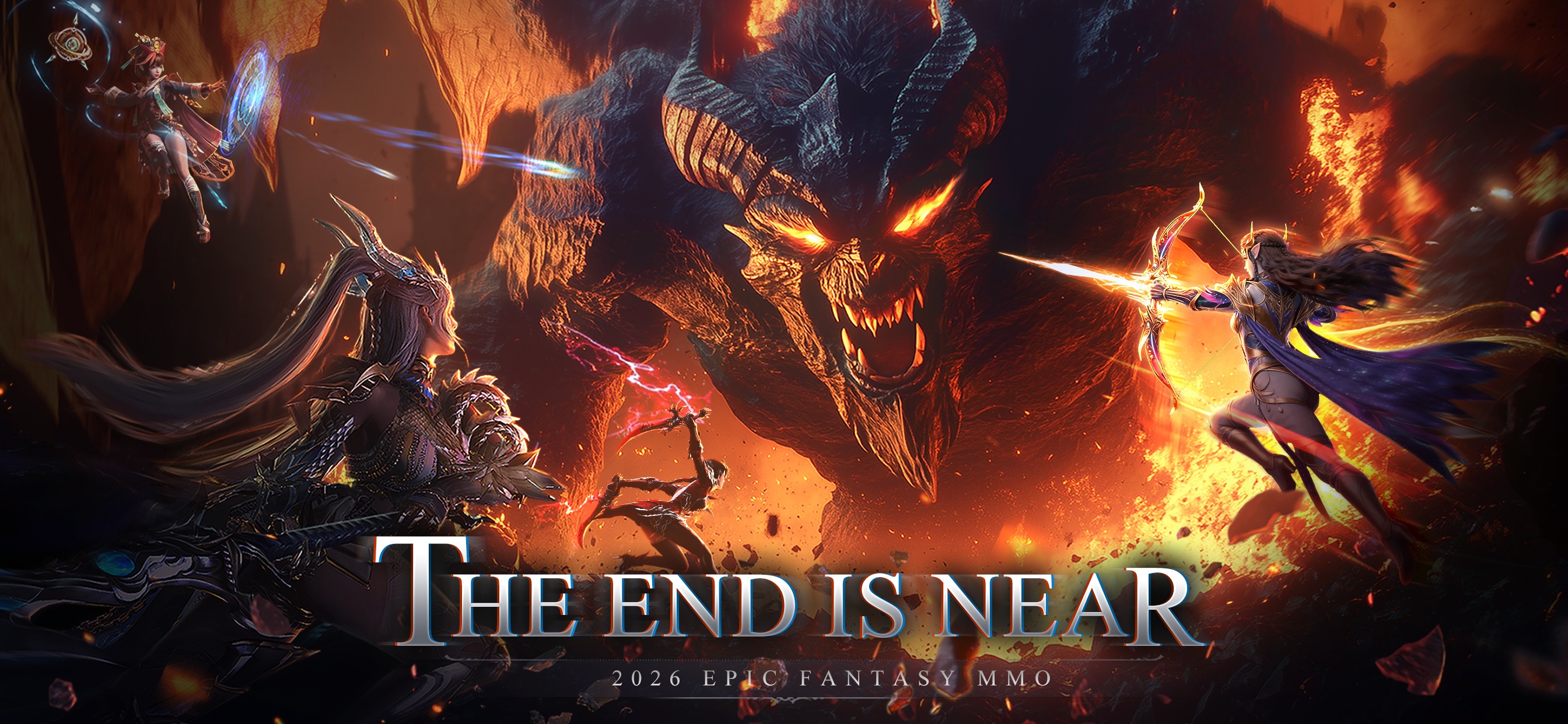

Immortal Destiny:Chosen Heirs is a brand-new action RPG that also has some classic MMO elements in the mix. It showcases a beautiful mythical world that is being thrown towards apocalypse, thanks to the uprising of demons. To restore peace and harmony, you must take up the challenge and power up yourself. Use our Immortal Destiny:Chosen Heirs tips and tricks that we have gathered to help budding beginners progress more efficiently. Let’s begin!
Tip #1. Choose the Right Class
Immortal Destiny:Chosen Heirs is an MMO game by heart, offering players multiple classes to choose and pick from. Sadly, you can only take up one class at a time, and this choice is critical. You can’t change the selected class, at least till the time we played through the game. Each class is like a unique character in itself, boasting powerful abilities, passive traits, and specialized weapons. At the time, Immortal Destiny:Chosen Heirs features the following classes:
- Monkey King
- Onmyouji
- Assassin
- Snow Queen
- Swordsman
- Blood Dancer
- Demon Hunter

Tip #2. Follow the Main Quests for Rewards and Unlocking Content
In Immortal Destiny:Chosen Heirs, your main goal should be to simply follow the main quests until you reach a gap in combat power (CP). These main quests can be located in the top left-hand corner, and glow with a yellow color. There are other types of quests as well but your focus as a beginner should be solely on completing the main quests. The reason lies with the amount of experience they give, helping you level up vastly easier than completing side quests. And, account level is key to unlocking more content in Immortal Destiny:Chosen Heirs.

One more big reason to focus on main quests is the generous amount of rewards you get for completing each of them. Each quest grants you different currencies and resources that are used for powering up gear and your overall character skills.
Tip #3. Use the Auto mode and Quality of Features to your Advantage!
To make the entire gameplay more smooth and easy-going, Immortal Destiny:Chosen Heirs has a ton of quality-of-life features set in place. Use them smartly to ease the pain of progression. Firstly, you can simply click on the main quest, and the character will auto-traverse to the location. In fact, the entire quest can be completed automatically, provided your character has enough CP. CP refers to combat power in the game, and it is a cumulative number assigned to your character based on several factors such as abilities, gear, and class enhancements.

Tip #4. Enhance your Gear for Powerful Stat Boosts
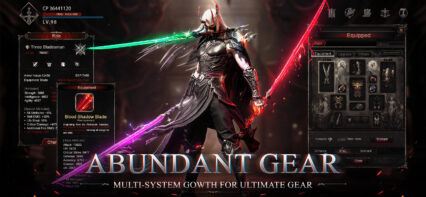
Stats are the name of the game and determine whether you will emerge victorious or lose in Immortal Destiny:Chosen Heirs. Base stats can only go up to a certain level, and further enhancements usually require hours of gameplay or paid pack purchases. Hence, gear enhancements are your best way to increase CP in Immortal Destiny:Chosen Heirs. This system unlocks early on after you complete some basic main quests.

Each gear piece that your character has equipped can be enhanced. Upon being enhanced, the gear piece gains more stats, and unlocks new substats. These stats play a crucial role in helping you deal damage as well as survive longer in the battlefield. Later down the line, you can also allocate special attributes to build your character in a more personalized way!
Tip #5. Unlock and Enhance New Abilities
Your abilities are your character’s core bread and butter when it comes to doing anything on the battlefield. Each class of characters have unique abilities in Immortal Destiny:Chosen Heirs. And, the best part is that players can actually upgrade them to increase their utility. You will simply need enough Gold to level up these abilities. The level cap of abilities is determined by your current account level. New abilities will gradually keep unlocking as you simply level. For QOL purposes, you can upgrade each ability to its maximum level at the click of a button!

Players can enjoy playing Immortal Destiny:Chosen Heirs on a bigger screen of their PC or Laptop via BlueStacks along with your keyboard and mouse.