How to Install and Play MONGIL: STAR DIVE on PC with BlueStacks
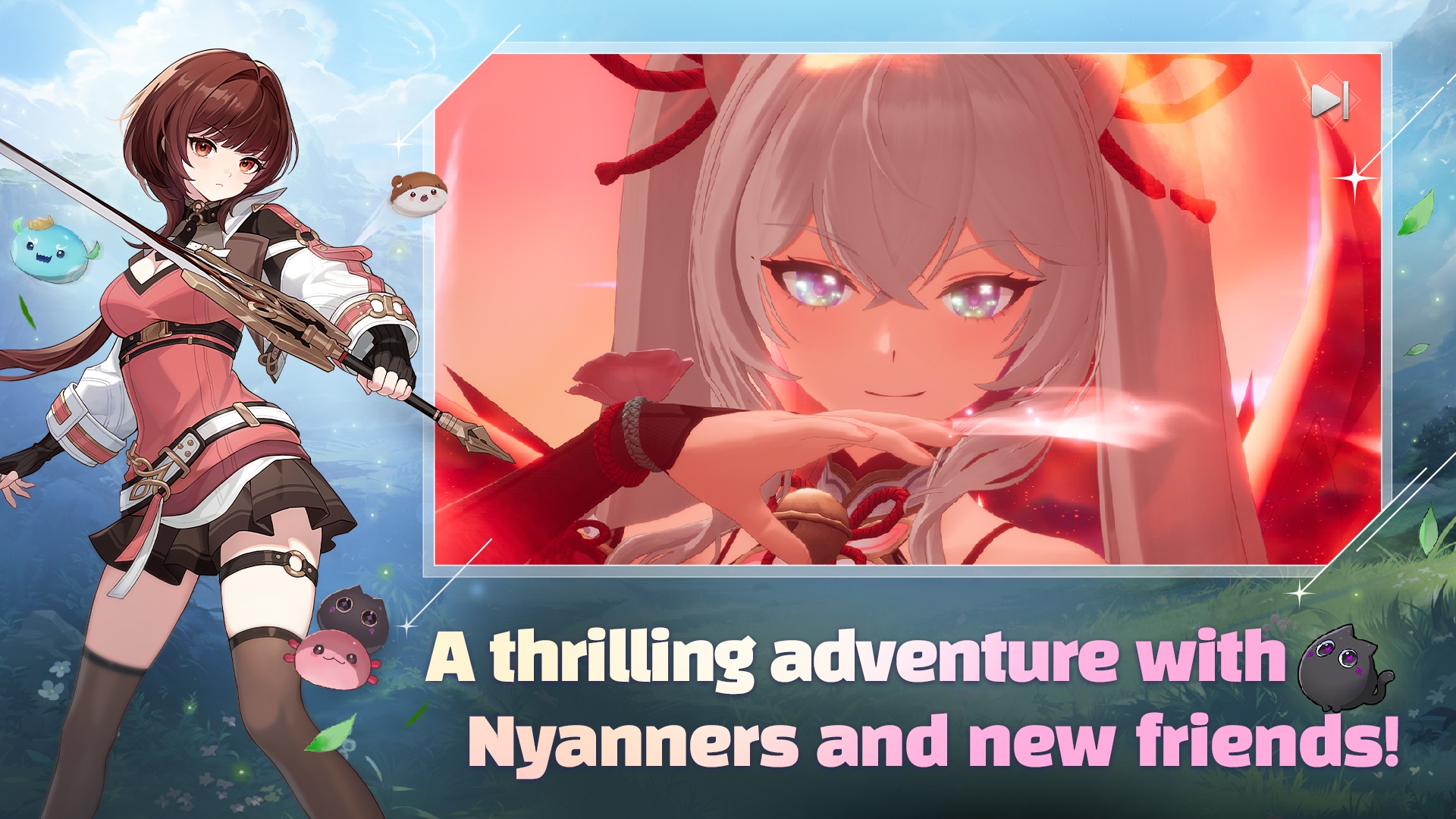

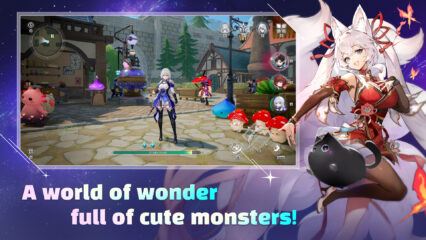
MONGIL: STAR DIVE is an action role-playing game made for players who enjoy monster battles, story-driven quests, and colorful anime-style characters. The game takes you on a journey with Cloud, Verna, and their cute companion Nyanners through a land filled with humans, monsters, elves, and beastkin. Along the way, you collect monsters, fill your Monster Codex, and use each creature’s skills to win battles.
Combat focuses on fast tag team action. You can switch characters during fights and trigger powerful tag skills at the right moment. This keeps battles exciting while still being easy to pick up, even if you are new to action RPGs. The game also lets you move through the story at your own speed, so there is no pressure to rush or compete with others.
How to Install MONGIL: STAR DIVE on PC
- Visit the game’s page and click the “Play MONGIL: STAR DIVE on PC” button.
- Find the downloaded file in your browser’s downloads folder and open it.
- Install BlueStacks and start it on your PC.
- Log in to the Google Play Store, install the game, and begin playing.
How to Install MONGIL: STAR DIVE on Mac with BlueStacks Air
- Download BlueStacks Air: Go to the game’s page and click the “Play MONGIL: STAR DIVE on Mac” button to download the installer.
- Install BlueStacks Air: Double-click the BlueStacksInstaller.pkg file and follow the setup steps on your screen.
- Launch and Sign In: Open BlueStacks Air from Launchpad or Applications and sign in with your Google account.
- Install The Game: Search for MONGIL: STAR DIVE in the Play Store and install it.
- Start Playing: Open the game and jump into the adventure.
Already Using BlueStacks?
- Open the game’s page and click the “MONGIL: STAR DIVE on PC” button.
- Start BlueStacks on your PC or Mac.
- Install the game from the BlueStacks Store or Google Play Store.
- Launch the game and play.
Minimum System Requirements
BlueStacks runs smoothly on most modern computers. This makes it easy to play games like MONGIL: STAR DIVE on PC or Mac. Here are the computer specs you’ll need:
- OS: Windows 7 or later, macOS 11 (Big Sur) or later
- Processor: Intel, AMD, or Apple Silicon processor (M1–M4)
- RAM: At least 4GB of memory
- Storage: 10GB of free disk space
- Permissions: Administrator access on your computer
- Graphics Drivers: Latest drivers from Microsoft or your chipset maker
MONGIL: STAR DIVE is perfect for players who enjoy building a team over time and trying different character combos. Friends can talk about their favorite monsters, compare teams, and share tips, even though the game focuses on solo play. You can jump in for a short session after school or play longer on weekends when you want to progress through the story.
Playing MONGIL: STAR DIVE on PC or Mac with BlueStacks makes everything feel smoother and clearer. The bigger screen helps you see battle effects and character details, while keyboard and mouse controls give you better control during fast fights. This setup is great for longer play sessions and works well even on shared or low-end computers.