How to Install and Play Monster Hunter Outlanders on PC with BlueStacks
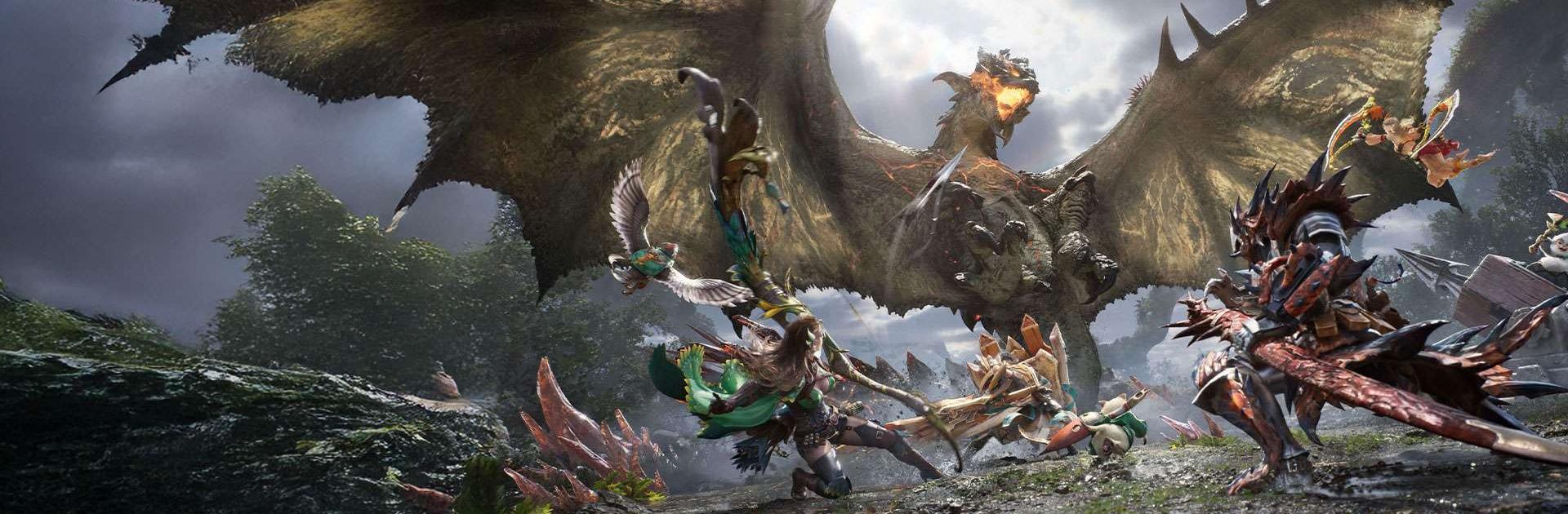
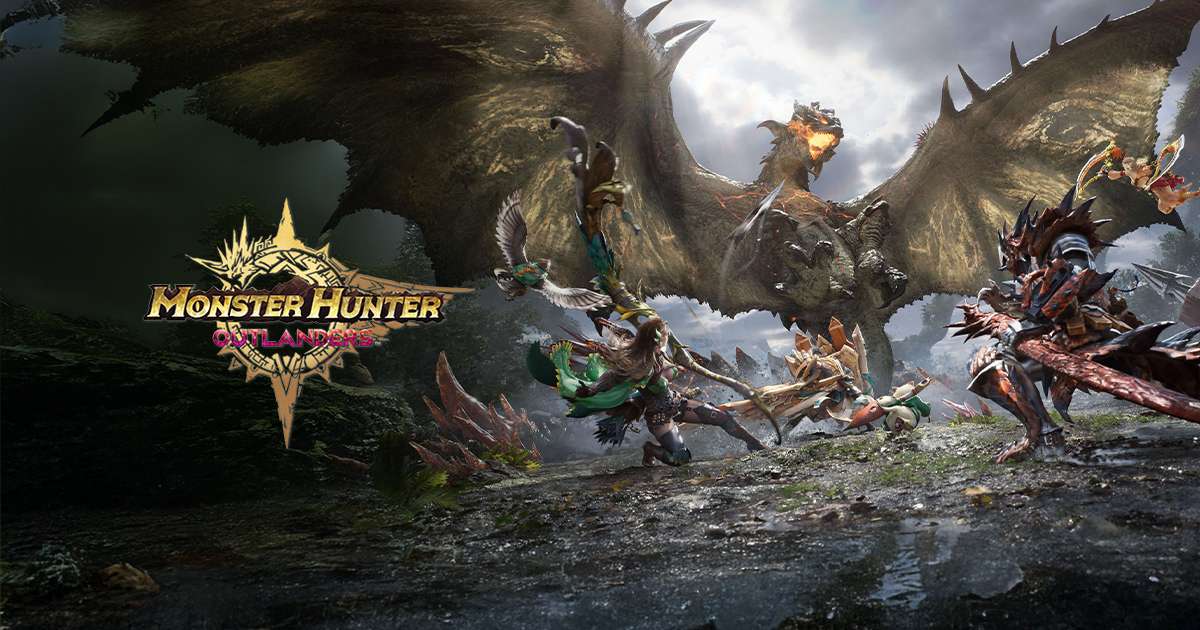
Monster Hunter Outlanders is an action hunting RPG where you play as an Adventurer on Aesoland, an island filled with strange habitats and dangerous monsters. Radiantite changes some creatures into Radiant species, making them stronger, faster, and more aggressive in battle.
You can hunt monsters, use Adventurer skills, craft facilities in each area, and look for clues that help with quests. The game keeps the classic Monster Hunter style with huge creatures, careful planning, and tense fights.
How to Install Monster Hunter Outlanders on PC
- Visit the game’s page and click on the “Play Monster Hunter Outlanders on PC” button.
- Open the downloaded file from your browser’s downloads section.
- Install BlueStacks, then launch it on your PC or Mac.
- Sign in to the Google Play Store, install Monster Hunter Outlanders, and start playing.
How to Install Monster Hunter Outlanders on Mac with BlueStacks Air
- Download BlueStacks Air: Go to the game’s page and click on the “Play Monster Hunter Outlanders on Mac” button to get the installer.
- Install BlueStacks Air: Double-click the BlueStacksInstaller.pkg file and follow the steps on your screen.
- Launch and Sign In: Open BlueStacks Air from Launchpad or the Applications folder, then sign in with your Google account.
- Install Monster Hunter Outlanders: Search for Monster Hunter Outlanders in the Play Store and install it.
- Start The Hunt: Launch the game and begin your adventure on Aesoland.
Already Have BlueStacks Installed? Here’s What To Do
- Go to the game’s page and click on the “Monster Hunter Outlanders on PC” button.
- Open BlueStacks on your PC or Mac.
- Install Monster Hunter Outlanders from the BlueStacks Store or Google Play Store.
- Start playing once the installation is complete.
Minimum System Requirements
BlueStacks runs well on many PCs and Macs, so you do not need a high-end setup for Monster Hunter Outlanders:
- OS: Microsoft Windows 7 and above, macOS 11 (Big Sur) or above
- Processor: Intel, AMD Processor, or Apple Silicon Processor (M1-M4)
- RAM: Your PC or Mac must have at least 4GB of RAM
- Storage: 10GB Free Disk Space
- Permissions: Administrator access on your PC or Mac
- Graphics drivers: Up-to-date graphics drivers from Microsoft or the chipset vendor
Monster Hunter Outlanders is a good pick for players who like fast action, huge monsters, and wild outdoor areas. You can spend time learning how each creature moves, then plan your attack based on its behavior. Some monsters can become frenzied during battle, so timing, movement, and quick choices matter. The game also lets you craft facilities that help you reach new spots, find useful items, and move through each area in a smarter way.
Playing Monster Hunter Outlanders on PC or Mac with BlueStacks gives you more room to enjoy every hunt. The bigger screen makes monsters, terrain, and attack signs easier to see, while keyboard and mouse controls can help movement and camera control feel smoother than touch controls. It is also a great choice if your phone gets hot, feels cramped, or runs out of battery during longer hunts.