How to Install and Play Monster Train on PC with BlueStacks
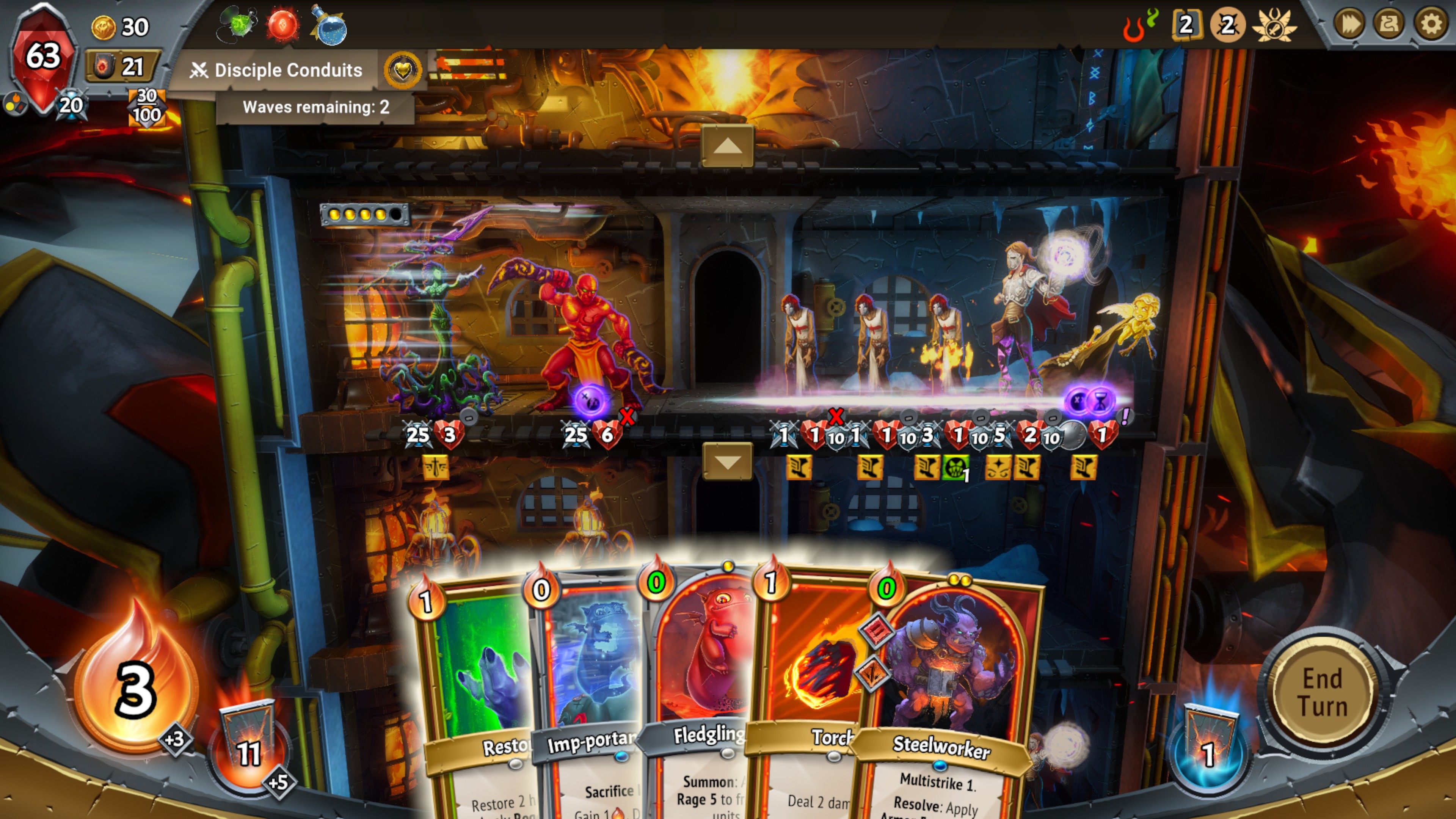
Monster Train is a strategy card game that mixes deck building with roguelike runs. The story takes place in a frozen version of Hell, where your job is to protect the last burning pyre from invading forces. Each run feels fresh because card choices, enemies, and paths change every time you play.
Battles happen across three vertical floors, which makes placement and timing very important. You build your deck using cards from different monster clans, level up champions, and pick routes that shape how your run turns out. The game rewards smart planning, but it’s also friendly enough for new players who want to learn step by step.
How to Install Monster Train on PC
- Open the game’s page and click the “Play Monster Train on PC” button.
- Find the downloaded file in your browser’s downloads list and open it.
- Install BlueStacks and start it on your PC or Mac.
- Log in to the Google Play Store, download Monster Train, and begin playing.
How to Install Monster Train on Mac with BlueStacks Air
- Get BlueStacks Air: Visit the game’s page and select the “Play Monster Train on Mac” button to download the installer.
- Install the App: Double-click the BlueStacksInstaller.pkg file and follow the on-screen steps.
- Open and Sign In: Launch BlueStacks Air from Applications or Launchpad and sign in with your Google account.
- Install the Game: Search for Monster Train in the Play Store and install it.
- Start Playing: Open the game and jump into your first run.
Already Using BlueStacks?
- Go to the game’s page and click the “Monster Train on PC” button.
- Open BlueStacks on your computer.
- Download Monster Train from the BlueStacks Store or Google Play Store.
- Launch the game and play.
Minimum System Requirements
BlueStacks is built to run smoothly on most computers, even shared or entry-level ones. Here’s what you need to play Monster Train comfortably:
- Operating system: Windows 7 or newer, macOS 11 (Big Sur) or newer
- Processor: Intel, AMD, or Apple Silicon (M1–M4)
- RAM: At least 4GB
- Storage: 10GB of free space
- Permissions: Admin access on your computer
- Graphic drivers: Updated drivers from Microsoft or your chipset maker
Monster Train is a great pick for players who enjoy thinking ahead and trying new card combos. You can play solo at your own pace, take short runs between school breaks, or spend longer sessions testing different clan pairings. Since no two runs play out the same way, it stays fun even after many hours.
Playing Monster Train on PC or Mac with BlueStacks gives you a more comfortable setup. A bigger screen helps you see all three battle floors clearly, while keyboard and mouse controls make card choices faster and cleaner. It’s a solid way to enjoy long runs without worrying about battery drain or small touch controls.