How to Install and Play MU: Dark Awakening on PC with BlueStacks
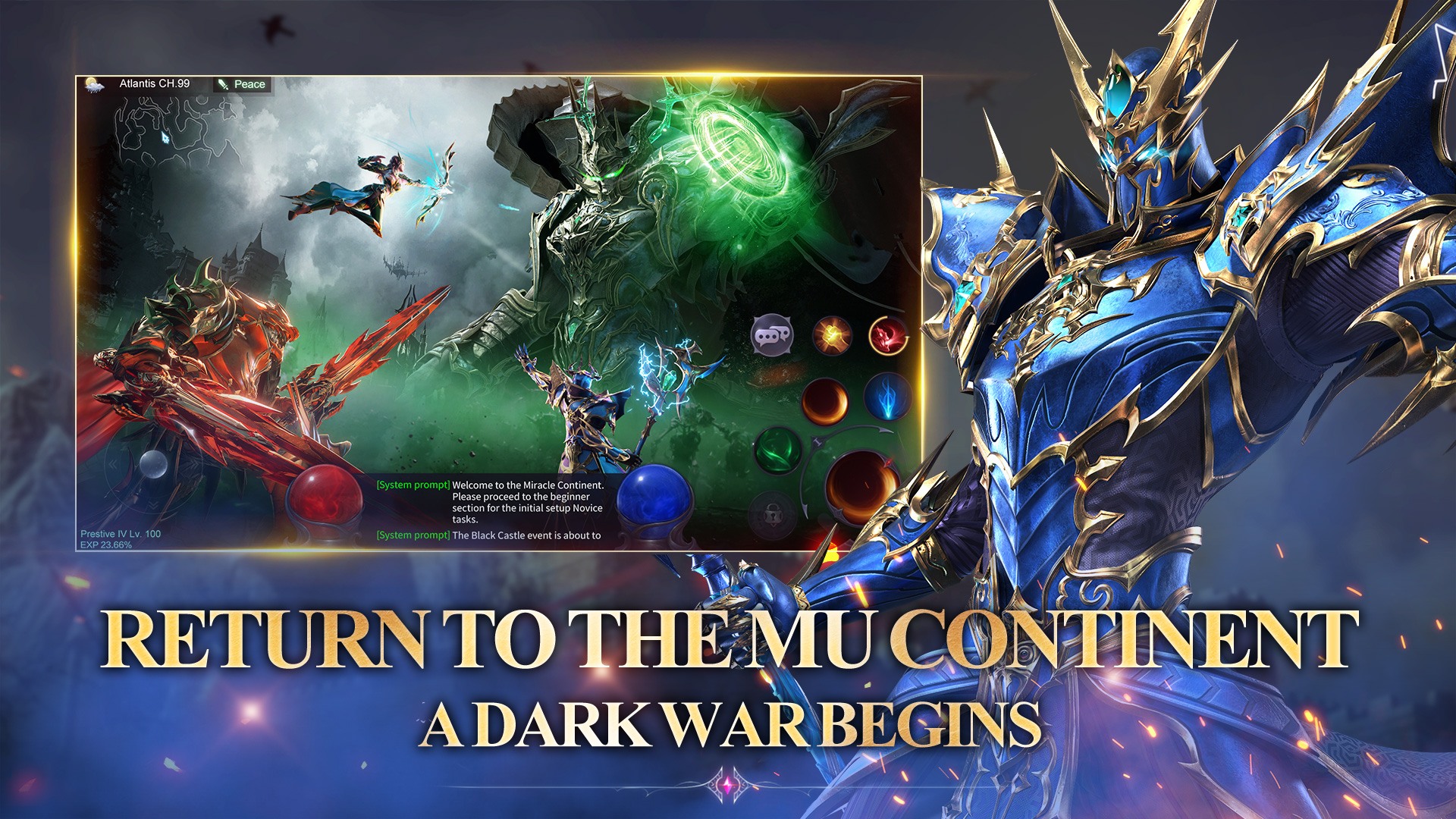
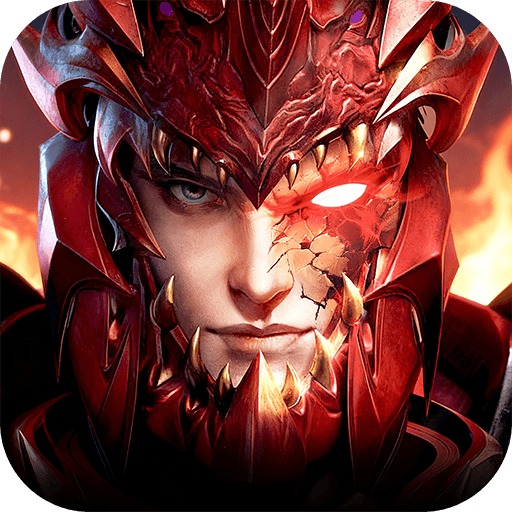
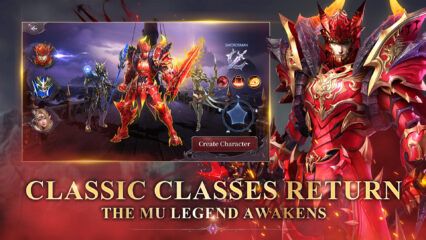
MU: Dark Awakening is a dark fantasy role-playing game built around big battles and fast power growth. The game can throw up to 100 players into one fight, with spells, arrows, and skills going off all at once. Guild play is a big deal here. You can team up with friends, join cross-server guild battles, and push for rankings as your group fights for control and bragging rights.
One of the coolest parts is class switching. You can swap between Swordsman, Mage, and Archer, so you can change your playstyle without starting over. And if you like quick progress, the game also leans into high drop rates and offline growth, so you can keep moving even when you are not actively playing.
How to Install MU: Dark Awakening on PC
- Go to the game’s page, and click on the “Play MU: Dark Awakening on PC” button.
- When the download finishes, open the file from your browser’s downloads section.
- Install BlueStacks, then open it on your PC or Mac.
- Sign in to the Google Play Store, install the game, and start playing.
How to Install MU: Dark Awakening on Mac with BlueStacks Air
- Get BlueStacks Air: Go to the game’s page and click on the “Play MU: Dark Awakening on Mac” button to download the installer.
- Install BlueStacks Air: Double-click the BlueStacksInstaller.pkg file, then follow the setup steps.
- Open and Sign In: Launch BlueStacks Air from Launchpad or Applications, then sign in with your Google account to use the Play Store.
- Install MU: Dark Awakening: Search for MU: Dark Awakening in the Play Store and install it.
- Start Playing: Open the game and jump in.
If You Already Have BlueStacks Set Up
- Go to the game’s page, and click on the “MU: Dark Awakening on PC” button.
- Open BlueStacks on your PC or Mac.
- Install the game from the BlueStacks Store or Google Play Store.
- Start playing.
Minimum System Requirements
BlueStacks runs well on many computers, so you don’t need a high-end setup to play MU: Dark Awakening:
- OS: Microsoft Windows 7 and above, macOS 11 (Big Sur) or above
- Processor: Intel, AMD Processor or Apple Silicon Processor (M1-M4)
- RAM: At least 4GB of RAM
- Storage: 10GB Free Disk Space
- Permissions: Administrator access on your PC or Mac
- Graphics drivers: Up-to-date graphics drivers from Microsoft or the chipset vendor
MU: Dark Awakening is a good pick if you like massive PvP chaos and fast upgrades. Big cross-server battles can feel like a full-on war, especially when guilds clash and the whole screen lights up with effects. And since you can switch classes, you can try a new role whenever you get bored, like going from close-range swings to long-range spells or arrows.
Playing MU: Dark Awakening on PC or Mac with BlueStacks also makes it easier to keep track of what’s happening. A bigger screen helps you see crowd fights more clearly. Keyboard and mouse controls can also feel smoother than tapping on a phone, especially when timing skills in large PvP battles.