How to Install and Play Neo Artifacts on PC with BlueStacks
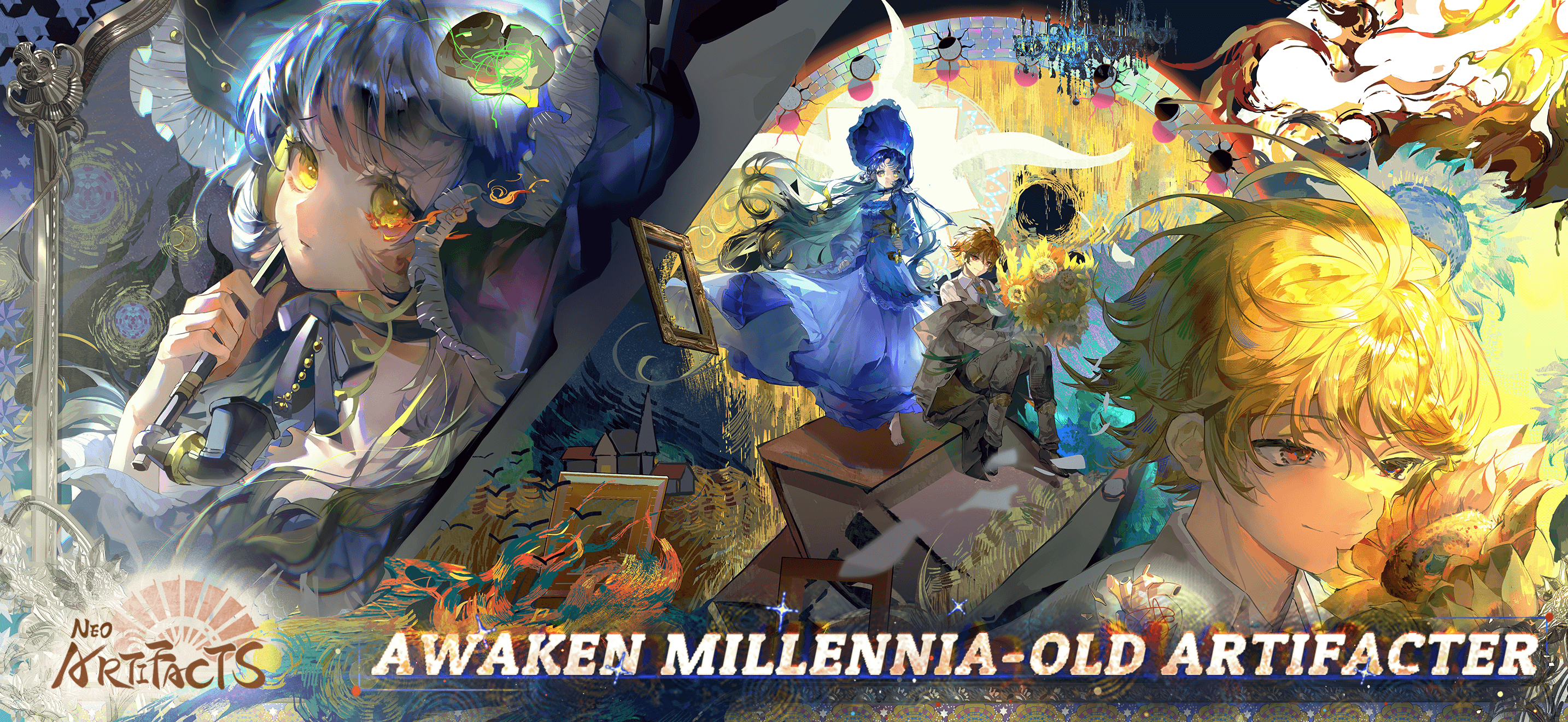

Neo Artifacts is a tactical role-playing game from Dragonest Games that brings famous artifacts to life as powerful characters. In this game, you play as the Curator, a person responsible for working with awakened “Artifacters” to protect a modern city from strange events called Distortions. These Distortions twist reality and create dangerous battles that your team must face.
As you progress, you can recruit new characters, train them, and build a squad that works well together in battle. Positioning and terrain matter during fights, so planning your moves can make a big difference. The game also takes you across different parts of the city, including museums, quiet neighborhoods, and busy downtown areas.
Distortions can appear anywhere, which means every mission may bring new enemies and story events. Some missions even connect directly to specific Artifacters, which allows you to learn more about their past and how they fight.
How to Install Neo Artifacts on PC
- Go to the game’s page and click on the “Play Neo Artifacts on PC” button.
- Download the installer file and open it from your browser’s downloads tab.
- Install BlueStacks and start the program on your PC or Mac.
- Log in to the Google Play Store, install the game, and begin your adventure.
How to Install Neo Artifacts on Mac with BlueStacks Air
- Download BlueStacks Air: Visit the game’s page and click the “Play Neo Artifacts on Mac” button to download the installer.
- Run the Installer: Open the BlueStacksInstaller.pkg file and follow the setup instructions.
- Open and Sign In: Launch BlueStacks Air from your Applications folder or Launchpad, then sign in with your Google account.
- Install Neo Artifacts: Search for the game in the Play Store and install it.
- Start Playing: Open Neo Artifacts and begin building your team of Artifacters.
If You Already Have BlueStacks Installed
- Head to the game’s page and click on the “Neo Artifacts on PC” button.
- Open BlueStacks on your computer.
- Install Neo Artifacts from the BlueStacks Store or Google Play Store.
- Launch the game and start playing.
Minimum System Requirements
BlueStacks runs many Android games smoothly on PC or Mac, and Neo Artifacts works well on most modern systems.
- Operating System: Microsoft Windows 7 or later, macOS 11 (Big Sur) or later
- Processor: Intel, AMD Processor, or Apple Silicon Processor (M1–M4)
- RAM: At least 4GB of RAM
- Storage: 10GB of free disk space
- Permissions: Administrator access on your PC or Mac
- Graphics Drivers: Updated drivers from Microsoft or the chipset manufacturer
Neo Artifacts is a great choice for players who like tactical battles and character-focused stories. Younger players can enjoy building squads, testing strategies, and learning how different characters work together in combat. The game also includes investigation missions across the city, which makes every chapter feel fresh and exciting.
Also, playing Neo Artifacts on PC or Mac with BlueStacks makes the experience even better. A larger screen helps you see the battlefield clearly, while keyboard and mouse controls make it easier to select characters and plan moves during tactical fights. This setup can also help the game run smoothly during longer play sessions, which is great for players who want to enjoy the story and strategy without interruptions.