Neo Artifacts
Neo Artifacts

Neo Artifacts

Role Playing

| Dragonest Games

Play on PC with BlueStacks or from our cloud

  • Overview
  • Game Features
  • How to Play

Page Modified On: March 03, 2026

Play Neo Artifacts on PC or Mac

Step into the World of Neo Artifacts, a thrilling Role Playing game from the house of Dragonest Games. Play this Android game on BlueStacks App Player and experience immersive gaming on PC or Mac.

About the Game

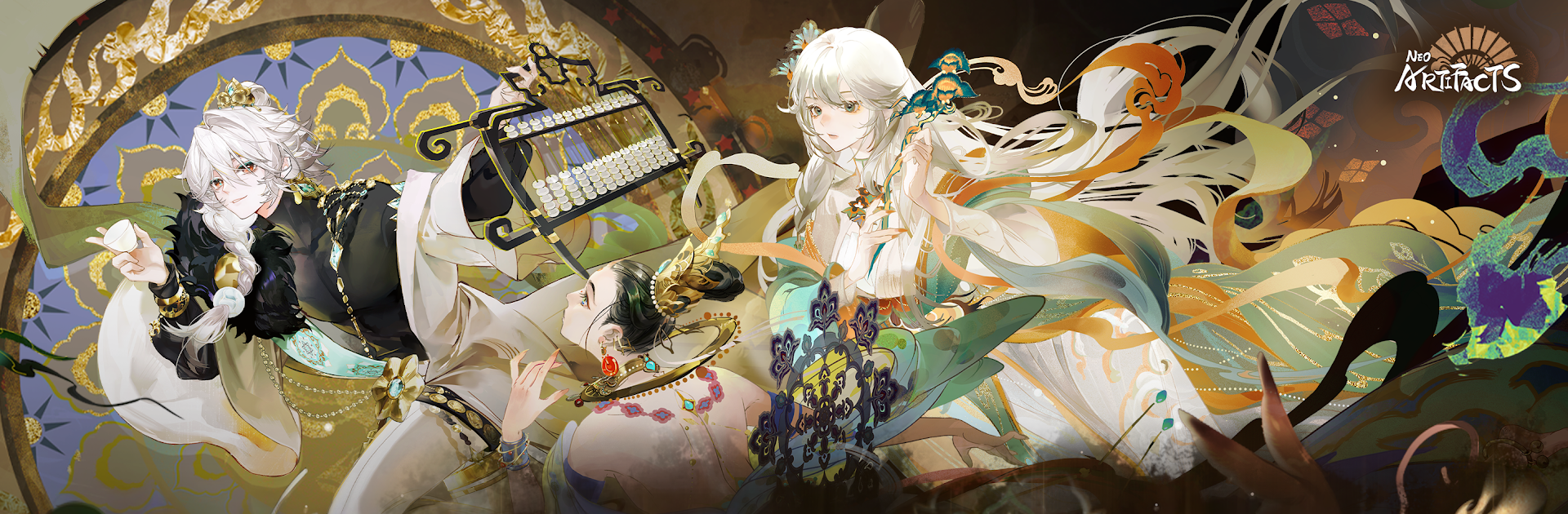
Neo Artifacts is a Role Playing tactical SRPG from Dragonest Games where legendary relics show up as sharp-tongued, fully realized characters. You’re the Curator in a contemporary city constantly warped by “Distortions,” teaming up with awakened Artifacters to push back the chaos and keep reality intact. Expect character collecting, clever positioning, and stories that actually go somewhere.

Game Features

  • Awakened Allies: Recruit Artifacters inspired by relics from different eras and cultures—each with a distinct look, voice, and combat style. Train them, bond with them, and discover personal stories that tie directly into how they fight together.
  • Citywide Anomalies: Explore museums, quiet suburbs, and buzzing downtown blocks as Distortions flare up across the map. Investigations and events connect to specific Artifacters, so bringing different squads can reveal new scenes and angles.
  • Tactics That Matter: Height, cover, and terrain shape every encounter. You can issue precise commands or let auto-battle handle the routine stuff, then step in when the plan needs a twist—great for newcomers and satisfying for strategists.
  • Build Your Squad Your Way: Mix and match skills, gear, and enhancement paths to fit your preferred playstyle. Your development choices don’t just tweak stats—they influence how battles unfold and what the city becomes.
  • The Kantie Foundation: Operate from a joint HQ where Curators and Artifacters coordinate ops, keep their existence under wraps, and chase down the truth. Dig into past connections that echo into the present.
  • Star Voice Performances: A stacked cast—including Toshiyuki Toyonaga, Sayaka Ohara, Kikuko Inoue, Yui Horie, Yuka Iguchi, Manaka Iwami, Toshiki Masuda, and Daisuke Namikawa—brings the team to life with personality and punch.
  • Optional PC Play: Prefer a bigger screen and mouse aim? You can jump in on BlueStacks without changing how the game feels.

Make your gaming sessions memorable with precise controls that give you an edge in close combats and visuals that pop up, bringing every character to life.


Game Features

Enhancements

  • Macros
  • Rerolling
  • Eco Mode
  • Multi Instance Sync
  • Enhancements
Macros

Macros

Focus more on the fun part of the game, skip the tedious aspects. Master Neo Artifacts with Macros. Record yourself completing the monotonous tasks you wish to automate and replay them later with just one keypress.
Rerolling

Rerolling

Speed up the rerolling process in Neo Artifacts. Perform multiple summons and keep looking for the best Heroes. Use Multi-Instance sync to replicate the rerolling mechanism in all instances.
Eco Mode

Eco Mode

Farm in-game resources with ease in Neo Artifacts. Enable the Eco Mode when running the game in multiple instances. And lower your PC's resource consumption.
Multi Instance Sync

Multi Instance Sync

With the Multi-instance Sync, you can do even more in Neo Artifacts. Sync the action of the main instance and repeat them in real time for all other instances. Sync and sit back, let the game progress unfold.
Read More

How to Download and Play Neo Artifacts on PC or Mac

  • Download and install BlueStacks on your PC or Mac

  • Complete Google sign-in to access the Play Store, or do it later

  • Look for Neo Artifacts in the search bar at the top right corner

  • Click to install Neo Artifacts from the search results

  • Complete Google sign-in (if you skipped step 2) to install Neo Artifacts

  • Click the Neo Artifacts icon on the home screen to start playing

video
Watch Video

Minimum System Requirements

With BlueStacks 5, you can get started on a PC that fulfills the following requirements.

  • Operating System

    Microsoft Windows 7 or above, macOS 11 (Big Sur) or above

  • Processor

    Intel, AMD or Apple Silicon Processor

  • RAM

    at least 4GB

  • HDD

    10GB Free Disk Space

Note:

* You must be an Administrator on your PC. Up to date graphics drivers from Microsoft or the chipset vendor.

Neo Artifacts - FAQs

  • How to play Neo Artifacts on Windows PC & Mac?

    Play Neo Artifacts on your PC or Mac by following these simple steps.

    • Click on 'Play Neo Artifacts on PC’ to download BlueStacks
    • Install it and log-in to Google Play Store
    • Launch and play the game.
  • Why is BlueStacks the fastest and safest platform to play games on PC?

    BlueStacks respects your privacy and is always safe and secure to use. It does not carry any malware, spyware, or any sort of additional software that could harm your PC.

    It is engineered to optimize speed and performance for a seamless gaming experience.

  • What are Neo Artifacts PC requirements?

    Minimum requirement to run Neo Artifacts on your PC

    • OS: Microsoft Windows 7 or above MacOS 11 (Big Sur) or above
    • Processor: Intel, AMD or Apple Silicon Processor
    • RAM: Your PC must have at least 4GB of RAM. (Note that having 4GB or more disk space is not a substitute for RAM)
    • HDD: 10GB Free Disk Space.
    • You must be an Administrator on your PC.