How to Use Netmirror for Beginners in 2026
Getting started with a new streaming app can often feel overwhelming, but Netmirror makes the transition easy by offering a familiar layout with a massive amount of content. If you are looking for a way to enjoy your favorite films and shows without the burden of multiple monthly subscriptions, this guide will walk you through everything you need to know to become a pro user.
What is Netmirror?
Netmirror is a specialized entertainment application designed for Android users that provides access to a massive library of movies and series. Originally known as Netflix Mirror, the app initially launched in 2023 with the simple goal of giving people a way to watch Netflix content for free. It was built to look and feel just like the official app so that users would not have to learn a whole new interface.
However, the journey of the app took an interesting turn. After a significant server crash that kept the platform offline for several months, the developers decided to rebuild it from the ground up. Instead of just sticking to one service, they expanded the library. Today, Netmirror acts as a multi platform streaming hub. It integrates content from various giants like Prime Video, Disney+ Hotstar, HBO Max, and Apple TV+. It is essentially an all in one gateway that lets you browse shows from different streaming giants within a single, unified interface.
Because it is a third party application, you will not find it on the official Google Play Store. Instead, it is distributed as an APK file that you can install on your phone, tablet, or even your smart TV. It remains one of the most popular choices for users who want the premium experience of high quality streaming without the premium price tag.
Features of Netmirror
What sets Netmirror apart from other free streaming apps is the depth of its feature list. The developers have worked hard to ensure that the experience does not feel cheap or cluttered. Here are the standout features of Netmirror:
Free Access to Premium Content – The most significant draw is that the app is entirely free of cost. You can binge watch trending series and blockbuster movies without worrying about credit card details or monthly bills. This makes it a great option for students or anyone looking to cut down on entertainment expenses.
An Intuitive User Interface – Navigating the app is effortless. The layout is designed to be clean and simple, guiding you through the library without any complex menus. If you have ever used a major streaming service before, you will feel right at home here. The home screen highlights recently added and trending titles, so you are never out of the loop.
Premium Features Unlocked – Netmirror provides a version of streaming where there are no restrictions. You get direct access to a huge range of content, from local favorites on Zee5 to global hits on Disney+. There are no barriers between you and the entertainment you want to watch.
The Signature Mirror Effect – A unique feature of this app is the mirror effect. This allows you to watch your favorite shows in a horizontally flipped view. While it might sound unusual, many users enjoy this fresh perspective on familiar scenes. This effect is also compatible with other streaming apps within the Netmirror ecosystem.
High Definition Visuals and Sound – The app guarantees high quality streaming, with most videos starting at 720p and going up to 4K depending on the source. To match the crisp visuals, Netmirror also delivers premium sound quality. It supports surround sound features that help make your living room feel like a mini theater.
Customization and Offline Mode – You have full control over your viewing experience. You can adjust the brightness, contrast, and volume directly within the player. You can even move the position of the subtitles to where they feel most comfortable on your screen. Furthermore, the app supports offline viewing, meaning you can download your favorite episodes to watch during a flight or a commute where the internet might be spotty.
Family Friendly Controls – Safety is a priority, and the app includes multi profile support so every family member can have their own personalized feed. For parents, there is a dedicated child mode that filters out any content intended for adults, ensuring a safe environment for younger viewers.
How to Download Netmirror
Since Netmirror is not available on standard app stores, the download process involves a few extra steps that are very easy to follow.
- Prepare Your Device – Before you can install the app, you need to tell your Android device that it is okay to install files from outside the Play Store. Go to your device settings, find the security or privacy section, and look for an option that says Install Unknown Apps or Unknown Sources. Toggle this on for your mobile browser.
- Find a Trusted Source – Search for a reliable website that hosts the Netmirror APK file. You can download and use Netmirror from BlueStacks or their official website. Once you find the link, tap download and wait for the file to save to your device.
- Installation Process – Once the download is complete, open your File Manager app and look in the Downloads folder. Tap on the Netmirror APK file and select Install. The process should only take a few seconds. After it is finished, you will see the app icon on your home screen or in your app drawer.
- Launch and Explore – Open the app and take a moment to look at the interface. You do not need to go through a complicated sign up process. You can start browsing the different tabs immediately. If the app asks for permissions, review them and accept to ensure features like offline downloads work correctly.
What Devices does Netmirror work on?
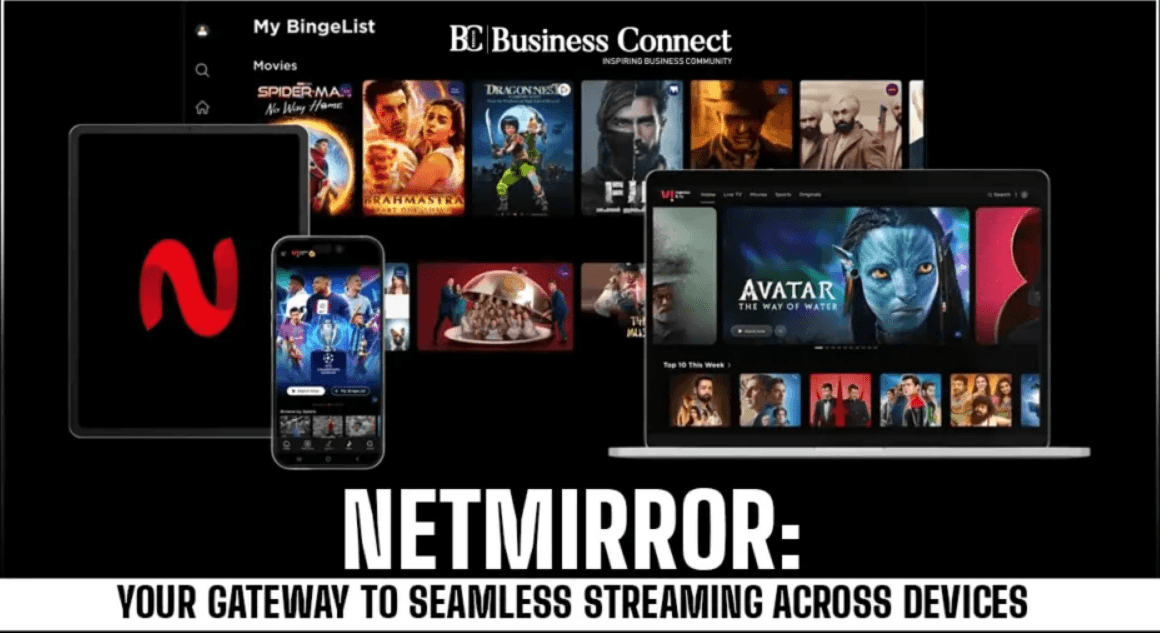
Netmirror is not just for your phone. It is optimized to work across a broad range of hardware. Users can use Netmirror on the following devices:
Android Phones and Tablets: Perfect for watching on the go or during breaks.
iOS Devices: While there is no direct APK for iOS, iPhone and iPad users can use the web version through their browser for a similar experience.
Android TV: The interface is tailored for large screens, making it easy to navigate with a remote control on brands like Sony, Samsung, or LG.
Windows PC: You can stream content directly on your laptop or desktop without needing to install extra software, simply by using the web portal.
Benefits of Using Netmirror
Using Netmirror comes with several advantages that make it a top choice for a wide variety of devices.
Huge Cost Savings – By consolidating multiple streaming services into one free app, you can save hundreds of dollars a year. You no longer need to jump between different paid apps to find the specific movie you want to watch.
A Unified Streaming Hub – The biggest benefit is the OTT platform toggle. From the home screen, you can switch between Netflix, Prime Video, and Apple TV+ effortlessly. This turns Netmirror into a versatile hub where all your entertainment is organized in one place.
Regular Updates – The developers are dedicated to keeping the library fresh. New movies and the latest episodes of trending series are added almost as soon as they hit the official platforms. This means you will not be left behind when everyone is talking about a new show.
Players can enjoy watching their favourite shows and movies by using Netmirror on a bigger screen of their PC or Laptop via BlueStacks.