How to Install and Play Pixel Shelter: Zombie Survival on PC with BlueStacks

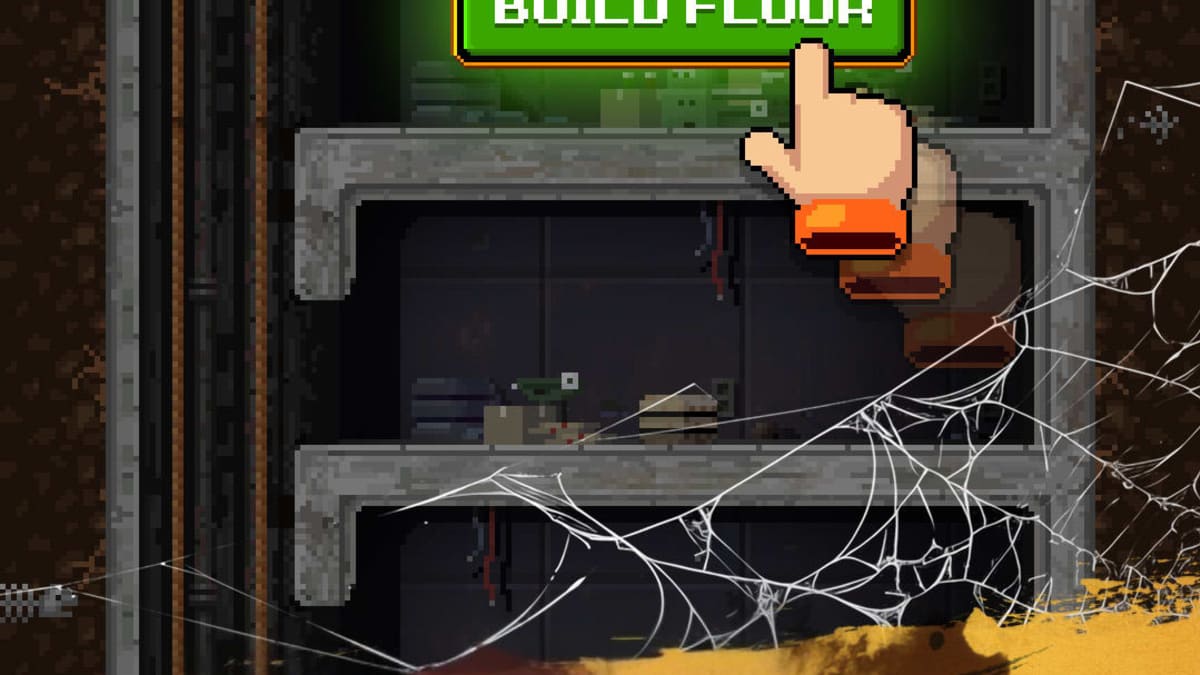
Pixel Shelter: Zombie Survival drops you into a pixel-style apocalypse simulation where your home is an underground bunker. You act as the shelter leader, building new floors, placing rooms, and keeping your people safe. Every survivor has different skills, so you decide who works in power rooms, water stations, food areas, or defense posts.
You also have to watch your supplies. Power, water, and food must stay high enough, or your shelter will run into trouble. From time to time, you will face zombie threats and calls for help from people outside. Your choices decide who lives, who joins your base, and how long your group can last underground.
How to Install Pixel Shelter: Zombie Survival on PC
- Open your browser, go to the game’s page, and press the “Play Pixel Shelter: Zombie Survival on PC” button.
- Wait for the installer to download, then open the file from your browser’s downloads list.
- Follow the setup steps to install BlueStacks, then start the app on your PC or Mac.
- Sign in with your Google account in the Play Store, install Pixel Shelter: Zombie Survival, and jump into the game.
How to Install Pixel Shelter: Zombie Survival on Mac with BlueStacks Air
- Get BlueStacks Air: Visit the game’s page and click the “Play Pixel Shelter: Zombie Survival on Mac” button to download the installer.
- Run the Installer: Double-click the BlueStacksInstaller.pkg file and follow the instructions on the screen.
- Open and Sign In: Start BlueStacks Air from Launchpad or the Applications folder, then log in with your Google account.
- Install the Game: Search for Pixel Shelter: Zombie Survival in the Play Store inside BlueStacks Air and install it.
- Start Playing: Launch the game from your BlueStacks Air library and begin managing your bunker.
If You Already Have BlueStacks Installed
- Go to the game’s page and hit the “Pixel Shelter: Zombie Survival on PC” button.
- Open BlueStacks on your computer once the launcher connects.
- Install Pixel Shelter: Zombie Survival from the BlueStacks Store or Google Play Store.
- Open the game from your BlueStacks home screen and start playing.
Minimum System Requirements
To enjoy Pixel Shelter: Zombie Survival on PC or Mac with BlueStacks, your system should meet these basic requirements:
- OS: Microsoft Windows 7 and above, macOS 11 (Big Sur) or later
- Processor: Intel or AMD processor, or Apple Silicon chip (M1–M4)
- RAM: At least 4GB of RAM on your PC or Mac
- Storage: Minimum of 10GB free disk space
- Permissions: Administrator rights on your computer
- Graphics drivers: Recent graphics drivers from Microsoft or your chipset maker
Pixel Shelter: Zombie Survival fits players who like slow but steady progress and base-building games. It is great if you enjoy watching numbers grow, rooms fill up with workers, and your bunker turn from a small hideout into a busy underground city. You can play short sessions to collect resources and assign jobs, or longer runs where you unlock new floors, build labs, farms, and defense areas, and handle sudden zombie events.
Playing Pixel Shelter: Zombie Survival on BlueStacks makes shelter management much easier. A bigger PC screen helps you see every floor without constant zooming, while keyboard and mouse controls give you quick clicks for jobs, upgrades, and resource checks. On top of that, your computer can handle longer play sessions with smoother performance, so you can focus on keeping your survivors safe and growing your base.