How to Install and Play PK XD: Fun, friends & games on PC with BlueStacks
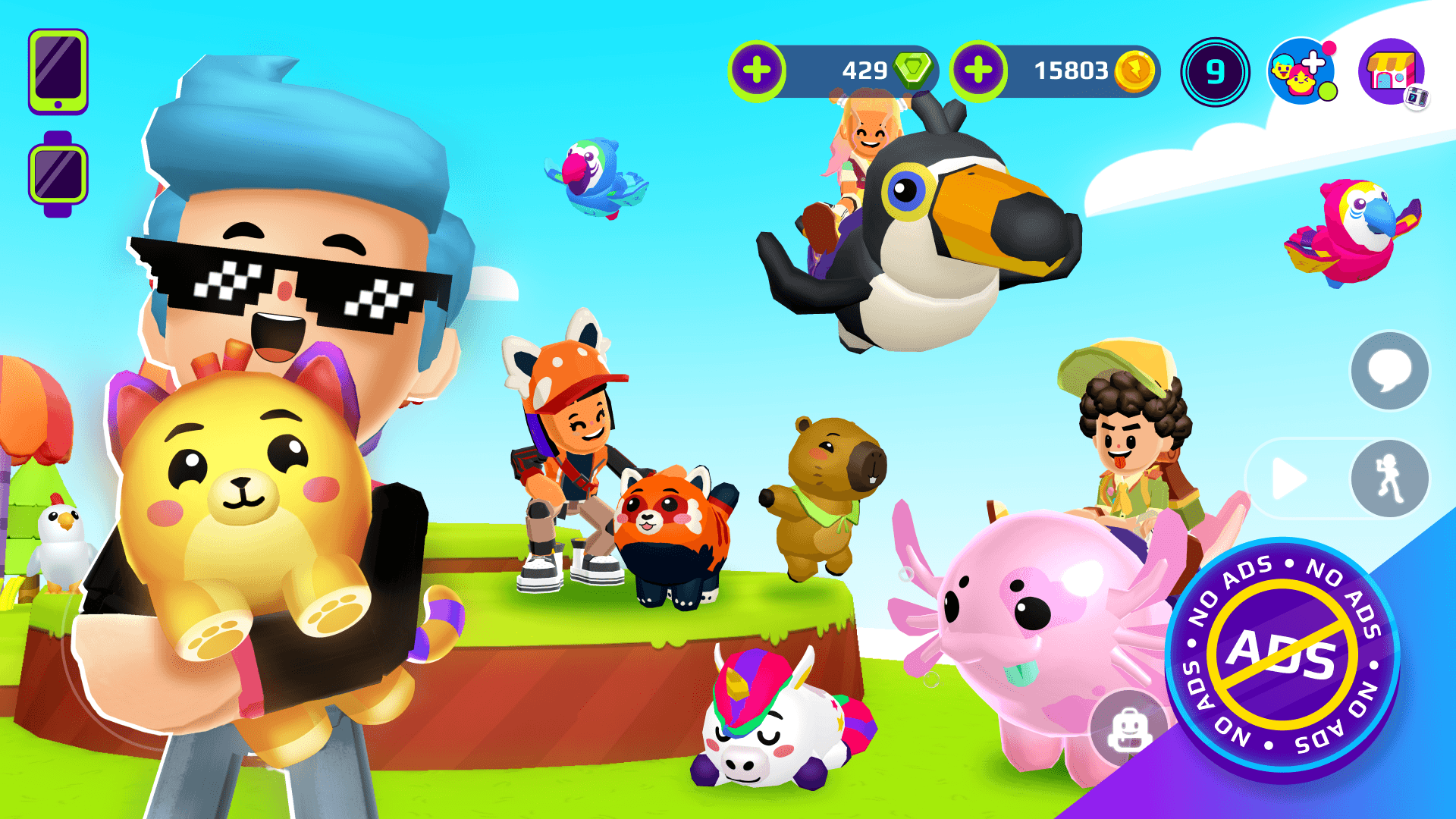

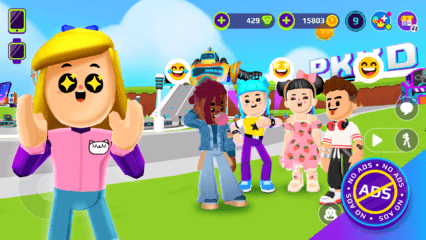
PK XD: Fun, friends & games is a colorful adventure game from Afterverse Games where creativity guides the experience. Create an avatar that looks human, zombie-like, or even like a unicorn, and then style it with colorful hair, clothes, wings, armor, and other accessories.
You can build a dream home with a pool, game room, or playground and travel around using cars, scooters, motorcycles, or skateboards. The game also includes races, pizza deliveries, virtual pets, and shared activities with friends and family. PK XD Builder lets you create mini-games, amusement parks, soccer fields, shopping malls, and other playable spaces.
How to Install PK XD: Fun, friends & games on PC
- Open the game’s page and press the “Play PK XD: Fun, friends & games on PC” button.
- Locate the installer in your browser’s downloads section and open the file.
- Follow the instructions to install BlueStacks, and then launch it on your computer.
- Sign in to the Google Play Store, download PK XD: Fun, friends & games, and begin playing.
How to Install PK XD: Fun, friends & games on Mac with BlueStacks Air
- Get the Installer: Visit the game’s page and click the “Play PK XD: Fun, friends & games on Mac” button.
- Set Up BlueStacks Air: Open the BlueStacksInstaller.pkg file and complete the steps shown by the installation wizard.
- Launch and Log In: Start BlueStacks Air from Launchpad or the Applications folder. Use your Google account to access the Play Store.
- Download PK XD: Fun, friends & games: Search for PK XD: Fun, friends & games and select the install option.
- Start Your Adventure: Open PK XD: Fun, friends & games and begin creating your avatar and virtual home.
Already Have BlueStacks? Start Here
- Head to the game’s page and select the “PK XD: Fun, friends & games on PC” button.
- Open BlueStacks on your PC or Mac.
- Install PK XD: Fun, friends & games through the BlueStacks Store or Google Play Store.
- Select the game icon and start playing.
Minimum System Requirements
PK XD: Fun, friends & games can run through BlueStacks on a PC or Mac that meets these basic system requirements:
- OS: Microsoft Windows 7 or later, or macOS 11 (Big Sur) or later
- Processor: Intel, AMD, or Apple Silicon processor (M1–M4)
- RAM: At least 4GB of RAM
- Storage: 10GB of free disk space
- Permissions: Administrator access on the PC or Mac
- Graphics Drivers: Current drivers from Microsoft or the chipset manufacturer
PK XD: Fun, friends & games is a good choice for players who enjoy creating characters, decorating homes, caring for pets, and playing short challenges. You can spend time changing your avatar’s style, building activities with PK XD Builder, or joining races and pizza-delivery games. Pets can also grow and change as you care for them. Seasonal celebrations such as Halloween, Christmas, and Easter add themed items and activities throughout the year.
Playing PK XD: Fun, friends & games on PC or Mac with BlueStacks gives you a bigger view of its colorful locations, homes, and mini-games. Keyboard and mouse controls can make moving around and selecting items easier. You can also keep your phone free while playing on a compatible computer.