How to Install and Play Pokémon Champions on PC with BlueStacks
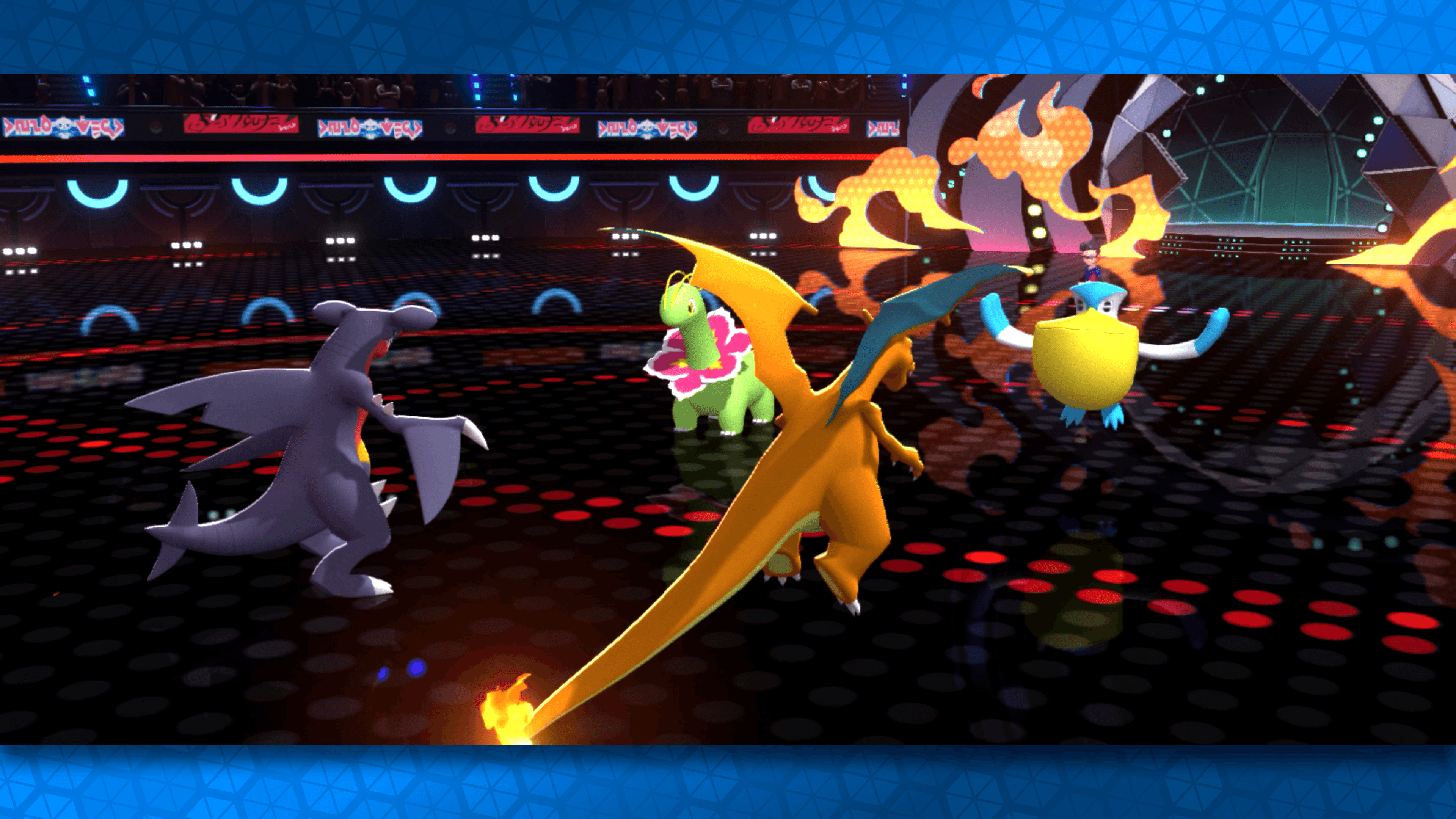
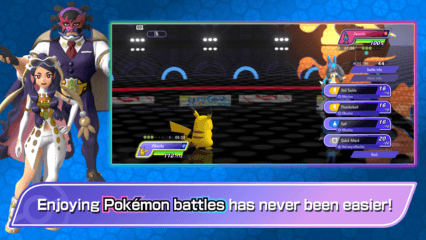
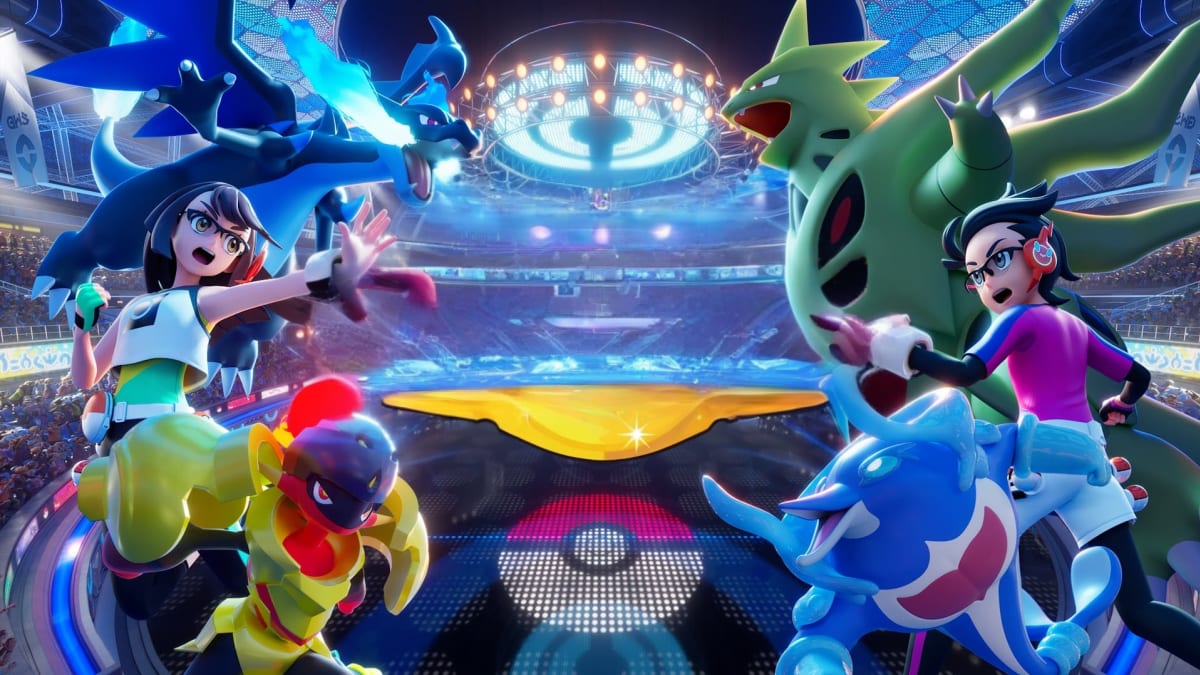
Pokémon Champions is a battle-focused Pokémon game where you can jump into matches against Trainers from around the world. You can play serious Ranked Battles, relax in Casual Battles, or set up Private Battles with friends and family.
This strategy game is easy to start, even if you are new to Pokémon battles, since you can find Pokémon in the game and build a team that fits your style. Players can also link Pokémon HOME to team up with certain Pokémon they have already befriended in other Pokémon games.
How to Install Pokémon Champions on PC
- Go to the game’s page, and click on the “Play Pokémon Champions on PC” button.
- Find the downloaded file in your browser’s downloads section and open it.
- Follow the setup steps to install BlueStacks, then launch it on your PC or Mac.
- Sign in to the Google Play Store, install Pokémon Champions, and start playing.
For the best compatibility, create an Android 13 instance in BlueStacks before installing Pokémon Champions. You can do this through the BlueStacks Multi-instance Manager.
- Open BlueStacks 5 on your PC.
- Click the Multi-instance Manager icon on the side toolbar.
- Select the “+ Instance” button.
- Choose “Fresh instance,” then select “Android 13 (Beta)” as the Android version.
- Click “Create” and wait for the required files to finish.
- Once the Android 13 instance is ready, click “Start.”
- Open the Google Play Store inside the Android 13 instance.
- Search for Pokémon Champions, install the game, and start playing.
How to Install Pokémon Champions on Mac with BlueStacks Air
- Download BlueStacks Air: Visit the game’s page and click on the “Play Pokémon Champions on Mac” button to download the installer.
- Install BlueStacks Air: Open the BlueStacksInstaller.pkg file and follow the steps shown on your screen.
- Launch and Sign In: Open BlueStacks Air from Launchpad or the Applications folder, then sign in with your Google account.
- Install Pokémon Champions: Search for Pokémon Champions in the Play Store and install it.
- Enjoy Playing: Open the game and start building your Pokémon team.
Already Have BlueStacks Installed?
If you already have BlueStacks installed, make sure you are using an Android 13 instance before playing Pokémon Champions.
- Open BlueStacks 5 on your PC.
- Launch the Multi-instance Manager from the side toolbar.
- Create a fresh Android 13 (Beta) instance if you do not already have one.
- Start the Android 13 instance.
- Open the Google Play Store, search for Pokémon Champions, and install the game.
- Launch the game and start battling.
Minimum System Requirements
BlueStacks can run games like Pokémon Champions on many PCs and Macs, as long as your device meets these basic needs:
- OS: Microsoft Windows 7 and above, macOS 11 (Big Sur) or above
- Processor: Intel, AMD Processor, or Apple Silicon Processor (M1-M4)
- RAM: Your PC or Mac must have at least 4GB of RAM
- Storage: 10GB Free Disk Space
- Permissions: Administrator access on your PC or Mac.
- Graphics drivers: Up-to-date graphics drivers from Microsoft or the chipset vendor.
Since the game is made for Pokémon battles, it is a nice choice for players who care more about team building and match decisions than long quests. You can keep testing different Pokémon, adjust your strategy, and enjoy the fun of battling without needing a huge time commitment.
Also, playing Pokémon Champions on PC or Mac with BlueStacks gives you a bigger screen, which can make battles easier to follow. You can also use keyboard and mouse controls, which may feel better than tapping on a small phone screen. This setup is helpful for longer play sessions, team planning, and friendly battles with others.