How to Install and Play Ragnarok Monster Kitchen on PC with BlueStacks
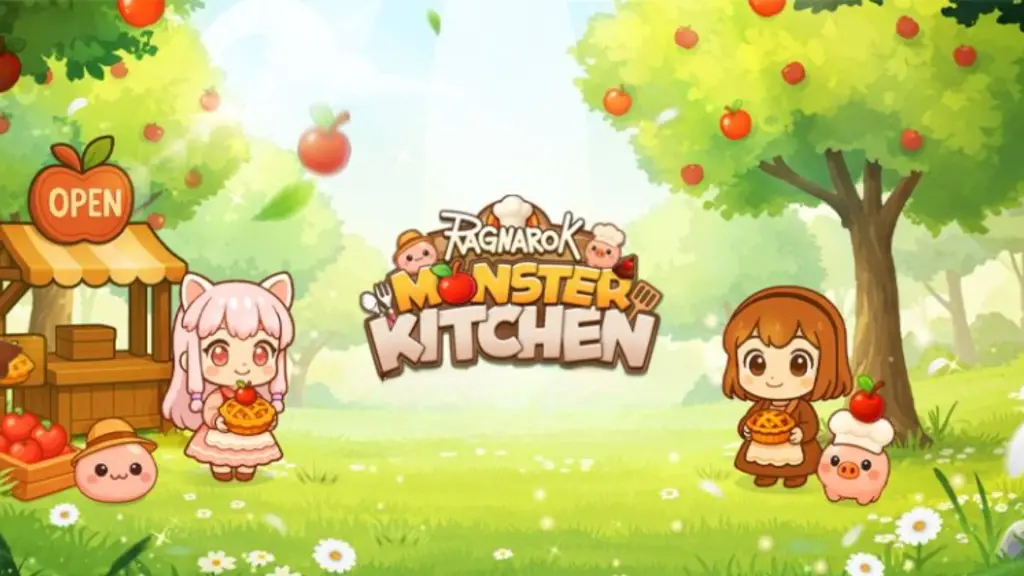

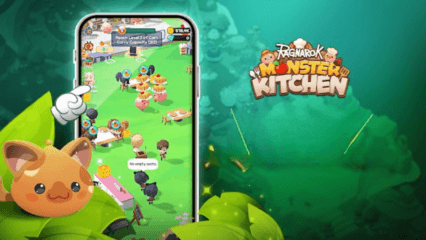
Ragnarok Monster Kitchen is a hybrid casual restaurant-management game from GRAVITY where classic Ragnarok monsters become chefs and staff across a series of themed kitchens. Running the game on PC with BlueStacks gives you smoother performance, a larger view of your restaurant, and more comfortable controls for long sessions of ingredient gathering and customer service.
How to Install Ragnarok Monster Kitchen on PC
- Go to the game’s page, and click on the “Play Ragnarok Monster Kitchen on PC” button.
- Open the file from your browser’s downloads section.
- Install BlueStacks and launch it on your PC or Mac.
- Sign in to the Google Play Store, install the game, and start playing.
How to Install Ragnarok Monster Kitchen on Mac with BlueStacks Air
- Download BlueStacks Air: Go to the game’s page and click on the “Play Ragnarok Monster Kitchen on Mac” button to get the installer.
- Install BlueStacks Air: Double-click the BlueStacksInstaller.pkg file. Follow the wizard to complete the installation.
- Launch and Sign-In: Open BlueStacks Air from the Launchpad or Applications folder. Sign in with your Google account to access the Play Store.
- Install Ragnarok Monster Kitchen: Search for Ragnarok Monster Kitchen in the Play Store and install it.
- Enjoy Playing! Launch the game and start playing!
For Those Who Already Have BlueStacks Installed
- Go to the game’s page, and click on the “Ragnarok Monster Kitchen on PC” button.
- Launch BlueStacks on your PC or Mac
- Install the game from the BlueStacks Store or Google Play Store.
- Start Playing!
Minimum System Requirements
BlueStacks offers the best performance and graphics for games like Ragnarok Monster Kitchen, boasting highly accessible PC or Mac requirements:
- OS: Microsoft Windows 7 and above, macOS 11 (Big Sur) or above
- Processor: Intel, AMD Processor or Apple Silicon Processor (M1-M4)
- RAM: Your PC or Mac must have at least 4GB of RAM
- Storage: 10GB Free Disk Space
- Permissions: Administrator access on your PC or Mac.
- Graphics drivers: Up-to-date graphics drivers from Microsoft or the chipset vendor.
Why Play Ragnarok Monster Kitchen on BlueStacks?
On PC with BlueStacks, Ragnarok Monster Kitchen benefits from a bigger display that shows more of your restaurant layout, including cooking stations, juice machines, and waiting customers. Keyboard and mouse controls make it easier to handle rapid taps, open menus, and drag upgrades when the kitchen gets busy. For players who enjoy fine-tuning staff upgrades and clearing stage objectives, the PC setup offers both clarity and responsiveness. Enjoy playing Ragnarok Monster Kitchen on PC or laptop with BlueStacks!