How to Install and Play Ragnarok: Twilight Global on PC with BlueStacks
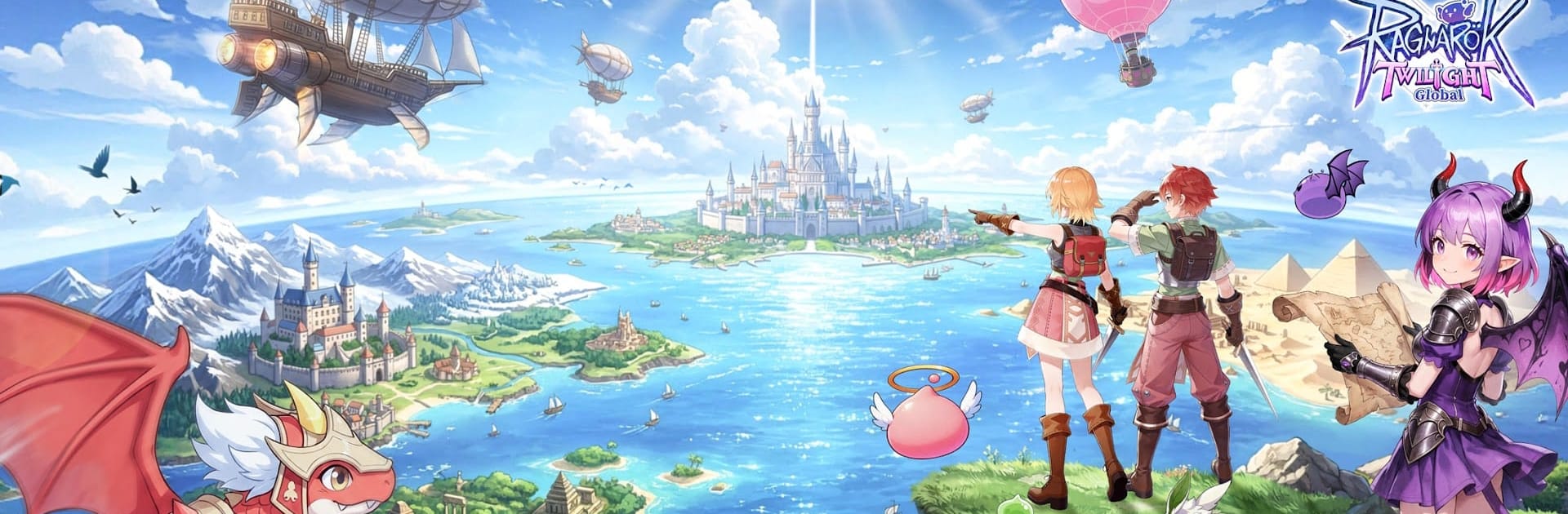

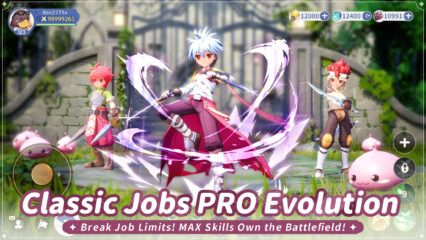
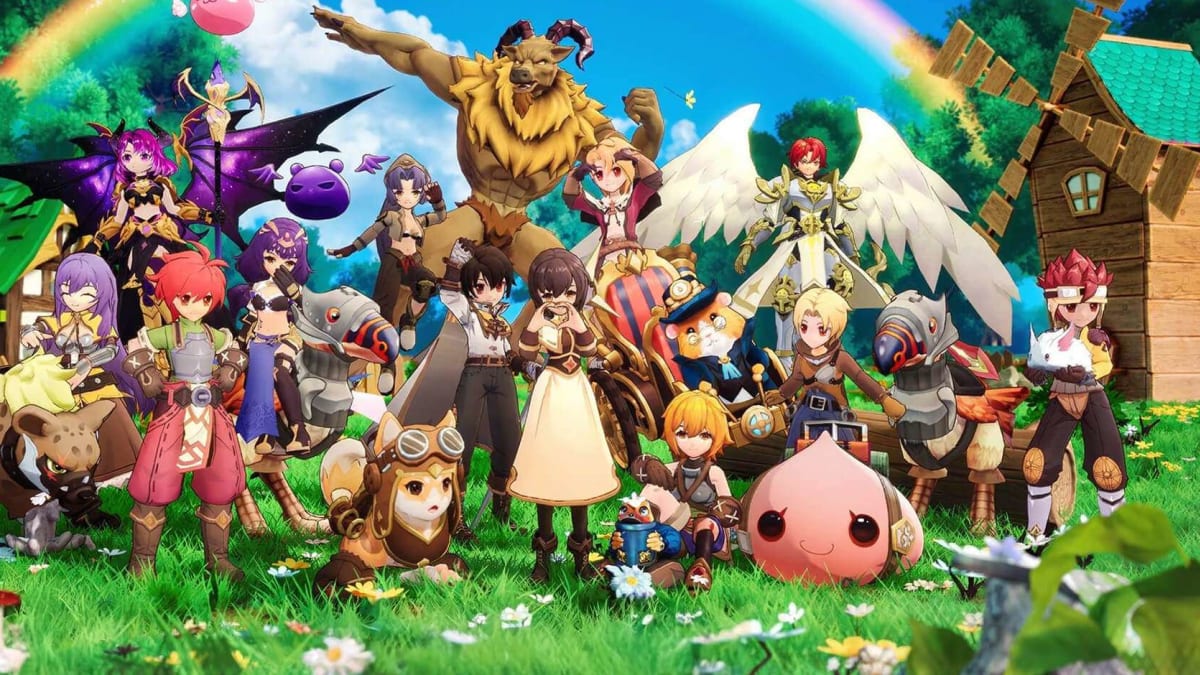
Ragnarok: Twilight Global is a role-playing game from Gravity Game Vision that brings back the classic RO feeling with faster progress and new gameplay systems. Players can start as a Novice, change into classes like Swordsman, Acolyte, Mage, Thief, or Archer, and build their character through battles, quests, gear, and cards.
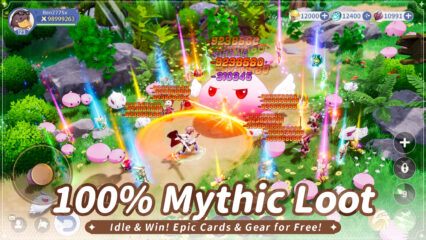
The game also includes MVP boss fights, Hero Transformation, idle growth, pets, mounts, costumes, and team-based adventure modes. You can travel through Prontera, battle familiar monsters, farm boss loot, and play with friends in dungeons and guild events.
How to Install Ragnarok: Twilight Global on PC
- Visit the game’s page and click the “Play Ragnarok: Twilight Global on PC” button.
- Find the downloaded file in your browser’s downloads folder and open it.
- Follow the setup steps to install BlueStacks, then launch it on your PC or Mac.
- Sign in to the Google Play Store, install Ragnarok: Twilight Global, and begin playing.
How to Install Ragnarok: Twilight Global on Mac with BlueStacks Air
- Download BlueStacks Air: Go to the game’s page and click the “Play Ragnarok: Twilight Global on Mac” button to download the installer.
- Install BlueStacks Air: Open the BlueStacksInstaller.pkg file and follow the setup steps on your screen.
- Launch and Sign In: Open BlueStacks Air from the Launchpad or Applications folder, then sign in with your Google account.
- Install Ragnarok: Twilight Global: Search for the game in the Play Store and install it.
- Start Your Adventure: Launch Ragnarok: Twilight Global and begin your RO journey on Mac.
Already Have BlueStacks? Start Here
- Open the game’s page and click the “Ragnarok: Twilight Global on PC” button.
- Start BlueStacks on your PC or Mac.
- Install Ragnarok: Twilight Global through the BlueStacks Store or the Google Play Store.
- Launch the game and start playing.
Minimum System Requirements
BlueStacks helps games like Ragnarok: Twilight Global run well on PC or Mac with these simple system needs:
- Operating system: Microsoft Windows 7 and above, macOS 11 (Big Sur) or above
- Processor: Intel, AMD Processor, or Apple Silicon Processor (M1-M4)
- RAM: Your PC or Mac must have at least 4GB of RAM
- Storage: 10GB Free Disk Space
- Permissions: Administrator access on your PC or Mac.
- Graphics drivers: Up-to-date graphics drivers from Microsoft or the chipset vendor.
Ragnarok: Twilight Global is great for players who like classic MMORPGs, boss farming, team play, and character growth. You can fight MVPs for gear, use idle auto-battle to gain EXP and cards, and transform into bosses like Baphomet or Phreeoni. The game also brings back Prontera, pets, job paths, Adventure Teams, guild battles, and many costume options for your character.
Also, playing Ragnarok: Twilight Global on PC or Mac with BlueStacks can make the game feel easier to control, especially during long battles, boss runs, and dungeon runs. A bigger screen helps you see the map, skills, enemies, and menus more clearly, while keyboard and mouse controls can make movement and combat feel smoother than tapping on a small phone screen.