Ricochet Squad PvP Shooter Tips and Tricks to Win More Matches
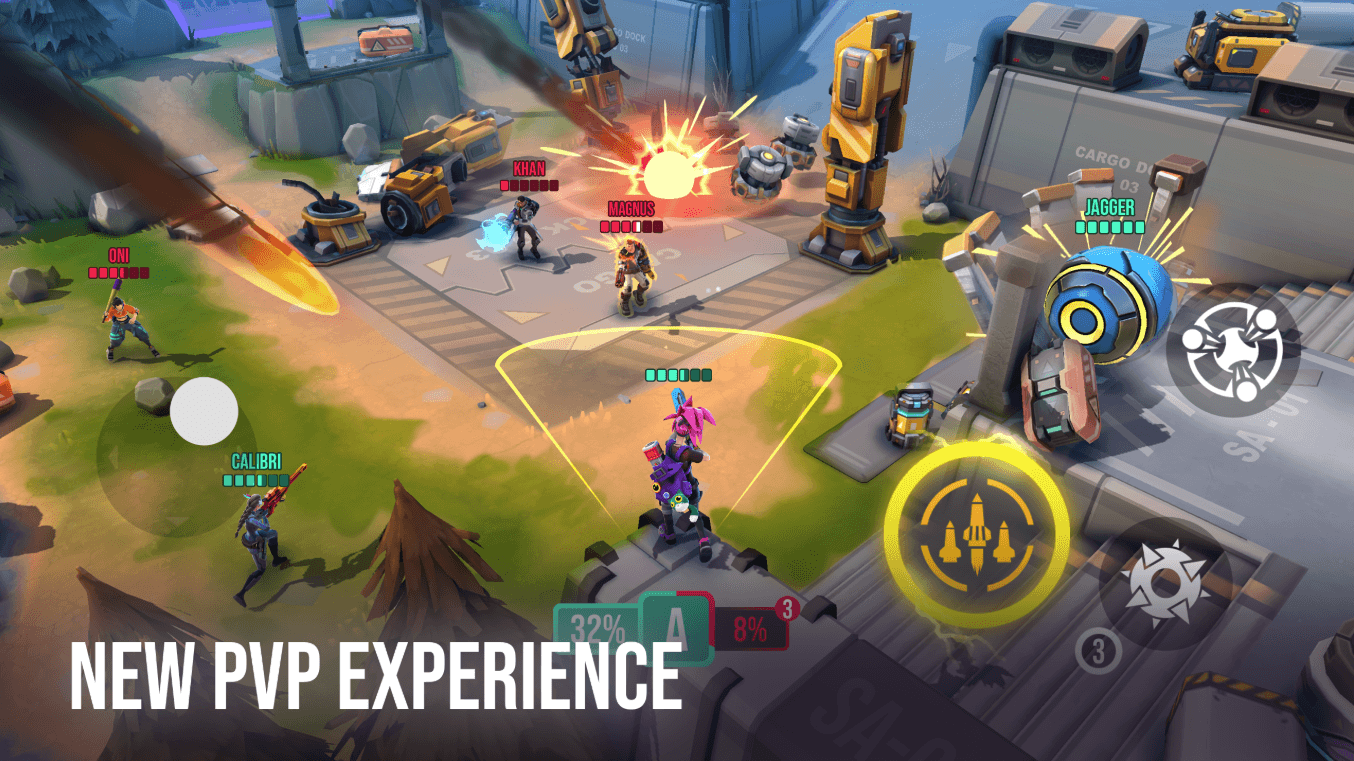
Fan of action shooter games? You will fall in love with Ricochet Squad: PvP Shooter. This niche 3v3 squad-based multiplayer game combines elements of tower-defense games with shooter mechanics to provide an intense gunfire experience to the masses. Revel in the blood of your enemies as you hoard more Gems and be declared as the winner. Sadly, not everything goes according to plan. That’s where our Ricochet Squad: PvP Shooter tips and tricks can come in handy. Scroll down below to view them all!
Tip #1. Charge in Front
A common strategy that many players might be afraid of is simply charging in front. You see, Ricochet Squad has certain objectives that you need to fulfill in order to be the winner. It’s not about mindless killing always. The strategy lies in collecting Gems and denying the enemies their occupation. To do so, you will need to charge in the front, as Gem drops can be random. The Gems give out their location only a second before dropping. And, most of the time, it’s right in between the fighting zone.

Tip #2. Communicate with the Team
This tip might be simple to learn and understand for players who have previously played multiplayer FPS games like Ricochet Squad: PvP Shooter. However, for those who have not, it’s imperative that you communicate fairly with your team. Since there are only a total of 3 players per squad, and the matches are short, you can even use short messages or prompts to communicate. For example, you can discuss attack strategies when going for the offense, or simply ask teammates for cover during Gem drops. Naturally, it helps if you are on voice comms during matches.
Tip #3. Play more Matches!
So, you’re struggling to win your games? Well, the lack of practice might just be the biggest problem. You see, strategy shooters take some time to get used to, and the best way to do so is by simply diligently playing every day. Doing so will help you stay aware of the gameplay mechanics as well as help you stabilize your winning strategies. Since there’s no manual aiming in Ricochet Squad: PvP Shooter, everything boils down to team composition and strategy. There are also multiple other benefits of playing more matches like increased experience gain that leads to efficient account levelling up.

Tip #4. Unlock and Train the Best Heroes
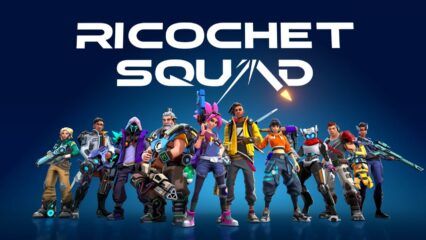
In Ricochet Squad, your choice of hero also matters a lot. Heroes are your trusted companions that you pick up to role-play and use in battles. Each hero has access to a primary weapon, active skills, passive effects, and an ultimate ability. The ultimate ability of each hero charges up gradually as you deal damage, and collect more Gems. Now, not all heroes are equal in firepower, and some are actually better than others.

Make sure you are investing time in learning about the different hero skillsets, and viewing updated Ricochet Squad tier list to stay aware of the meta. The best part about Ricochet Squad is that you can upgrade each owned hero individually as well. This helps you get more base stats on them, on top of unlocking other benefits like hero background stories and dialogues. It’s a great way to personalize your favourite heroes.

Tip #5. Focus on Quest Completion
The quest hub unlocks quite early on during the tutorial phase itself. Players can complete simple missions listed in different tabs to acquire juicy rewards like free heroes, ectonium, and much more. Remember, these missions also grant you experience towards your account, helping you level up more efficiently. However, most of all, these quests also act as a tutorial for new players by offering hints on what to do next. As you progress farther, the difficulty level of the quests and the quality of rewards will also increase.
Players can enjoy playing Ricochet Squad: PvP Shooter on a bigger screen of their PC or Laptop via BlueStacks along with your keyboard and mouse.