How to Install and Play RIVOR on PC with BlueStacks
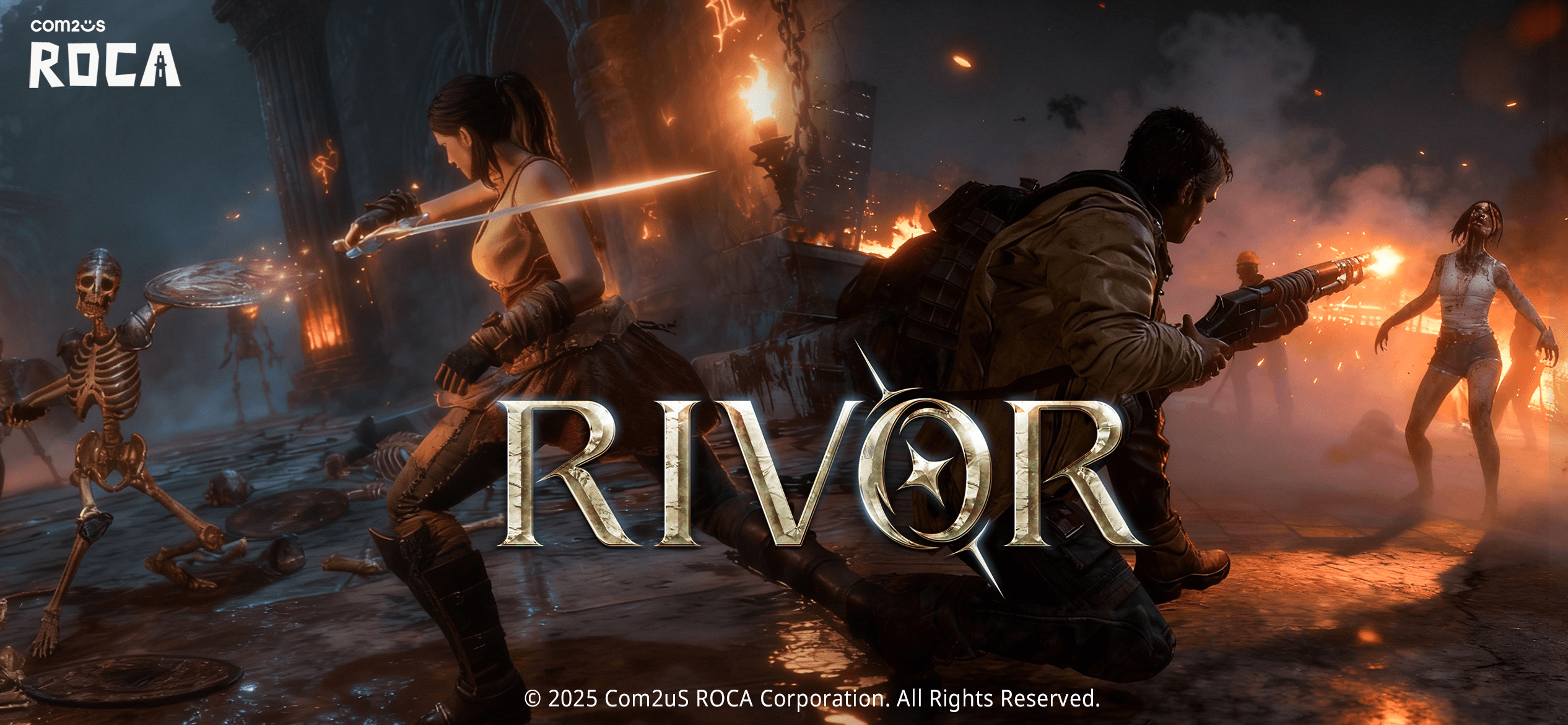

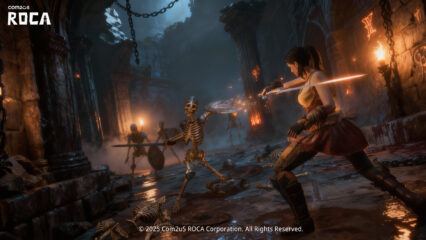
RIVOR is a survival action game where ten players drop into a strange dungeon that shifts between medieval hallways and a zombie-filled future. Your goal is to stay alive longer than everyone else. To do that, you’ll need to fight monsters, gather gear, and watch out for other players waiting to strike at the perfect moment.
Each match gives you different weapon choices that act like their own styles. Some feel quick and light, while others hit harder and reward smart skill timing. Since the game changes its setting from old stone ruins to neon tech rooms, each round feels fresh. You can earn costumes, season rewards, and gear while teaming up with friends or playing solo.
How to Install RIVOR on PC
- Visit the game’s page and press the “Play RIVOR on PC” button to start the download.
- Look for the installer file in your browser’s downloads list and open it.
- Follow the setup steps to install BlueStacks, then launch it on your computer.
- Sign in to the Google Play Store, install RIVOR, and jump into your first match.
How to Install RIVOR on Mac with BlueStacks Air
- Download BlueStacks Air: Go to the game’s page and hit the “Play RIVOR on Mac” button to get the installer.
- Install BlueStacks Air: Double-click the BlueStacksInstaller.pkg file and follow the steps shown on your screen.
- Launch and Sign In: Open BlueStacks Air from Applications or Launchpad and log in with your Google account.
- Install RIVOR: Search for the game inside the Play Store and install it.
- Start Playing: Open RIVOR and enjoy smoother battles right away.
Already Have BlueStacks? Here’s a Quick Way to Start
- Head to the game’s page and click the “RIVOR on PC” button.
- Open BlueStacks on your computer.
- Install RIVOR from the BlueStacks Store or Google Play Store.
- Launch the game and begin your survival run.
Minimum System Requirements
BlueStacks runs well on most modern computers and gives you steady performance for games like RIVOR. Here’s what your device needs:
- OS: Windows 7 or newer, macOS 11 (Big Sur) or newer
- Processor: Intel, AMD, or Apple Silicon (M1–M4)
- RAM: At least 4GB
- Storage: 10GB of free space
- Permissions: Admin access for installation
- Graphics Drivers: Updated drivers from your device’s manufacturer
RIVOR fits players who enjoy quick rounds packed with close calls and clutch wins. Matches are short but intense, which makes them great for after-school sessions, weekend gaming, or playing with friends. The weapon system keeps things exciting because learning a new style often changes how you move and fight. The mix of fantasy and sci-fi settings also gives the game a cool look that stands out.
Playing RIVOR on BlueStacks takes everything a step further. With keyboard and mouse controls, you get faster reactions, cleaner aiming, and better skill timing. A bigger screen also helps you spot monsters or players sneaking around corners.