How to Install and Play StarSavior on PC with BlueStacks

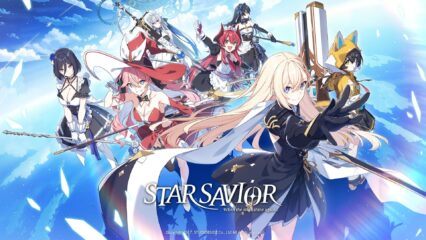
StarSavior is a role-playing game that puts you in charge of a group of star-powered heroines known as Saviors. As the Captain, you guide your team through a special Journey to inherit the power left behind by the legendary Star Savior.
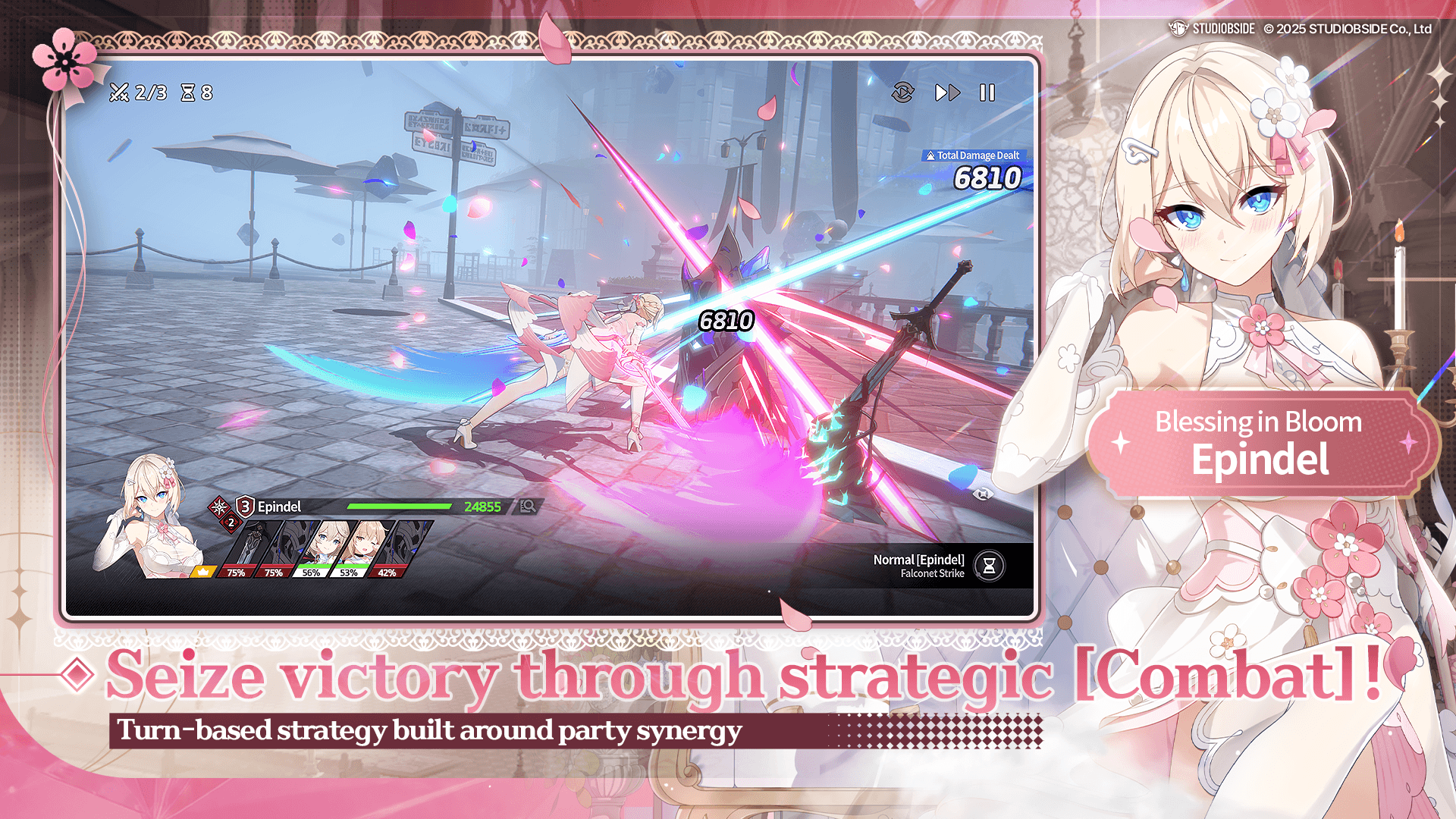
The game combines turn-based battles, character growth, team-building, and a story that connects fate, friendship, and the future of the galaxy. With anime-style artwork, cinematic skill animations, and many team combinations to try, StarSavior offers plenty for players who enjoy strategy and story-driven adventures.
How to Install StarSavior on PC
- Visit the game’s page and click the “Play StarSavior on PC” button.
- Open the installer from your browser’s downloads folder.
- Complete the BlueStacks installation and launch the app player.
- Sign in to Google Play, install StarSavior, and jump into the adventure.
How to Install StarSavior on Mac with BlueStacks Air
- Download BlueStacks Air: Go to the game’s page and click the “Play StarSavior on Mac” button to download the installer.
- Install BlueStacks Air: Open the BlueStacksInstaller.pkg file and follow the setup instructions.
- Launch and Sign In: Start BlueStacks Air from Applications or Launchpad and log in with your Google account.
- Install StarSavior: Search for StarSavior in the Google Play Store and install it.
- Start Your Journey: Open the game and begin leading your team of Saviors.
Already Have BlueStacks Installed?
- Go to the game’s page and click the “StarSavior on PC” button.
- Open BlueStacks on your computer.
- Download StarSavior through the BlueStacks Store or Google Play Store.
- Launch StarSavior and start playing.
Minimum System Requirements
BlueStacks is built to run mobile games like StarSavior smoothly on a wide range of PCs and Macs. Here are the minimum requirements:
- OS: Microsoft Windows 7 and above, macOS 11 (Big Sur) or above
- Processor: Intel, AMD Processor, or Apple Silicon Processor (M1-M4)
- RAM: At least 4GB of RAM
- Storage: 10GB Free Disk Space
- Permissions: Administrator access on your PC or Mac
- Graphics Drivers: Latest graphics drivers from Microsoft or the chipset manufacturer
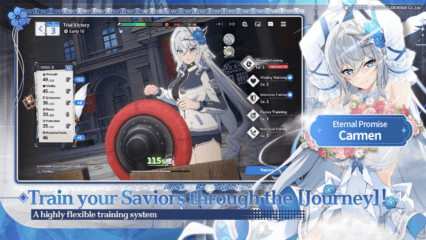
StarSavior is a great choice for players who enjoy planning their moves and building strong teams. Every Savior has different skills and traits, which give you many ways to approach battles. You can experiment with party setups, strengthen your favorite characters, and build friendships that unlock additional scenes and bonuses. The game also features a rich story filled with mysteries, powerful enemies, and important choices that shape the Journey.
Playing StarSavior on PC or Mac with BlueStacks makes the experience even more enjoyable. The larger screen helps you appreciate the anime-style artwork and battle effects, while keyboard and mouse controls can make menu navigation feel faster and more comfortable. Whether you’re following the story, improving your squad, or taking on difficult encounters, BlueStacks lets you enjoy StarSavior with smooth performance on a bigger display.