How to Install and Play Toy Command - Squad Survivors on PC with BlueStacks
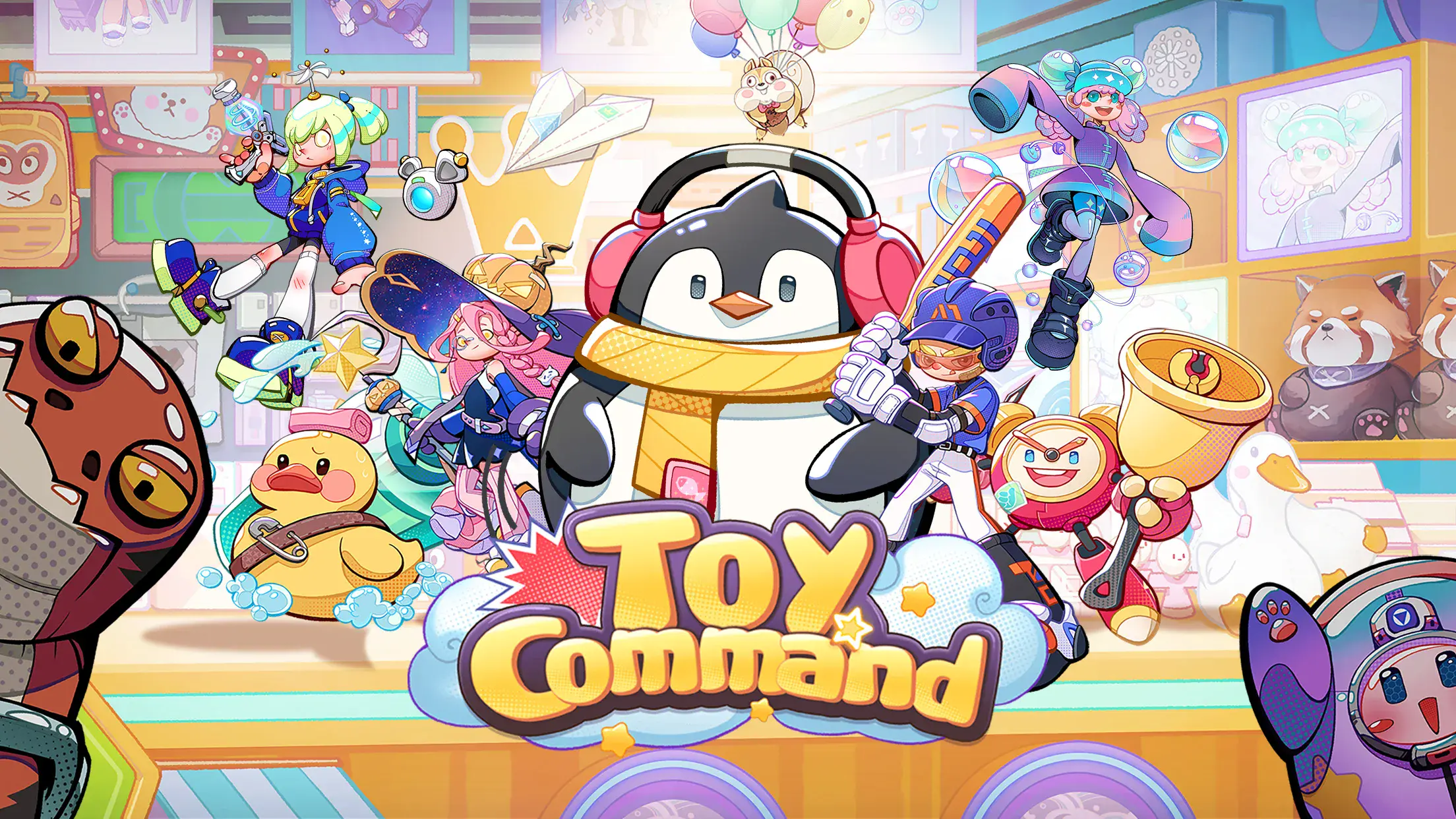

Toy Command – Squad Survivors is a fun role-playing game where you lead a team of toy heroes in a world that feels like your living room turned into a battlefield. After a strange experiment shrinks you, everyday places like shelves and carpets become full of danger.
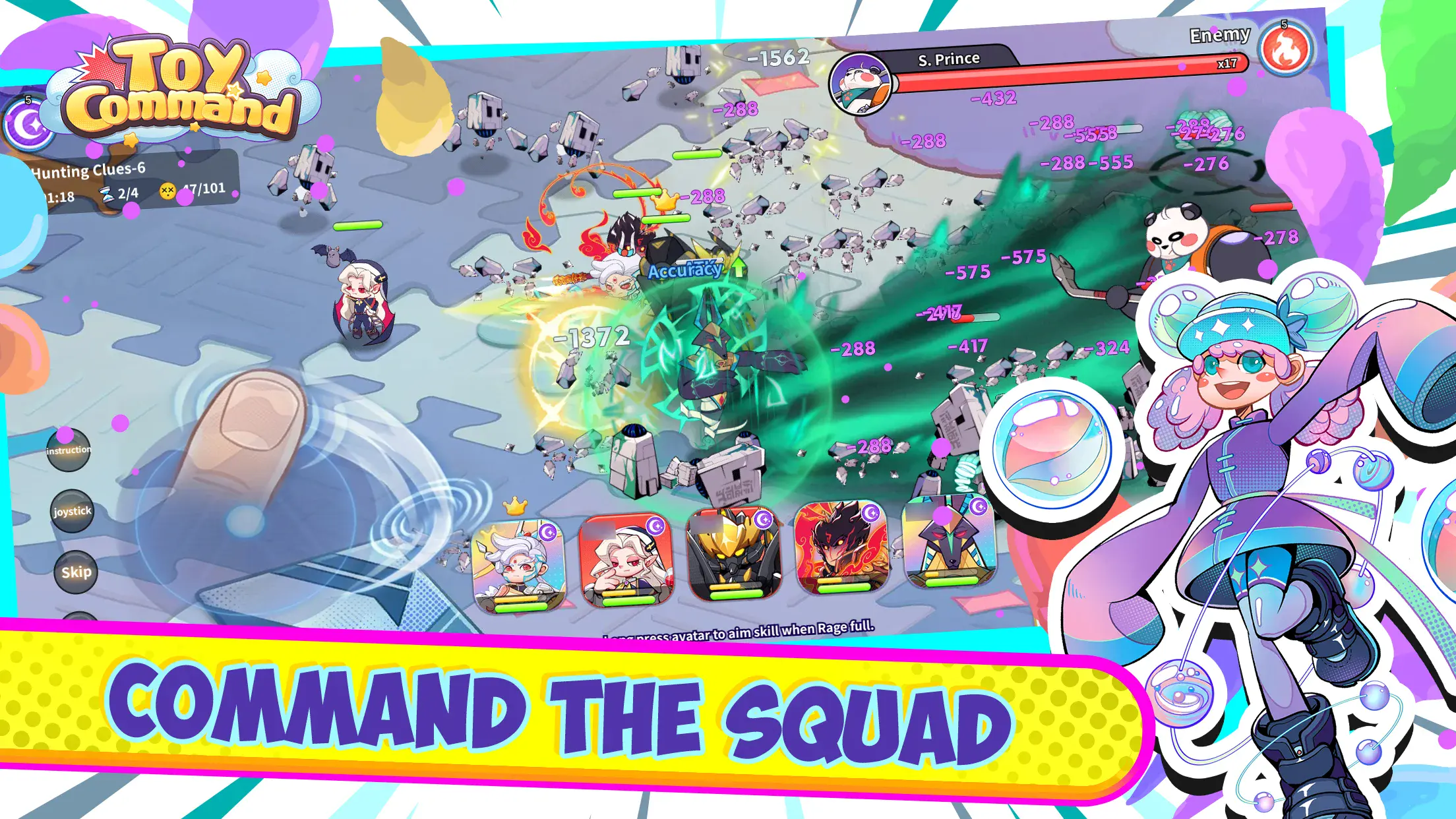
You control a squad in real time, moving them around, using skills, and fighting waves of enemies. Each toy hero has its own style, so building the right team matters. You can play actively or let your squad grow while you’re away, which makes it easy to keep making progress even if you don’t play all the time.
How to Install Toy Command – Squad Survivors on PC
- Head to the game’s page and press the “Play Toy Command – Squad Survivors on PC” button.
- Once the file downloads, open it from your browser’s downloads tab.
- Install BlueStacks and launch it on your PC or Mac.
- Log into the Google Play Store, install Toy Command – Squad Survivors, and jump right in.
How to Install Toy Command – Squad Survivors on Mac with BlueStacks Air
- Download BlueStacks Air: Visit the game’s page and click the “Play Toy Command – Squad Survivors on Mac” button to get the installer.
- Install BlueStacks Air: Open the BlueStacksInstaller.pkg file and follow the setup steps.
- Launch and Sign-In: Open BlueStacks Air from Applications or Launchpad and sign in with your Google account.
- Install Toy Command – Squad Survivors: Search for Toy Command – Squad Survivors in the Play Store and install it.
- Start Playing: Open the game and begin your adventure.
Already Have BlueStacks? Start Even Faster
- Go to the game’s page and click on the “Toy Command – Squad Survivors on PC” button.
- Open BlueStacks on your computer.
- Install the game from the BlueStacks Store or Google Play Store.
- Launch Toy Command – Squad Survivors and start playing right away.
Minimum System Requirements
To run Toy Command – Squad Survivors smoothly on PC or Mac, your system should meet these basic needs:
- OS: Windows 7 or newer, macOS 11 (Big Sur) or newer
- Processor: Intel, AMD, or Apple Silicon (M1–M4)
- RAM: At least 4GB
- Storage: 10GB of free space
- Permissions: Admin access on your device
- Graphics: Updated drivers from Microsoft or your hardware maker
Toy Command – Squad Survivors is great for players who like action mixed with strategy. You can jump in for quick battles or spend time building the perfect squad with different skills and setups. And since the game keeps progressing while you’re offline, it fits well into short play sessions after school or during breaks.
Also, playing Toy Command – Squad Survivorson PC or Mac with BlueStacks makes everything feel smoother. You get a bigger screen to see more of the battlefield, and using a keyboard and mouse helps you control your squad faster. It’s a simple way to enjoy longer gaming sessions without dealing with small screens or touch controls.