How to Install and Play Victory Girls: Anime Soccer on PC with BlueStacks
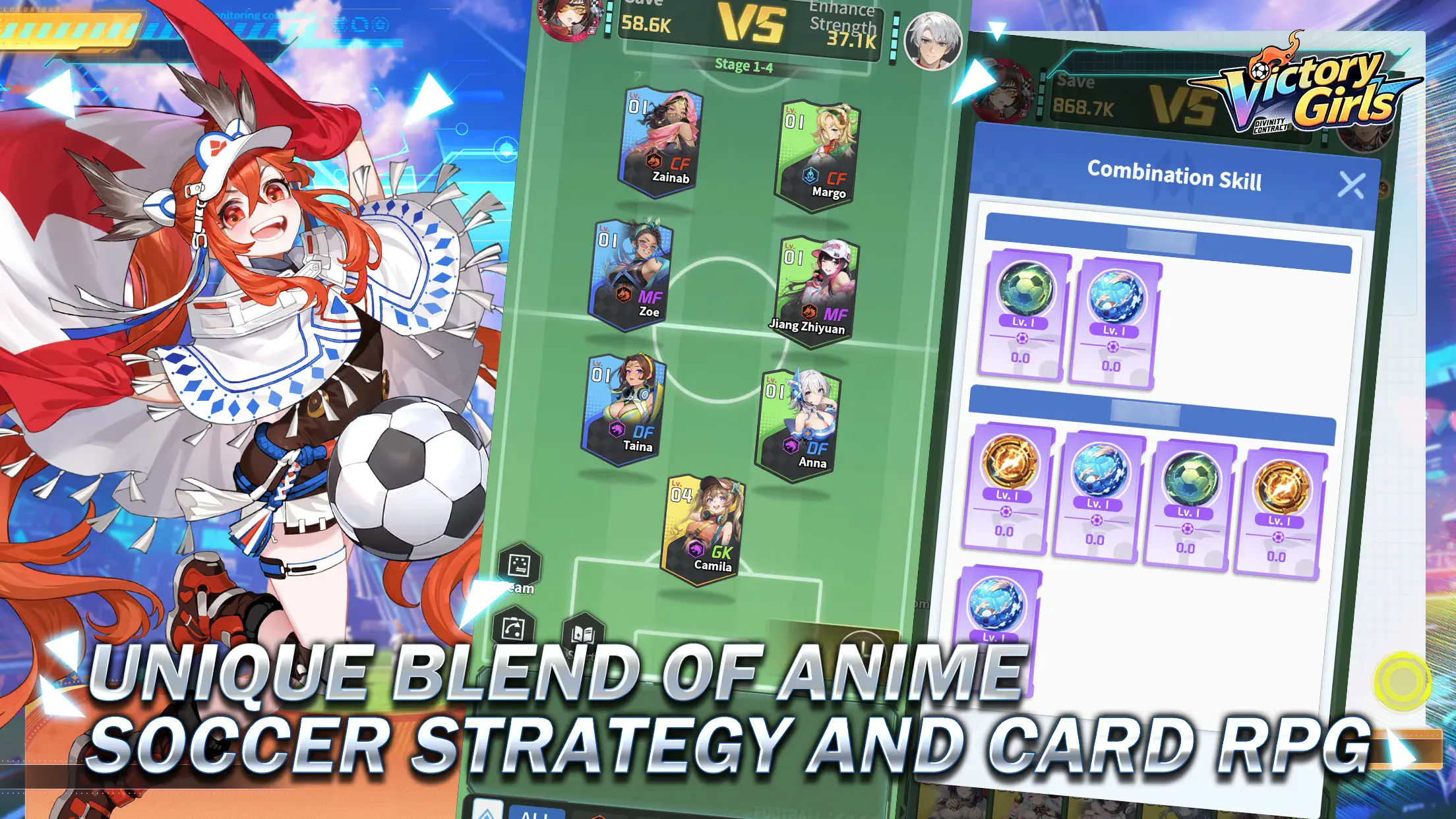

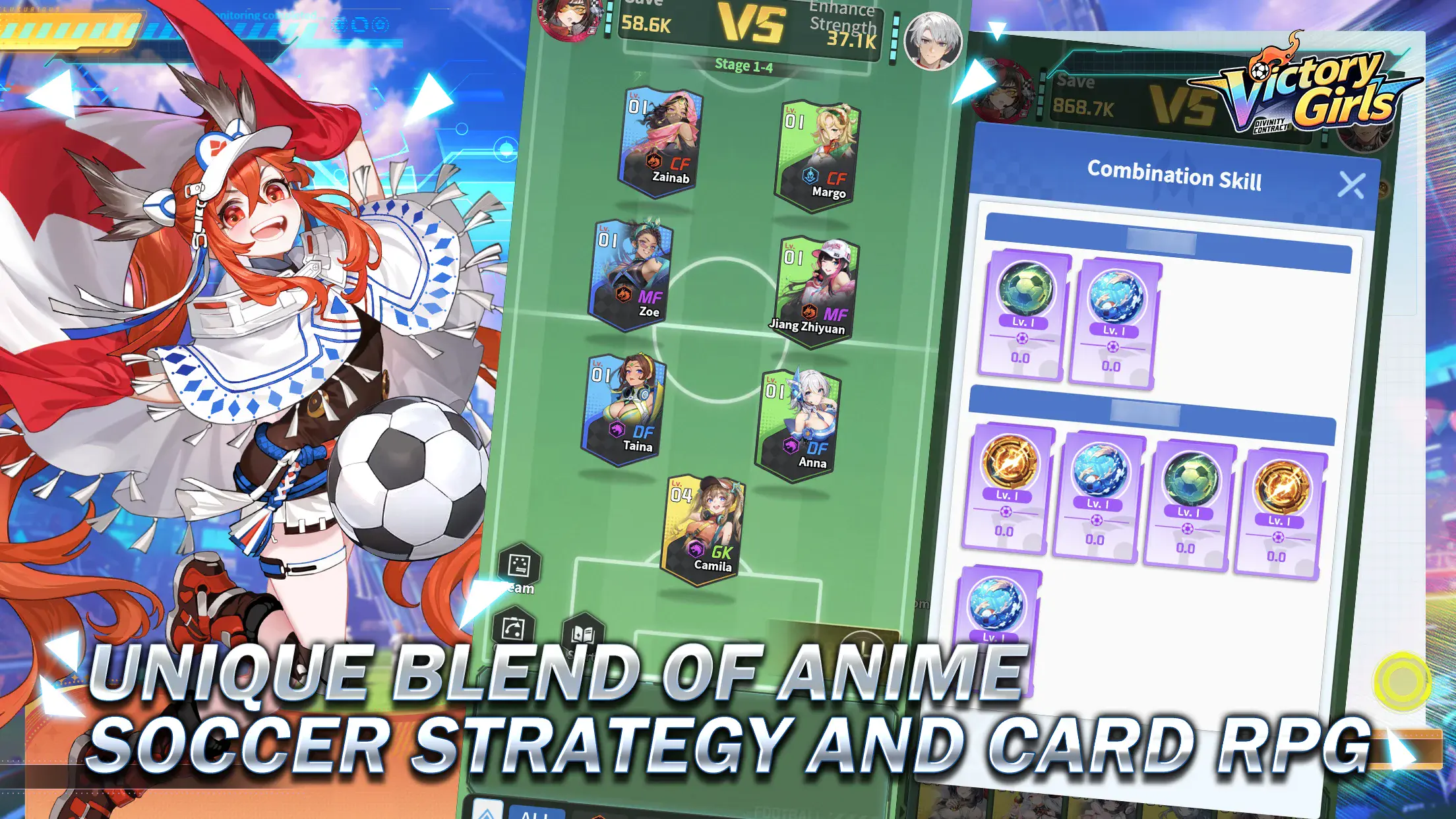
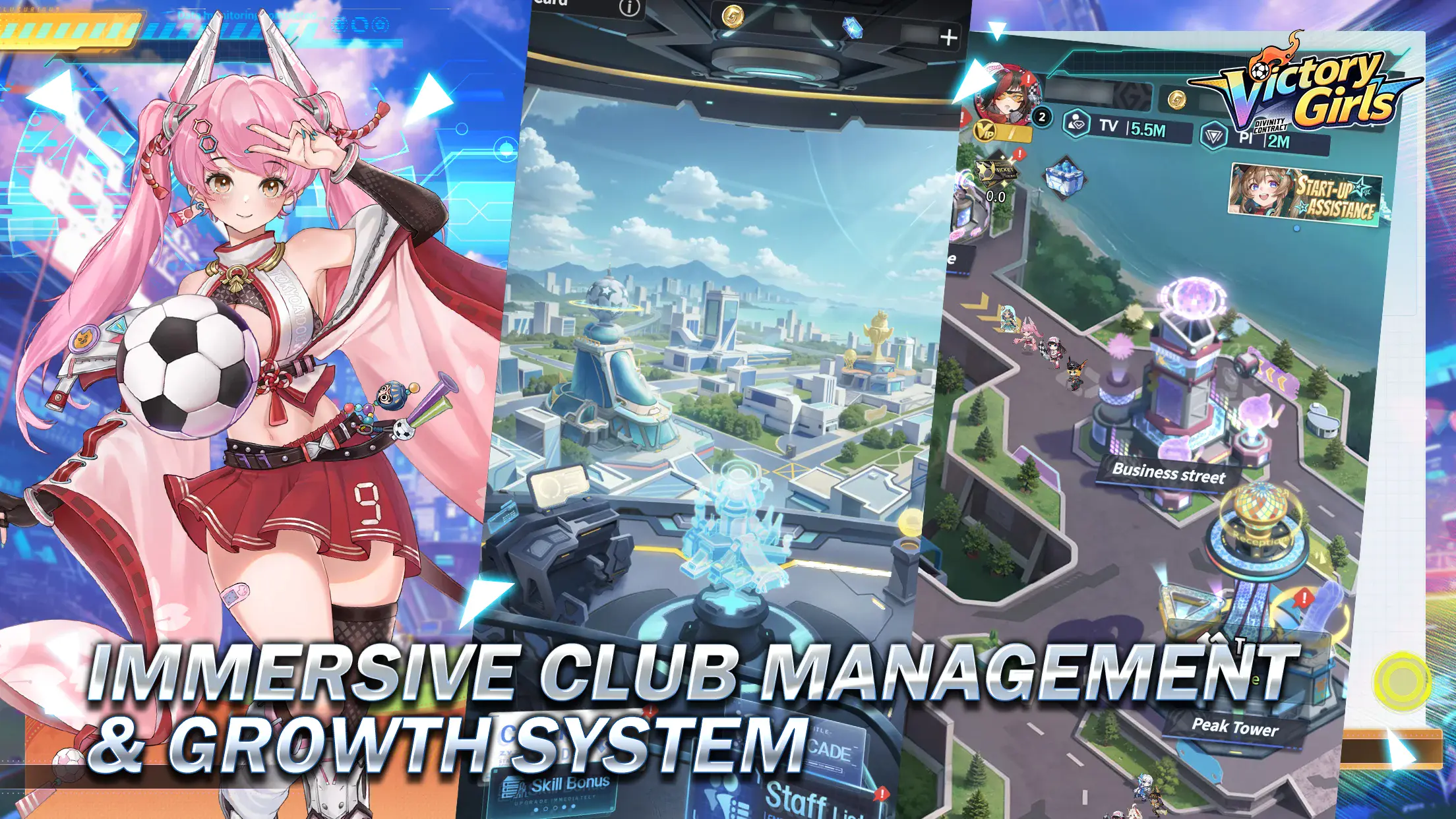
Victory Girls: Anime Soccer is a fun mix of football strategy and card-based RPG gameplay. You take control of your own club, build your team, and plan how each match plays out. The game lets you choose formations, train players, and use special skills during matches.
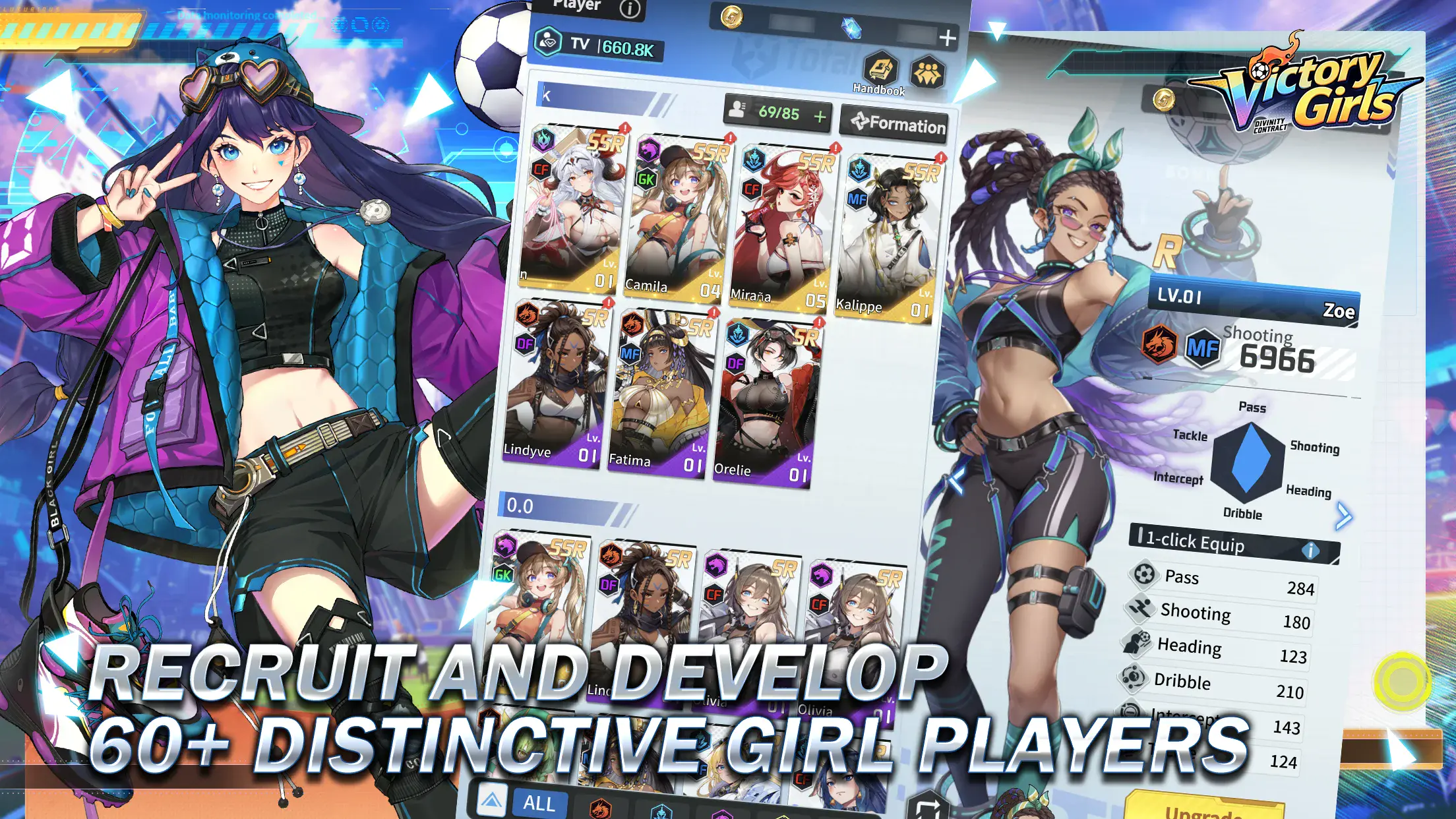
You can recruit over 60 anime-style players, each with their own strengths and playstyle. And as your team grows, you unlock better tactics and stronger lineups. Every match feels different, since your decisions really matter. If you enjoy both sports and strategy games, this one gives you a fresh and exciting way to play.
How to Install Victory Girls: Anime Soccer on PC
- Head to the game’s page and click on the “Play Victory Girls: Anime Soccer on PC” button.
- Once the file downloads, open it from your browser’s downloads section.
- Install BlueStacks and launch it on your PC or Mac.
- Log in to the Google Play Store, install Victory Girls: Anime Soccer, and start playing.
How to Install Victory Girls: Anime Soccer on Mac with BlueStacks Air
- Download BlueStacks Air: Visit the game’s page and click on the “Play Victory Girls: Anime Soccer on Mac” button to download the installer.
- Install BlueStacks Air: Open the BlueStacksInstaller.pkg file and follow the setup steps on your screen.
- Launch and Sign-In: Open BlueStacks Air from your Applications folder or Launchpad and sign in with your Google account.
- Install Victory Girls: Anime Soccer: Search for the game in the Play Store and install it.
- Start Playing: Open Victory Girls: Anime Soccer, and jump right into your first match.
Already Using BlueStacks? Here’s What to Do
- Go to the game’s page and click on the “Victory Girls: Anime Soccer on PC” button.
- Open BlueStacks on your PC or Mac.
- Install the game through the BlueStacks Store or Google Play Store.
- Launch Victory Girls: Anime Soccer and start building your team.
Minimum System Requirements
To run games like Victory Girls: Anime Soccer smoothly, your PC or Mac should meet these basic specs:
- Operating System: Windows 7 or newer, macOS 11 (Big Sur) or newer
- Processor: Intel or AMD processor, or Apple Silicon (M1–M4)
- RAM: At least 4GB
- Storage: 10GB free disk space
- Permissions: Administrator access required
- Graphics: Updated drivers from Microsoft or your hardware provider
Victory Girls: Anime Soccer is great for players who enjoy planning and team building. You can play quick matches, test new tactics, or slowly grow your club over time. It’s also fun to try different player combinations and see how they work together on the field.
Also, playing Victory Girls: Anime Soccer on PC or Mac with BlueStacks makes everything easier and more enjoyable. You get a bigger screen, smoother gameplay, and better control using your keyboard and mouse. It also helps during longer sessions, since you don’t have to worry about battery or small screen limits.