How to Install and Play Warline:Sniper Strike on PC with BlueStacks


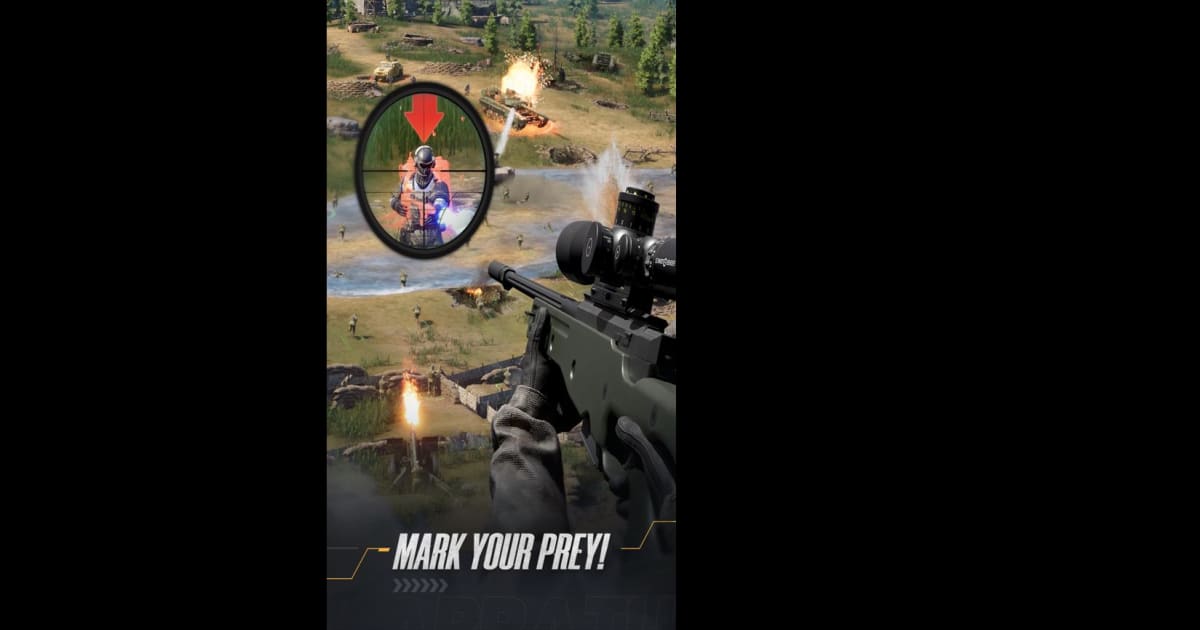
Warline:Sniper Strike is a shooter strategy game where you defend your base from incoming enemies. You step into the role of a sniper while also leading a growing army. And that mix makes every battle feel intense and exciting.
But shooting is only one part of the game. You also build your own force by combining tanks, troops, and aircraft. Each unit adds something different to your strategy. That means you have to think ahead, choose wisely, and react quickly in real-time battles. You can even join alliances with players from around the world and fight for higher ranks together.
How to Install Warline:Sniper Strike on PC
- Visit the game’s page and click on the “Play Warline:Sniper Strike on PC” button.
- Once the download finishes, open the file from your browser’s downloads section.
- Install BlueStacks on your computer and launch it after setup is complete.
- Sign in to the Google Play Store, install Warline:Sniper Strike, and jump into the action.
How to Install Warline:Sniper Strike on Mac with BlueStacks Air
- Download BlueStacks Air: Head to the game’s page and press the “Play Warline:Sniper Strike on Mac” button to get the installer.
- Run the Installer: Double-click the BlueStacksInstaller.pkg file and follow the on-screen steps to finish installation.
- Open and Sign In: Launch BlueStacks Air from Launchpad or the Applications folder, then log in with your Google account.
- Install the Game: Search for Warline:Sniper Strike in the Play Store and click install.
- Start Playing: Open the game and begin your missions right away.
Follow These Steps If You Already Have BlueStacks
- Go to the game’s page and click on the “Warline:Sniper Strike on PC” button.
- Open BlueStacks on your PC or Mac.
- Install the game directly from the BlueStacks Store or Google Play Store.
- Launch Warline:Sniper Strike and start defending your base.
Minimum System Requirements
To run Warline:Sniper Strike smoothly on PC or Mac, your system should meet these basic requirements:
- Operating System: Microsoft Windows 7 or higher, macOS 11 (Big Sur) or higher
- Processor: Intel or AMD processor, or Apple Silicon (M1–M4)
- RAM: At least 4GB of RAM
- Storage: 10GB of free disk space
- Permissions: Administrator access on your computer
- Graphics Drivers: Updated drivers from Microsoft or your hardware provider
Warline:Sniper Strike is great for players who enjoy both aiming skills and smart planning. If you like games where quick reactions matter, but you also want to control tanks and aircraft, this one gives you both. And because battles happen in real time, every second counts. You can play solo through missions or team up in alliances for bigger fights.
Also, playing Warline:Sniper Strike on PC or Mac with BlueStacks makes everything feel easier and smoother. A bigger screen helps you spot enemies faster, and using a keyboard and mouse gives you more control over your aim. And that extra precision can make a big difference during tough missions.