How to Install and Play Wicked Defense on PC with BlueStacks
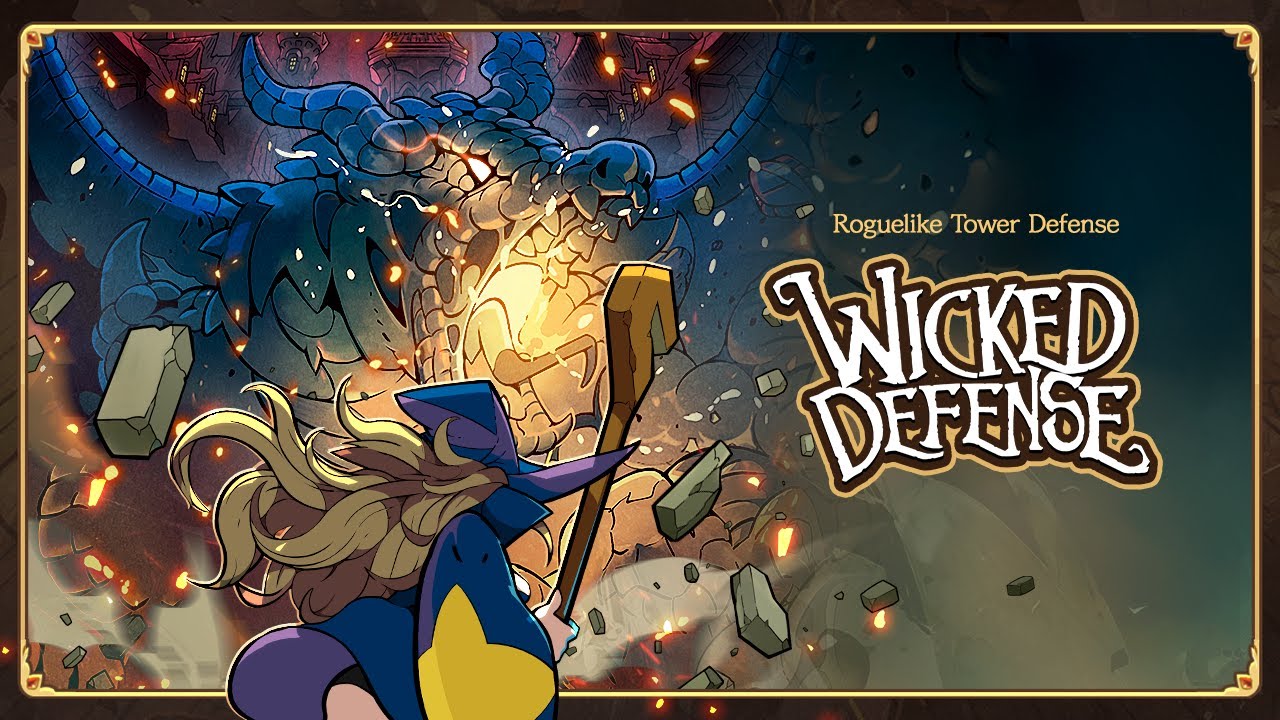

Wicked Defense is a fun strategy game where you play as a witch who must fight off waves of enemies. The story follows a once-famous hero who now has to step up again after a dragon brings chaos back to the world. Each run feels fresh because you choose cards, spells, and upgrades that shape how you play.
You can freeze enemies, burn them, or blast them away while building strong combos. The game mixes simple controls with smart choices. This makes it easy to start but exciting to keep playing as you try new builds and push further each time.
How to Install Wicked Defense on PC
- Visit the game’s page and press the “Play Wicked Defense on PC” button.
- Download and open the installer from your browser’s downloads section.
- Install BlueStacks and launch it once the setup is complete.
- Log in to the Google Play Store, install Wicked Defense, and jump into the game.
How to Install Wicked Defense on Mac with BlueStacks Air
- Download BlueStacks Air: Head to the game’s page and click the “Play Wicked Defense on Mac” button to get the installer.
- Install BlueStacks Air: Open the BlueStacksInstaller.pkg file and follow the setup steps shown on screen.
- Launch and Sign In: Open BlueStacks Air from Launchpad or Applications, then sign in with your Google account.
- Install Wicked Defense: Find the game in the Play Store and install it.
- Start Playing: Open Wicked Defense and enjoy your first run.
Already Using BlueStacks? Here’s What to Do
- Open the game’s page and click the “Wicked Defense on PC” button.
- Start BlueStacks on your computer.
- Download Wicked Defense through the BlueStacks Store or Google Play Store.
- Launch the game and begin playing right away.
Minimum System Requirements
BlueStacks runs well on most modern systems, so you don’t need a powerful setup to enjoy Wicked Defense:
- OS: Windows 7 or newer, macOS 11 (Big Sur) or newer
- Processor: Intel, AMD, or Apple Silicon (M1–M4)
- RAM: At least 4GB
- Storage: 10GB of free space
- Permissions: Administrator access
- Graphics Drivers: Latest version from your system provider
Wicked Defense is a great pick for players who like quick action mixed with smart decisions. Each run gives you new cards, gear, and enemies, so it never feels the same twice. You can try different spell builds, upgrade your gear, and see how far you can go.
Also, playing Wicked Defense on PC or Mac with BlueStacks gives you smoother controls with keyboard and mouse and lets you see everything clearly on a bigger screen. It also helps the game run more smoothly, which is great during busy battles with lots of effects. So, you can focus more on your strategy and enjoy longer play sessions without any issues.