Roblox - Grow a Garden 2 All Active Redeem Codes in October 2026
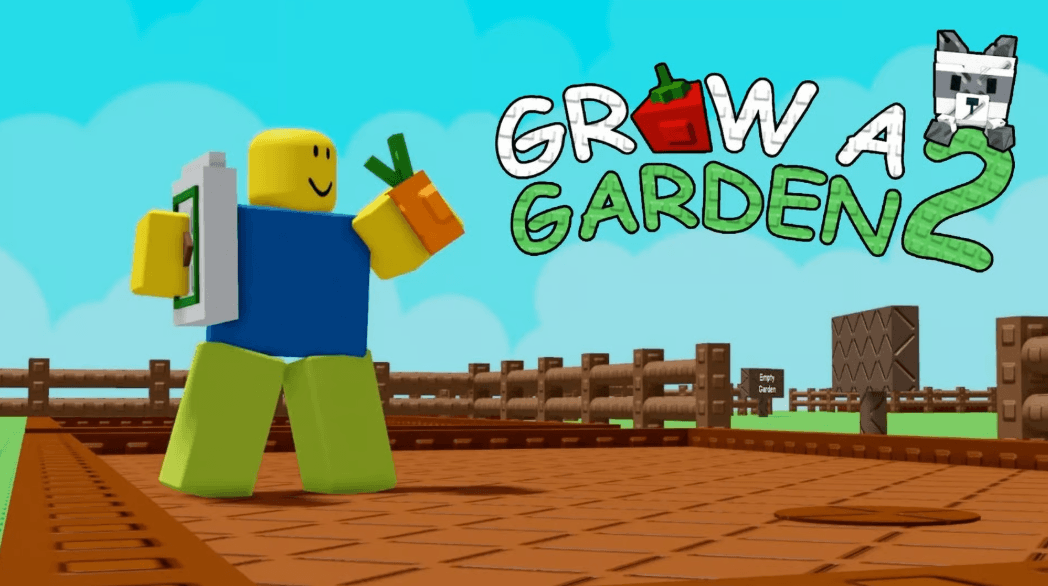

Grow a Garden 2 is a Roblox farming adventure where you build and manage your own farm. Buy seeds when the shop restocks, plant them, and wait for your crops to grow. You can then harvest your plants and sell them for Sheckles.
Your garden continues growing while you are offline, so you may return to crops that are ready to collect. You can also create a guild and compete for exclusive weekly rewards. Keep an eye on your farm when night arrives because this is when stealing begins. The codes below give you free seeds and watering cans that can help your garden.
Got questions about crops, guilds, or redeeming rewards? Join our Discord channel to chat with other players and get support!
Active Redeem Codes in Roblox – Grow a Garden 2
Redeem codes give you useful items without spending your Sheckles. Copy each code exactly as written because changing a letter could stop it from working.
Here are the active codes for Grow a Garden 2:
- FREESEED – 3x Uncommon Seed Pack (NEW)
- REMEMBERTODRINKWATER – x1 Common Watering Can
- TEAMGREENBEAN – x3 Green Bean Seeds
- WATERYOPLANTS – x10 Common Watering Cans
Codes can stop working without much warning, so claim these rewards as soon as you can. Bookmark this page and return later to check for new Grow a Garden 2 codes.
How to Redeem Codes in Roblox – Grow a Garden 2
You can claim your free items through the Settings menu. Follow these simple steps:
- Open Roblox and launch Grow a Garden 2.
- Select the cog icon in the top-left corner to open the Settings menu.
- Find the code box near the bottom of the menu.
- Type or paste one of the active codes into the box.
- Press the “Claim!” button to receive your reward.
Check your inventory after claiming a code to find your seeds or watering cans.
Why Redeem Codes Might Not Work in Roblox – Grow a Garden 2
A code may sometimes be rejected even when it looks correct. Here are a few common reasons this can happen:
- The code has expired: Some codes are only available for a limited time.
- The spelling is incorrect: Codes must be entered exactly as shown, including capital letters.
- You already claimed it: A working code usually gives its reward only once per account.
- Your connection was interrupted: Roblox requires an internet connection, so reconnect and try again.
Copying and pasting the code can help you avoid spelling mistakes or missing letters.
You can also play Roblox on a PC or laptop with BlueStacks. A bigger screen makes it easier to view your crops and watch what is happening around your farm, while keyboard and mouse controls provide another simple way to play.