MapleStory R- Evolution: All Active Redeem Codes in October 2026
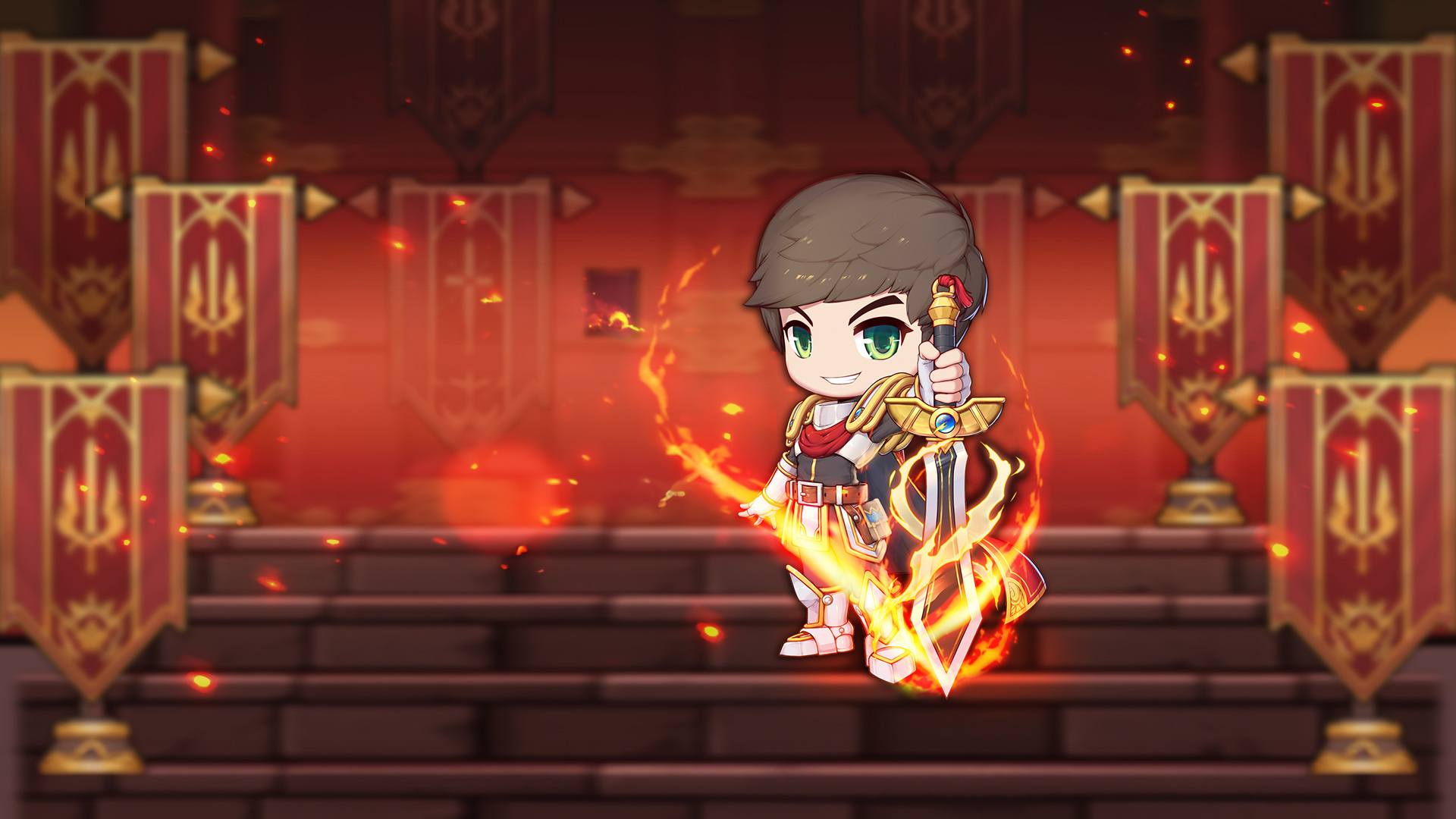

MapleStory R- Evolution brings back the classic MapleStory style with a simple mobile RPG experience. It has cute graphics, pets, outfits, co-op battles, and lots of action.
You can go on quests, level up with auto-battles, grow your character, and play with others in big group fights like GVG. This role-playing game also lets you build a home, train pets, and change your look, so there is always something fun to do.
Got questions about pets, classes, bosses, or team play in MapleStory R- Evolution? Join our Discord channel for tips, updates, and player support.
Active Redeem Codes in MapleStory R- Evolution
Here are the active MapleStory R- Evolution codes:
- APRCOCOO26
- APRPERRY26
So, if one code does not work anymore, bookmark this page and check again later for new updates.
How to Redeem Codes in MapleStory R- Evolution
Redeeming codes in MapleStory R- Evolution is pretty simple. Here is how to do it:
- Open MapleStory R- Evolution.
- Tap your Avatar in the top-left corner.
- Open Settings.
- Tap Activation Code.
- Type or paste your code.
- Tap Exchange.
After that, your rewards should be sent to your in-game mail. And if you have more than one code, it is a good idea to redeem all of them before checking the mail.
Why Redeem Codes Might Not Work in MapleStory R- Evolution
Sometimes a code looks fine, but still does not go through. Here are a few common reasons:
- The code has expired.
- The code was already used on your account.
- You typed one letter or number wrong.
- The code may only work in certain versions or regions of the game.
Codes are also case-sensitive in many mobile games, so copy them exactly as shown. Even one small mistake can stop the code from working.
Wrapping Up
MapleStory R- Evolution mixes classic MapleStory charm with idle battles, pets, costumes, and team-based action. And redeem codes are a nice way to grab extra items that can help you level up and keep moving.
If you want a smoother way to play, MapleStory R- Evolution also feels great on BlueStacks on PC or Mac. You get a bigger screen, easier controls with keyboard and mouse, and a more comfortable setup for long play sessions. That can make battles, menus, and team content much easier to handle.