Air Dog Fight Airplane Game 3D

Air Dog Fight Airplane Game 3D

Action

| GamesPivot

Play on PC with BlueStacks or from our cloud

  • Overview
  • Game Features
  • How to Play

Page Modified On: December 15, 2025

Play Air Dog Fight Airplane Game 3D on PC or Mac

From the innovators and creators at GamesPivot, Air Dog Fight Airplane Game 3D is another fun addition to the World of Action games. Go beyond your mobile screen and play it bigger and better on your PC or Mac. An immersive experience awaits you.

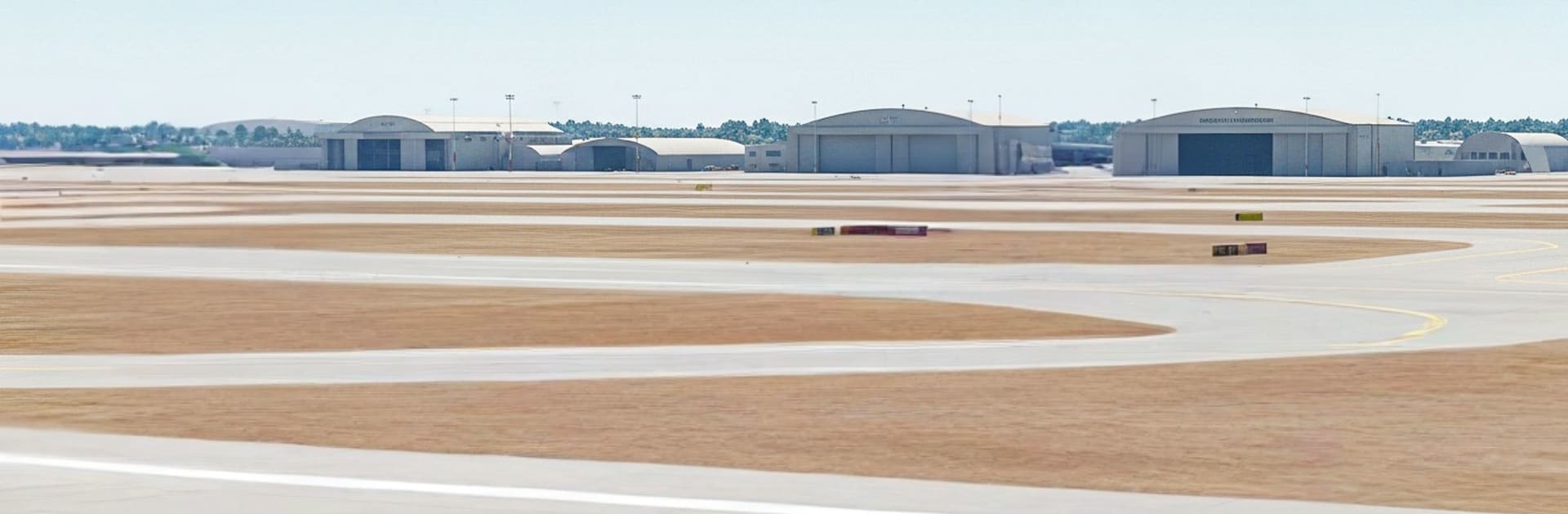
Air Dog Fight Airplane Game 3D is straight arcade dogfighting. It throws players into quick missions where jets scream across the sky, enemies swarm in, and the whole thing is about staying on target while dodging fire. The flying is simple to pick up, more about sharp turns and timing than hardcore simulation. Guns rattle, missiles lock, and there is that little rush when a rival plane blows apart just before it slips out of view. It wants fast reactions and a bit of planning, roll out of a bad angle, swing around for another pass, keep an eye on the radar so nothing sneaks in from behind. The visuals are clean and bright, explosions pop, and the camera gives a nice sense of speed without getting dizzy.

Missions scale up with tougher squadrons and trickier setups, so it does not feel stale right away. New jets pop in as progress is made, along with upgrades that make weapons hit harder or cool down faster, and there are daily rewards to nudge players back in. The controls are smooth on touch, but on PC with BlueStacks the keyboard and mouse mapping makes aiming tighter and the bigger screen helps track targets that love to peel off at the edge of view. It is the kind of game that fits short sessions, jump in, clear a sortie, grab some parts, try a new plane, then go again when that next unlock is just within reach.

Start your journey now. Download the game on BlueStacks, invite your friends, and march on a new adventure.


Game Features

Enhancements

  • Macros
  • Multi Instance
  • Multi Instance Sync
  • Eco Mode
  • Enhancements
Macros

Macros

Skip the boring parts of a game. Play Air Dog Fight Airplane Game 3D with Macros and get the edge. Simply record a sequence of commands and execute them at any moment.
Multi Instance

Multi Instance

Why limit to one game on your phone when you can play many on your PC? Open multiple instances of Air Dog Fight Airplane Game 3D at once with Multi-Instance. Leverage the power of different accounts by doing more.
Multi Instance Sync

Multi Instance Sync

Get the best out of Air Dog Fight Airplane Game 3D with Multi-Instance Sync. Play the game from different accounts and build your own empire. Use Multi-instance sync to repeat the action in the main BlueStacks instance on all other instances.
Eco Mode

Eco Mode

Find the rarest heroes by making multiple summons in Air Dog Fight Airplane Game 3D. And while you are at it, reduce your PC’s resource consumption with the Eco Mode. Farm efficiently. Get the best results.
Read More

How to Download and Play Air Dog Fight Airplane Game 3D on PC or Mac

  • Download and install BlueStacks on your PC or Mac

  • Complete Google sign-in to access the Play Store, or do it later

  • Look for Air Dog Fight Airplane Game 3D in the search bar at the top right corner

  • Click to install Air Dog Fight Airplane Game 3D from the search results

  • Complete Google sign-in (if you skipped step 2) to install Air Dog Fight Airplane Game 3D

  • Click the Air Dog Fight Airplane Game 3D icon on the home screen to start playing

video
Watch Video

Minimum System Requirements

With BlueStacks 5, you can get started on a PC that fulfills the following requirements.

  • Operating System

    Microsoft Windows 7 or above, macOS 11 (Big Sur) or above

  • Processor

    Intel, AMD or Apple Silicon Processor

  • RAM

    at least 4GB

  • HDD

    10GB Free Disk Space

Note:

* You must be an Administrator on your PC. Up to date graphics drivers from Microsoft or the chipset vendor.

Air Dog Fight Airplane Game 3D - FAQs

  • How to play Air Dog Fight Airplane Game 3D on Windows PC & Mac?

    Play Air Dog Fight Airplane Game 3D on your PC or Mac by following these simple steps.

    • Click on 'Play Air Dog Fight Airplane Game 3D on PC’ to download BlueStacks
    • Install it and log-in to Google Play Store
    • Launch and play the game.
  • Why is BlueStacks the fastest and safest platform to play games on PC?

    BlueStacks respects your privacy and is always safe and secure to use. It does not carry any malware, spyware, or any sort of additional software that could harm your PC.

    It is engineered to optimize speed and performance for a seamless gaming experience.

  • What are Air Dog Fight Airplane Game 3D PC requirements?

    Minimum requirement to run Air Dog Fight Airplane Game 3D on your PC

    • OS: Microsoft Windows 7 or above MacOS 11 (Big Sur) or above
    • Processor: Intel, AMD or Apple Silicon Processor
    • RAM: Your PC must have at least 4GB of RAM. (Note that having 4GB or more disk space is not a substitute for RAM)
    • HDD: 10GB Free Disk Space.
    • You must be an Administrator on your PC.