

Explore a whole new adventure with Bufo Jump, a Action game created by NEUTRONIZED. Experience great gameplay with BlueStacks, the most popular gaming platform to play Android games on your PC or Mac.
About the Game
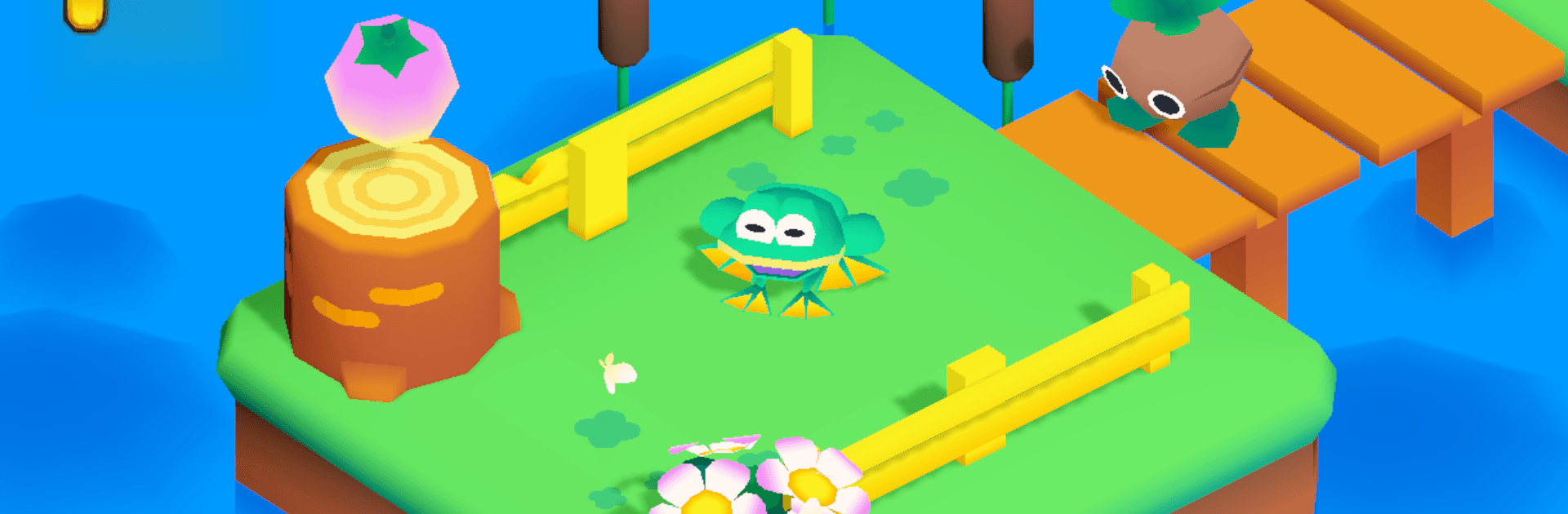
Bufo Jump is a breezy Action 3D platformer from NEUTRONIZED where you hop around as a plucky frog on a mission to snag hidden fruit. Expect comfy vibes with just enough challenge—tight jumps, sneaky traps, and a few pesky critters to outsmart as you move from peaceful ponds to echoing caves and a clunky industrial zone. Want a bigger view of those corners you keep missing? It also plays nicely on PC with BlueStacks.
Game Features
- Cozy 3D Worlds: Wander through bright, isometric stages that feel hand-crafted, from lazy lily pads to shadowy caverns and a rumbling factory floor.
- Simple, Snappy Controls: Easy to learn and smooth to handle, so you’re hopping confidently within minutes—no overthinking required.
- Traps and Tricksters: Time your leaps, dodge hazards, and sidestep bothersome enemies that turn each area into a playful puzzle.
- Hidden Fruit Hunt: Every level tucks collectibles in clever places; scout nooks, take side paths, and go for that last piece you swore wasn’t there.
- Style Your Frog: Pop on hats, shades, and other fun bits to give your amphibian a little personality between runs.
- Feel-Good Soundtrack: A warm, cheerful score keeps the mood light while you line up those precise jumps.
- Play Your Own Pace: Knock out a quick session or methodically clear every secret—both approaches feel rewarding.
Slay your opponents with your epic moves. Play it your way on BlueStacks and dominate the battlefield.