Chain Duel
Chain Duel

Chain Duel

Action

| Lucky Kat

Play on PC with BlueStacks or from our cloud

  • Overview
  • Game Features
  • How to Play

Page Modified On: September 18, 2026

Play Chain Duel on PC or Mac

Play Chain Duel by Lucky Kat on PC or Mac with BlueStacks. Use a bigger screen, mouse and keyboard controls, and smoother performance while you play.

About the Game

Chain Duel is an Action battler where your army literally moves as one. You lead a medieval squad linked in a chain, weaving around foes, then pausing at just the right moment to unload big abilities. It’s quick, punchy, and surprisingly strategic—especially if you prefer playing on a bigger screen with BlueStacks.

Game Features

  • Chain Formation Combat: Guide a snaking line of soldiers across the field, slipping past danger and lining up clean shots before clashing with the enemy.
  • Stop-and-Strike Timing: Keep moving to stay safe, then halt to trigger powerful secondary skills—the moment you choose to stop can decide the whole fight.
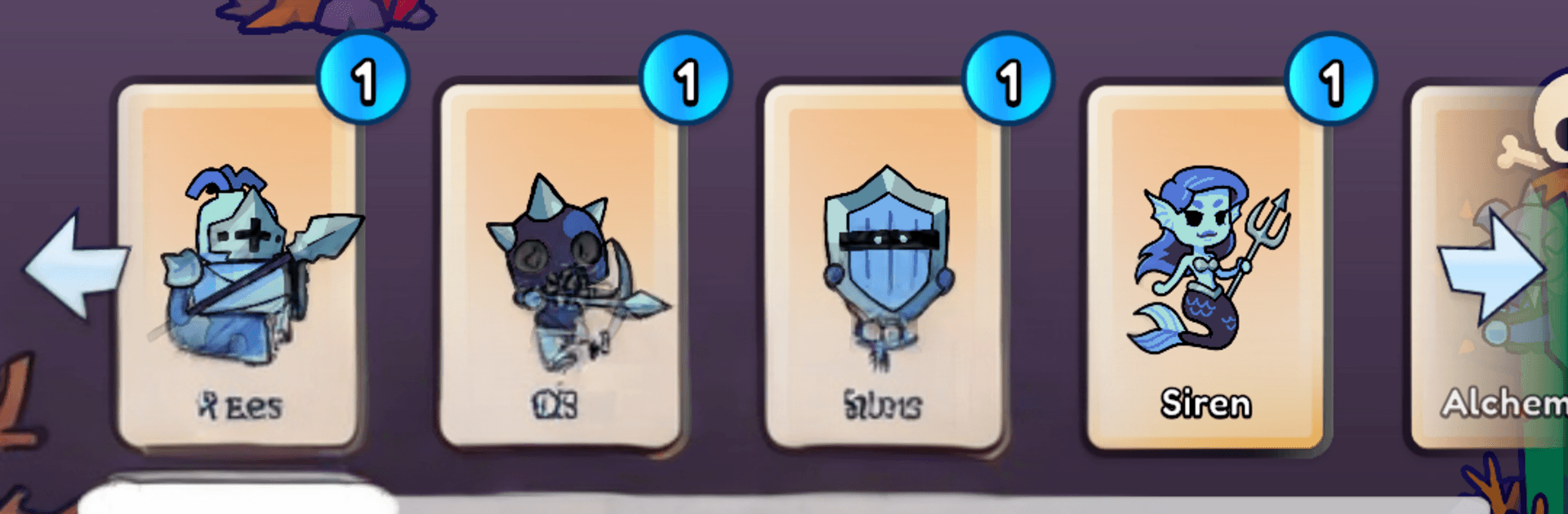
  • Unique Unit Abilities: Every recruit brings their own attack style and special move, so mixing different troops creates combos that feel clever and satisfying.
  • Magical Orb Boosts: Collect glowing orbs mid-battle to amp up your squad’s strength, enhance abilities, and push your formation to hit even harder.
  • Evolving Line-Up: Reinforce and expand your chain to make it tougher and more dangerous, turning a modest squad into a rolling powerhouse.
  • Enemy Army Showdowns: Square off against opposing formations that challenge your positioning, forcing you to read patterns and outmaneuver their advances.

Ready to top the leaderboard? We bet you do. Let precise controls and sharp visuals optimized on BlueStacks lead you to victory.


Game Features

Enhancements

  • Macros
  • Multi Instance
  • Multi Instance Sync
  • Eco Mode
  • Enhancements
Macros

Macros

Skip the boring parts of a game. Play Chain Duel with Macros and get the edge. Simply record a sequence of commands and execute them at any moment.
Multi Instance

Multi Instance

Why limit to one game on your phone when you can play many on your PC? Open multiple instances of Chain Duel at once with Multi-Instance. Leverage the power of different accounts by doing more.
Multi Instance Sync

Multi Instance Sync

Get the best out of Chain Duel with Multi-Instance Sync. Play the game from different accounts and build your own empire. Use Multi-instance sync to repeat the action in the main BlueStacks instance on all other instances.
Eco Mode

Eco Mode

Find the rarest heroes by making multiple summons in Chain Duel. And while you are at it, reduce your PC’s resource consumption with the Eco Mode. Farm efficiently. Get the best results.
Read More

How to Download and Play Chain Duel on PC or Mac

  • Download and install BlueStacks on your PC or Mac

  • Complete Google sign-in to access the Play Store, or do it later

  • Look for Chain Duel in the search bar at the top right corner

  • Click to install Chain Duel from the search results

  • Complete Google sign-in (if you skipped step 2) to install Chain Duel

  • Click the Chain Duel icon on the home screen to start playing

video
Watch Video

Minimum System Requirements

With BlueStacks 5, you can get started on a PC that fulfills the following requirements.

  • Operating System

    Microsoft Windows 7 or above, macOS 11 (Big Sur) or above

  • Processor

    Intel, AMD or Apple Silicon Processor

  • RAM

    at least 4GB

  • HDD

    10GB Free Disk Space

Note:

* You must be an Administrator on your PC. Up to date graphics drivers from Microsoft or the chipset vendor.

Chain Duel - FAQs

  • How to play Chain Duel on Windows PC & Mac?

    Play Chain Duel on your PC or Mac by following these simple steps.

    • Click on 'Play Chain Duel on PC’ to download BlueStacks
    • Install it and log-in to Google Play Store
    • Launch and play the game.
  • Why is BlueStacks the fastest and safest platform to play games on PC?

    BlueStacks respects your privacy and is always safe and secure to use. It does not carry any malware, spyware, or any sort of additional software that could harm your PC.

    It is engineered to optimize speed and performance for a seamless gaming experience.

  • What are Chain Duel PC requirements?

    Minimum requirement to run Chain Duel on your PC

    • OS: Microsoft Windows 7 or above MacOS 11 (Big Sur) or above
    • Processor: Intel, AMD or Apple Silicon Processor
    • RAM: Your PC must have at least 4GB of RAM. (Note that having 4GB or more disk space is not a substitute for RAM)
    • HDD: 10GB Free Disk Space.
    • You must be an Administrator on your PC.