Critical Ops: Multiplayer FPS

Critical Ops: Multiplayer FPS

Action

| Critical Force Ltd.

Play on PC with BlueStacks or from our cloud

  • Overview
  • Game Features
  • How to Play

Page Modified On: December 19, 2025

Play Critical Ops: Multiplayer FPS on PC or Mac

Critical Ops: Multiplayer FPS is an Action game developed by Critical Force Ltd. BlueStacks app player is the best platform to play this Android game on your PC or Mac for an immersive gaming experience.

Showcase your fast reflexes and battle strategies to become the most skilled warrior. Equip your character with weapons to participate in competitive PvP battles and climb to the top of the ranks. Are you ready to dominate every battlefield? Play this game to find out.

About the Game

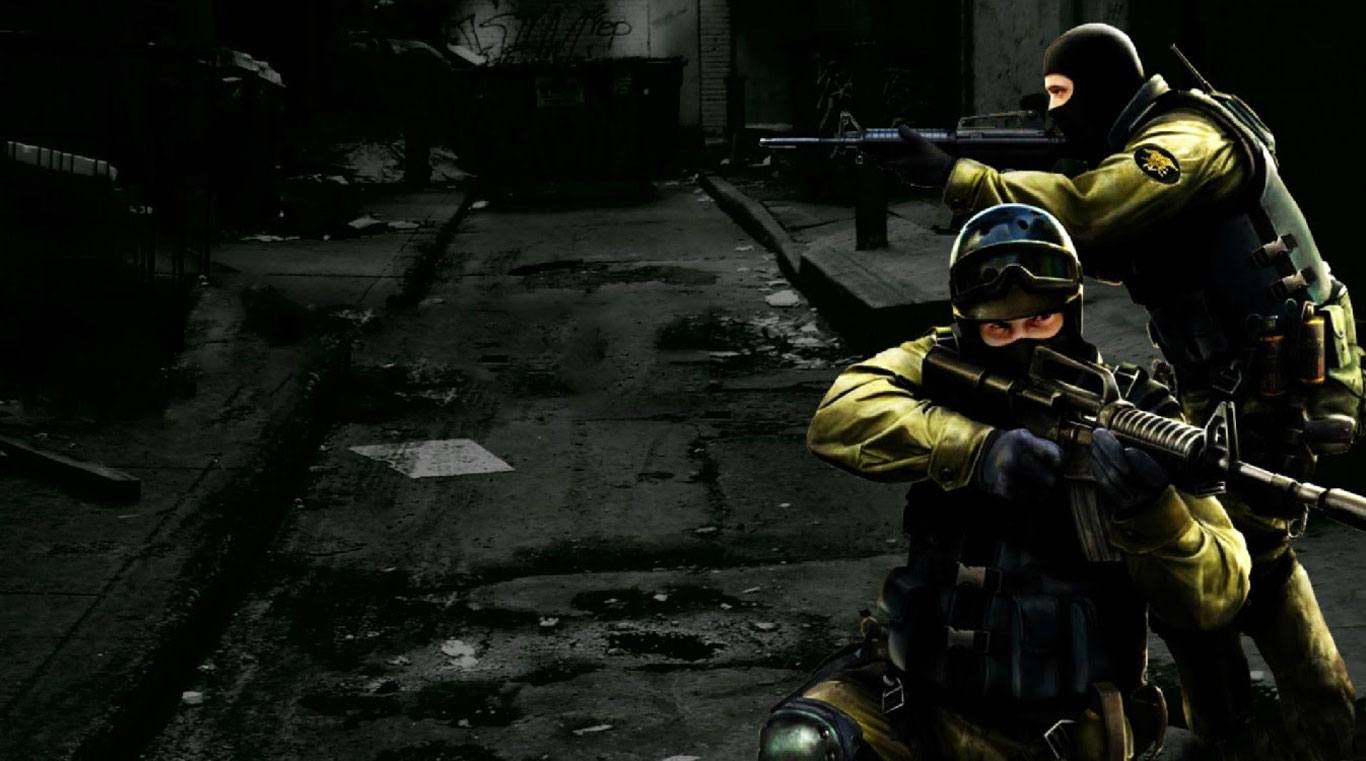
Critical Ops: Multiplayer FPS is a first-person shooter packed with challenging game modes. It gives you access to grenades, pistols, knives, shotguns, snipers, and many more. The game lets you create clans with your friends to participate in tournaments and other online matches.

Gameplay Overview

Whether you’re playing Defuse, Team Deathmatch, or Elimination mode, your aim needs to be top-notch for your continued success. Refine your skills from time to time to prepare for every battle that lies ahead. Every fraction of a second and every small change in your aim or timing can make all the difference.

Game Features

  • Frequently updated content
  • High-quality graphics
  • Smooth game controls

How to Play? 

Download Critical Ops: Multiplayer FPS for free from the Google Play Store using the BlueStacks app player.

Game Features

Enhancements

  • Shooting Mode
  • High FPS
  • Script
  • Free Look
  • Enhancements
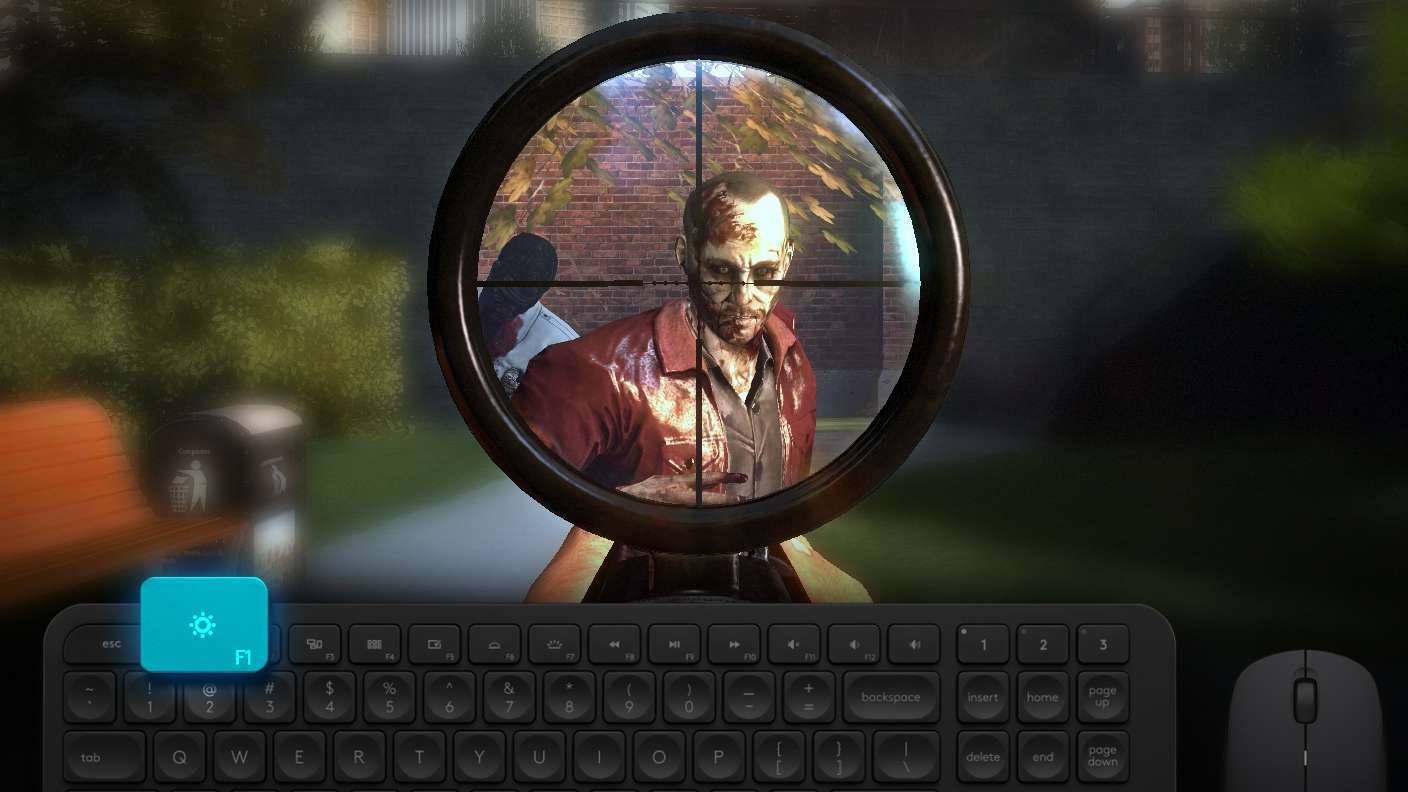
Shooting Mode

Shooting Mode

Boom, headshot. With BlueStacks Shooting Mode, experience PC-like gameplay when playing Critical Ops: Multiplayer FPS. Press F1 to aim and shoot with mouse.
High FPS

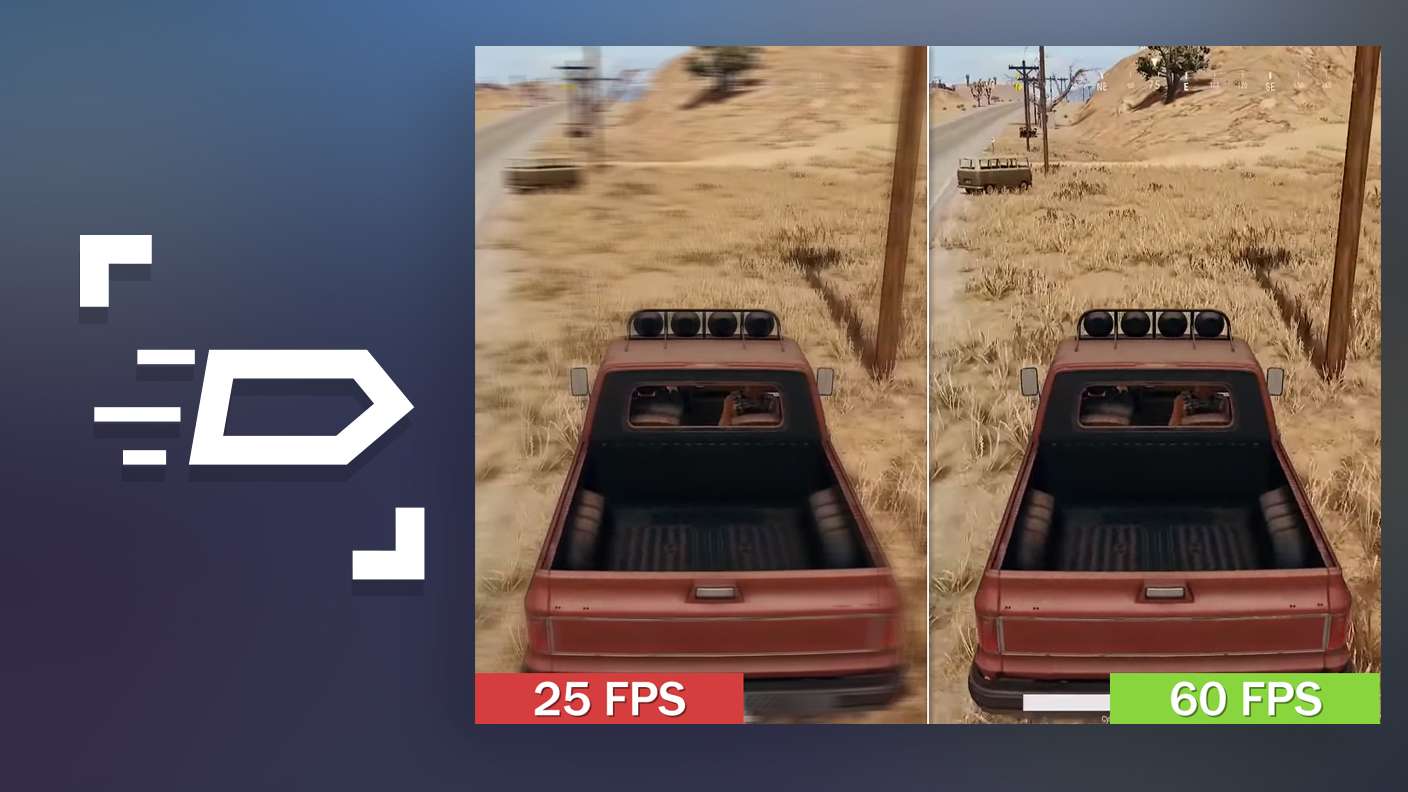
High FPS

Enable the highest possible frame rate in Critical Ops: Multiplayer FPS for a seamless gaming experience. Get smoother graphics and better reaction time.
Script

Script

Play Critical Ops: Multiplayer FPS with the innovative Script feature. Create and run a script to fully automize a sequence of actions. Assign it a key to execute in one go.
Free Look

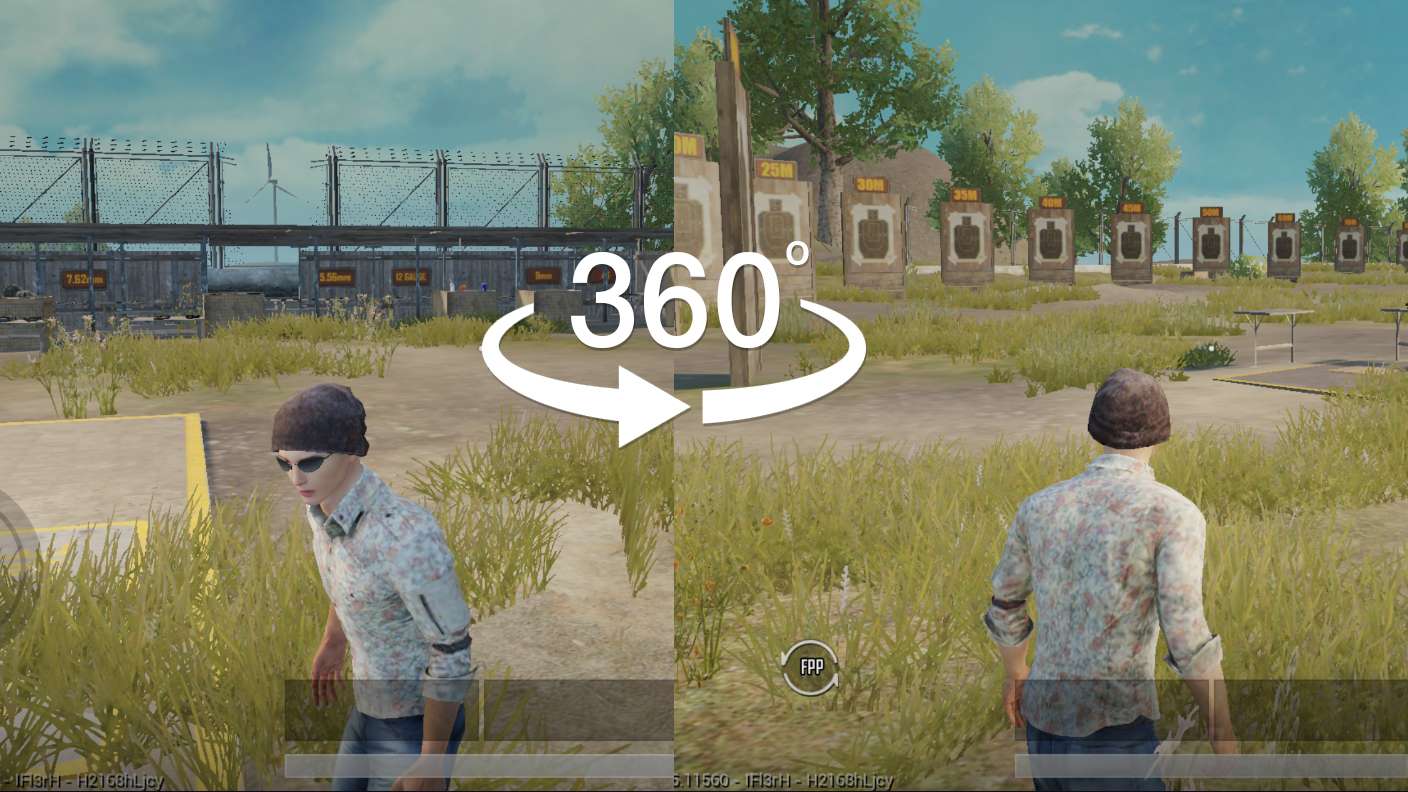
Free Look

Turn and shoot in milliseconds. With Freelook, BlueStacks has always got your back. Rule Critical Ops: Multiplayer FPS and get more kills.
Read More

How to Download and Play Critical Ops: Multiplayer FPS on PC or Mac

  • Download and install BlueStacks on your PC or Mac

  • Complete Google sign-in to access the Play Store, or do it later

  • Look for Critical Ops: Multiplayer FPS in the search bar at the top right corner

  • Click to install Critical Ops: Multiplayer FPS from the search results

  • Complete Google sign-in (if you skipped step 2) to install Critical Ops: Multiplayer FPS

  • Click the Critical Ops: Multiplayer FPS icon on the home screen to start playing

video
Watch Video

Minimum System Requirements

With BlueStacks 5, you can get started on a PC that fulfills the following requirements.

  • Operating System

    Microsoft Windows 7 or above, macOS 11 (Big Sur) or above

  • Processor

    Intel, AMD or Apple Silicon Processor

  • RAM

    at least 4GB

  • HDD

    10GB Free Disk Space

Note:

* You must be an Administrator on your PC. Up to date graphics drivers from Microsoft or the chipset vendor.

Critical Ops: Multiplayer FPS - FAQs

  • How to play Critical Ops: Multiplayer FPS on Windows PC & Mac?

    Play Critical Ops: Multiplayer FPS on your PC or Mac by following these simple steps.

    • Click on 'Play Critical Ops: Multiplayer FPS on PC’ to download BlueStacks
    • Install it and log-in to Google Play Store
    • Launch and play the game.
  • Why is BlueStacks the fastest and safest platform to play games on PC?

    BlueStacks respects your privacy and is always safe and secure to use. It does not carry any malware, spyware, or any sort of additional software that could harm your PC.

    It is engineered to optimize speed and performance for a seamless gaming experience.

  • What are Critical Ops: Multiplayer FPS PC requirements?

    Minimum requirement to run Critical Ops: Multiplayer FPS on your PC

    • OS: Microsoft Windows 7 or above MacOS 11 (Big Sur) or above
    • Processor: Intel, AMD or Apple Silicon Processor
    • RAM: Your PC must have at least 4GB of RAM. (Note that having 4GB or more disk space is not a substitute for RAM)
    • HDD: 10GB Free Disk Space.
    • You must be an Administrator on your PC.