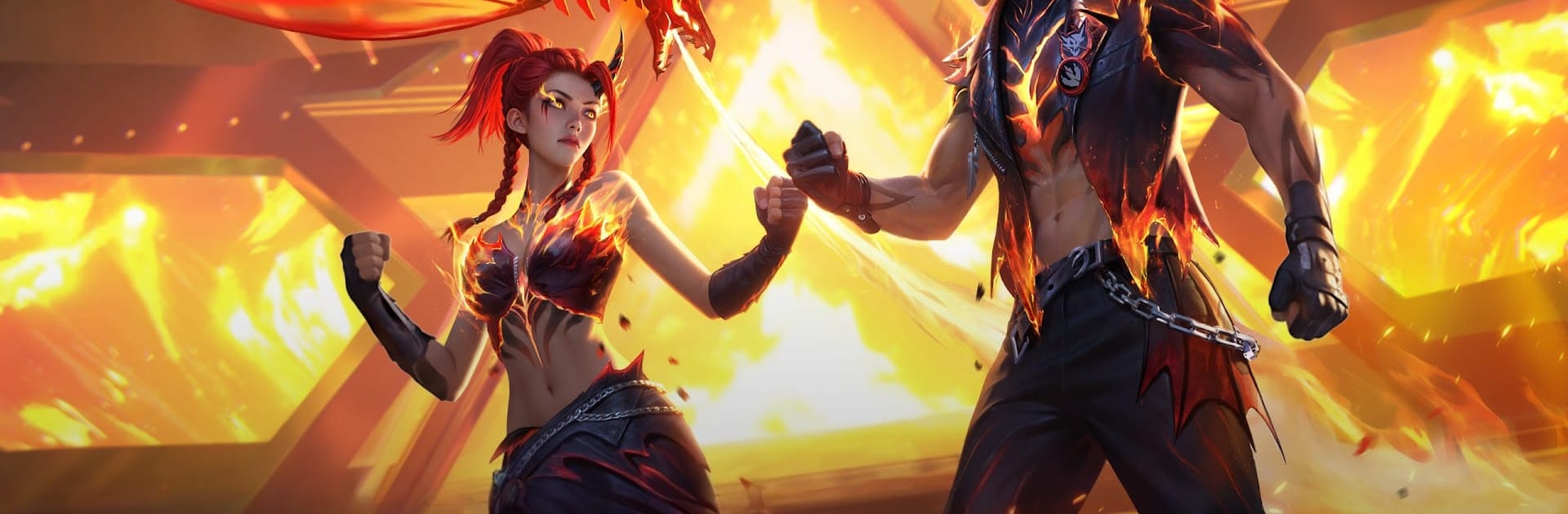
Free Fire MAX
Free Fire MAX

Free Fire MAX

Action

| SA TRADERS LIMITED

Play on PC with BlueStacks or from our cloud

  • Overview
  • Game Features
  • How to Play

Page Modified On: June 29, 2026

Play Free Fire MAX on PC or Mac

Step into the World of Free Fire MAX, a thrilling Action game from the house of SA TRADERS LIMITED. Play this Android game on BlueStacks App Player and experience immersive gaming on PC or Mac.

About the Game

Free Fire MAX turns quick, high-stakes shootouts into a sleek, cinematic experience. It’s a Battle Royale that keeps the intensity high and the downtime low, with tight matches, slick visuals, and plenty of ways to outsmart (or outblast) everyone else. Want short sessions that still feel epic? This is that game.

Game Features

  • Flame Arena Mode: Face off in a fiery stadium-style showdown. Squads drop in with team banners, and an in-match announcer calls the big moments as squads rise or fall. Keep your banner flying to prove your dominance.
  • Burning Safe Zone: When the heat ramps up, the safe zone literally becomes a ring of fire. A blazing trophy hangs above the battleground, pushing teams to clash at center stage.
  • Fiery Weapon Drops: Special flame-infused gear appears mid-match, packing boosted stats and fire-based area damage. Grab one and watch the tide turn fast.
  • Player Card & Value: Every fight feeds your Player Value. Build a custom player card with bold designs and show off your performance in style.
  • Fast 50-Player Matches: Land, loot, and make moves. Matches are snappy—perfect for players who want adrenaline without the long wait.
  • Crisp, High-End Visuals: Clean graphics, smoother effects, and responsive controls make every shot, peek, and sprint feel sharp.
  • Squad Up With Voice Chat: Team with up to three friends, coordinate on the fly, and clutch those late-game circles together.
  • Firelink Connectivity: Hop in with friends across Free Fire through an easy account link, so your progress and crew stay with you.
  • Play Your Way: Great on mobile and surprisingly comfy on a PC setup with BlueStacks if you prefer a bigger screen and familiar controls.

Start playing Free Fire MAX on BlueStacks and get a smoother, more comfortable PC or Mac setup.

Game Features

Enhancements

  • Macros
  • Multi Instance
  • Multi Instance Sync
  • Eco Mode
  • Enhancements
Macros

Macros

Skip the boring parts of a game. Play Free Fire MAX with Macros and get the edge. Simply record a sequence of commands and execute them at any moment.
Multi Instance

Multi Instance

Why limit to one game on your phone when you can play many on your PC? Open multiple instances of Free Fire MAX at once with Multi-Instance. Leverage the power of different accounts by doing more.
Multi Instance Sync

Multi Instance Sync

Get the best out of Free Fire MAX with Multi-Instance Sync. Play the game from different accounts and build your own empire. Use Multi-instance sync to repeat the action in the main BlueStacks instance on all other instances.
Eco Mode

Eco Mode

Find the rarest heroes by making multiple summons in Free Fire MAX. And while you are at it, reduce your PC’s resource consumption with the Eco Mode. Farm efficiently. Get the best results.
Read More

How to Download and Play Free Fire MAX on PC or Mac

  • Download and install BlueStacks on your PC or Mac

  • Complete Google sign-in to access the Play Store, or do it later

  • Look for Free Fire MAX in the search bar at the top right corner

  • Click to install Free Fire MAX from the search results

  • Complete Google sign-in (if you skipped step 2) to install Free Fire MAX

  • Click the Free Fire MAX icon on the home screen to start playing

video
Watch Video

Minimum System Requirements

With BlueStacks 5, you can get started on a PC that fulfills the following requirements.

  • Operating System

    Microsoft Windows 7 or above, macOS 11 (Big Sur) or above

  • Processor

    Intel, AMD or Apple Silicon Processor

  • RAM

    at least 4GB

  • HDD

    10GB Free Disk Space

Note:

* You must be an Administrator on your PC. Up to date graphics drivers from Microsoft or the chipset vendor.

Free Fire MAX - FAQs

  • How to play Free Fire MAX on Windows PC & Mac?

    Play Free Fire MAX on your PC or Mac by following these simple steps.

    • Click on 'Play Free Fire MAX on PC’ to download BlueStacks
    • Install it and log-in to Google Play Store
    • Launch and play the game.
  • Why is BlueStacks the fastest and safest platform to play games on PC?

    BlueStacks respects your privacy and is always safe and secure to use. It does not carry any malware, spyware, or any sort of additional software that could harm your PC.

    It is engineered to optimize speed and performance for a seamless gaming experience.

  • What are Free Fire MAX PC requirements?

    Minimum requirement to run Free Fire MAX on your PC

    • OS: Microsoft Windows 7 or above MacOS 11 (Big Sur) or above
    • Processor: Intel, AMD or Apple Silicon Processor
    • RAM: Your PC must have at least 4GB of RAM. (Note that having 4GB or more disk space is not a substitute for RAM)
    • HDD: 10GB Free Disk Space.
    • You must be an Administrator on your PC.