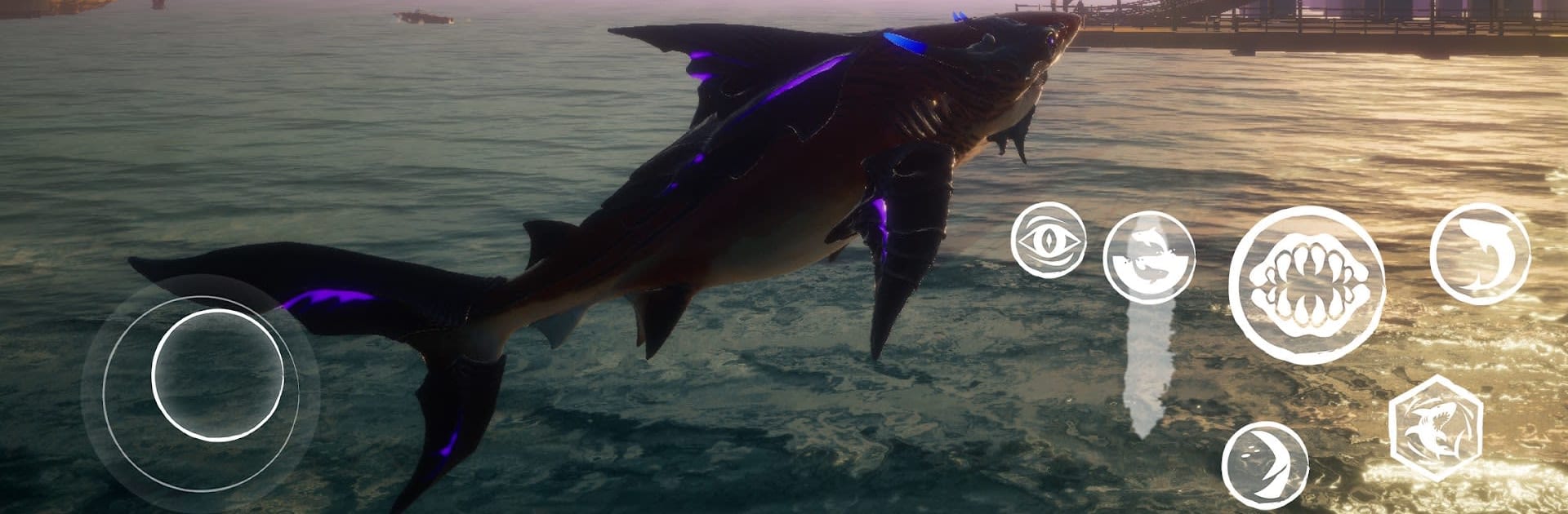


Maneater – Try & Buy brings the Action genre to life, and throws up exciting challenges for gamers. Developed by HandyGames, this Android game is best experienced on BlueStacks, the World’s #1 app player for PC and Mac users.
About the Game
Maneater – Try & Buy hands you the reins (or fins) to a very hungry shark in a chaotic coastal playground. It’s an Action game from HandyGames where you start small and scrap your way up the food chain, chewing through threats and outgrowing everything that wants you gone. You can sample the early game here; when you’re ready to keep evolving and settle some scores, unlock the full experience.
Game Features
- Be the Shark: You’re not a hero—you’re a shark. Hunt, survive, and turn the ocean into your turf without asking anyone’s permission.
- A Living Coastline: Roam sprawling Gulf regions—from murky bayous to sunny resort beaches, industrial docks, and the open ocean—with a full day/night cycle that changes what prowls the waters.
- Teeth-Out Combat: Clash with aggressive wildlife and square off against human hunters, from sloppy boat crews to well-armed Coast Guard patrols. Pick your moments, strike fast, and get out before the boats close in.
- Grow Your Monster: Scavenge resources and shark loot to unlock multiple evolution paths. Build a bruiser, a speed demon, or something weirder—tune your playstyle and make the ocean fear you.
- Story with a Twist: The whole campaign plays like a reality show, complete with sharp-witted narration by Chris Parnell. Revenge, humor, and a lot of chomping—yeah, it’s a vibe.
- Big-World Progression: Start as a vulnerable pup and push toward apex status by feeding, exploring, and adapting to new threats across seven distinct regions.
- Try & Buy Preview: This version lets you begin your journey and taste the progression. Purchase the full game to keep growing into a legend and see the campaign through.
- Optional PC Play: Prefer a bigger screen? You can run it on your PC with BlueStacks without changing how you play.
Make your gaming sessions memorable with precise controls that give you an edge in close combats and visuals that pop up, bringing every character to life.