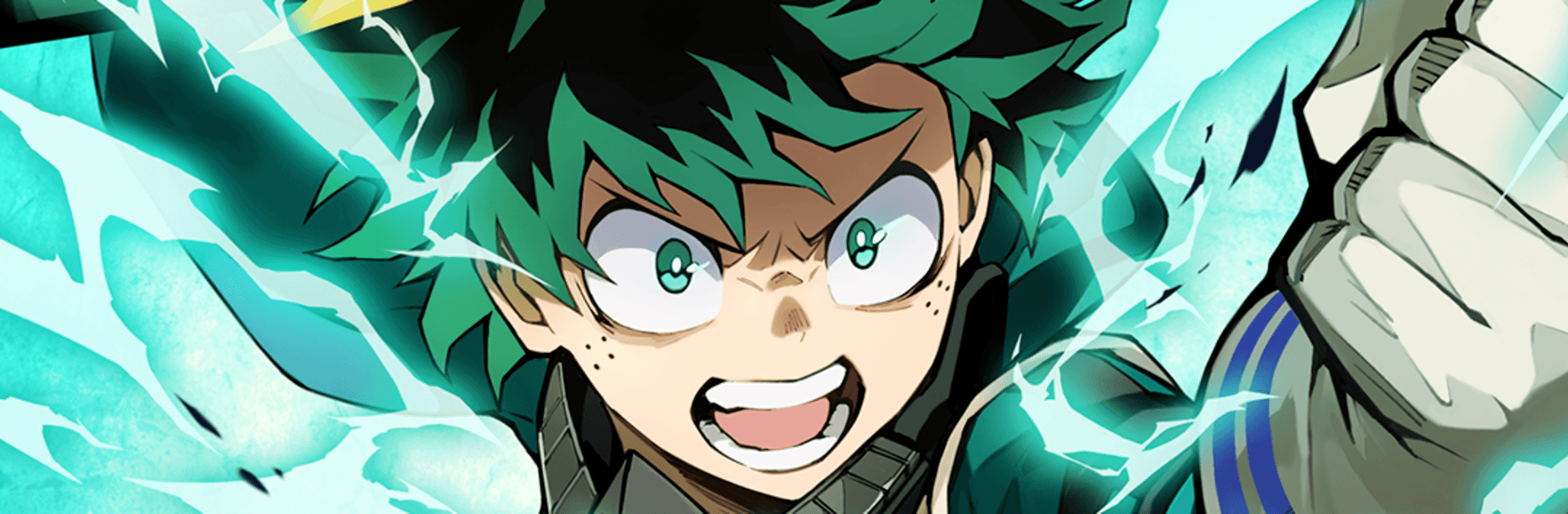
MHA: UNITED SURVIVAL

MHA: UNITED SURVIVAL

Action

| KLab

Play on PC with BlueStacks or from our cloud

Click here to Pre-Register for MHA: UNITED SURVIVAL
  • Overview
  • Features
  • How to Play

Page Modified On: June 29, 2026

Play MHA: UNITED SURVIVAL on PC or Mac

Bring your A-game to MHA: UNITED SURVIVAL, the Action game sensation from KLab. Give your gameplay the much-needed boost with precise game controls, high FPS graphics, and top-tier features on your PC or Mac with BlueStacks.

About the Game

MHA: UNITED SURVIVAL throws you into fast, chaotic Action where Quirks light up the screen and every brawl feels different. Build a compact squad, experiment with wild team synergies, and fight through waves of enemies that refuse to quit. It’s quick to pick up, surprisingly deep once you’re in, and a great fit whether you’ve got five minutes or an hour. Prefer playing on a bigger screen? It runs great on PC with BlueStacks, too.

Game Features

  • Lightning-fast combat: Responsive controls and punchy effects keep fights snappy and satisfying, whether you’re dashing through mobs or timing that perfect counter.
  • Three-person squads: Mix and match a trio of heroes and villains to create your own playstyle—burst damage, crowd control, survivability, or a bit of everything.
  • Tag-team finishers: Trigger dramatic team attacks and ultimate techniques that feel tailor-made for big moments. Land them back-to-back for momentum that snowballs.
  • Roguelite runs that evolve: Each run offers new upgrades and choices, pushing you to try fresh builds and strategies instead of sticking to one comfort pick.
  • Quirk synergy made simple: Pair abilities that naturally complement each other—stuns setting up slams, shields feeding power moves—for results that feel clever, not complicated.
  • Story beyond the anime: Play through familiar arcs and discover original storylines crafted just for the game, including special techniques you won’t see elsewhere.
  • Pick-up-and-play depth: Short stages, clear goals, and bite-sized progression make it easy to hop in, while layered mechanics keep the ceiling high for dedicated players.

BlueStacks gives you more room to focus on the game and less time adjusting around mobile limitations.


Features

  • Macros

    Skip the boring parts of a game. Play MHA: UNITED SURVIVAL with Macros and get the edge. Simply record a sequence of commands and execute them at any moment.

  • Multi Instance

    Why limit to one game on your phone when you can play many on your PC? Open multiple instances of MHA: UNITED SURVIVAL at once with Multi-Instance. Leverage the power of different accounts by doing more.

  • Multi Instance Sync

    Get the best out of MHA: UNITED SURVIVAL with Multi-Instance Sync. Play the game from different accounts and build your own empire. Use Multi-instance sync to repeat the action in the main BlueStacks instance on all other instances.

  • Eco Mode

    Find the rarest heroes by making multiple summons in MHA: UNITED SURVIVAL. And while you are at it, reduce your PC’s resource consumption with the Eco Mode. Farm efficiently. Get the best results.

How to Download and Play MHA: UNITED SURVIVAL on PC or Mac

  • Download and install BlueStacks on your PC or Mac

  • Complete Google sign-in to access the Play Store, or do it later

  • Look for MHA: UNITED SURVIVAL in the search bar at the top right corner

  • Click to install MHA: UNITED SURVIVAL from the search results

  • Complete Google sign-in (if you skipped step 2) to install MHA: UNITED SURVIVAL

  • Click the MHA: UNITED SURVIVAL icon on the home screen to start playing

video
Watch Video

Minimum System Requirements

With BlueStacks 5, you can get started on a PC that fulfills the following requirements.

  • Operating System

    Microsoft Windows 7 or above, macOS 11 (Big Sur) or above

  • Processor

    Intel, AMD or Apple Silicon Processor

  • RAM

    at least 4GB

  • HDD

    10GB Free Disk Space

Note:

* You must be an Administrator on your PC. Up to date graphics drivers from Microsoft or the chipset vendor.

Exclusive Gaming Content. And More.

Get the latest updates on the BlueStacks Blog.

See More
MHA: UNITED SURVIVAL

Be among the first to play MHA: UNITED SURVIVAL on PC

Get notified when the Game launches

MHA: UNITED SURVIVAL - FAQs

  • How to play MHA: UNITED SURVIVAL on Windows PC & Mac?

    Play MHA: UNITED SURVIVAL on your PC or Mac by following these simple steps.

    • Click on 'Play MHA: UNITED SURVIVAL on PC’ to download BlueStacks
    • Install it and log-in to Google Play Store
    • Launch and play the game.
  • Why is BlueStacks the fastest and safest platform to play games on PC?

    BlueStacks respects your privacy and is always safe and secure to use. It does not carry any malware, spyware, or any sort of additional software that could harm your PC.

    It is engineered to optimize speed and performance for a seamless gaming experience.

  • What are MHA: UNITED SURVIVAL PC requirements?

    Minimum requirement to run MHA: UNITED SURVIVAL on your PC

    • OS: Microsoft Windows 7 or above MacOS 11 (Big Sur) or above
    • Processor: Intel, AMD or Apple Silicon Processor
    • RAM: Your PC must have at least 4GB of RAM. (Note that having 4GB or more disk space is not a substitute for RAM)
    • HDD: 10GB Free Disk Space.
    • You must be an Administrator on your PC.