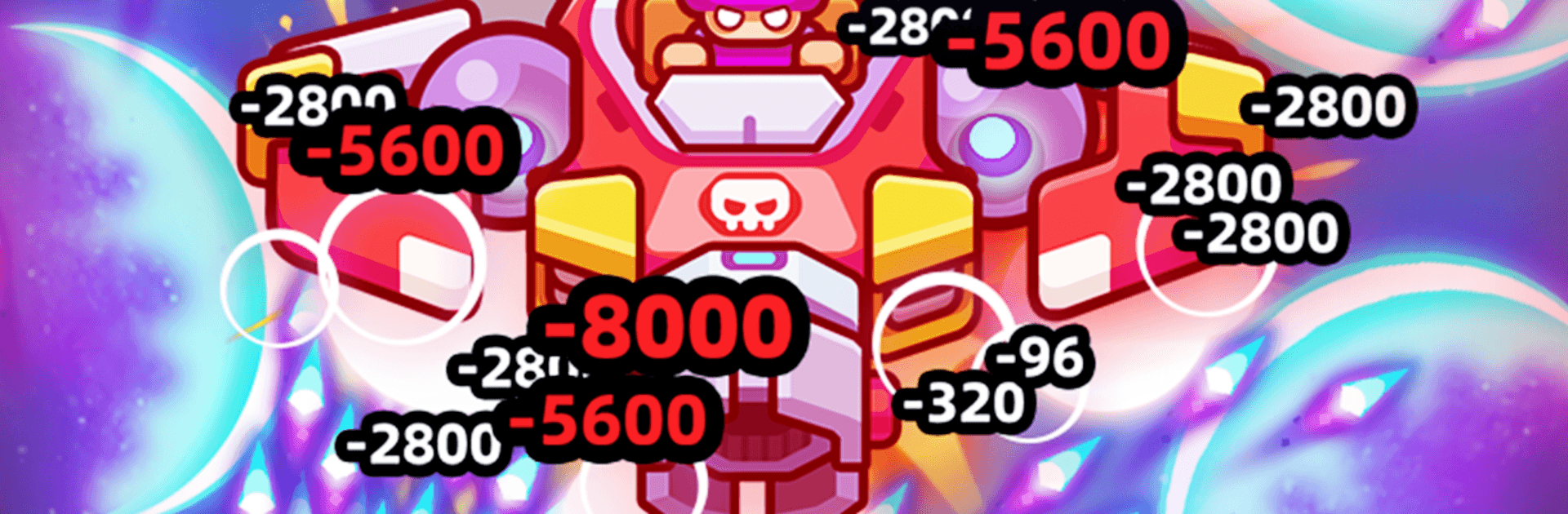
SkyBlitz
SkyBlitz

SkyBlitz

Action

| EvaSun

Play on PC with BlueStacks or from our cloud

  • Overview
  • Game Features
  • How to Play

Page Modified On: June 29, 2026

Play SkyBlitz on PC or Mac

SkyBlitz by EvaSun has plenty to keep you busy. BlueStacks lets you play it on PC or Mac with more screen space, better control, and fewer mobile limits.

About the Game

SkyBlitz is a fast, no-nonsense Action shooter that throws you into aerial brawls across constantly changing skies. Every run reshuffles the battlefield, so you’re always reacting, adjusting, and chasing that next clutch victory. It’s perfect for quick sessions or marathon streaks, and if you like playing on a PC setup, it also feels great on BlueStacks.

Game Features

  • Shifting Skies
    Fly through procedurally generated airspaces where layouts, enemy waves, and hazards keep changing, making each mission feel fresh and unpredictable.

  • Freestyle Weapons
    Slot in Homing Lasers for clean target locks, or call up Shield Drones—aka “Moon Blades”—that orbit your craft for full-circle protection. Stack upgrades and experiment with wild synergies to craft your kind of chaos.

  • Permanent Progress
    Push meta-progression to boost speed, firepower, and armor. Yesterday’s miniboss becomes tomorrow’s warm-up as your hangar collection grows stronger.

  • One-Hand Control, Big Skill Ceiling
    Simple, one-touch controls make it easy to start. The depth shows up fast: razor-dodge patterns, clutch bursts, and split-second pathing in both tense 1v1 clashes and rowdy PvE swarms.

  • Global Competition
    Climb worldwide leaderboards and prove your piloting chops. Earn standout looks as you rack up milestones, unlocking legendary skins that tell everyone you’re a threat.

  • High-Impact Presentation
    Snappy effects, bold enemy silhouettes, and clear UI keep the action readable even when the screen is packed, so you can stay locked in on the next perfect dodge.

Start playing SkyBlitz on BlueStacks and get a smoother, more comfortable PC or Mac setup.

Game Features

Enhancements

  • Macros
  • Multi Instance
  • Multi Instance Sync
  • Eco Mode
  • Enhancements
Macros

Macros

Skip the boring parts of a game. Play SkyBlitz with Macros and get the edge. Simply record a sequence of commands and execute them at any moment.
Multi Instance

Multi Instance

Why limit to one game on your phone when you can play many on your PC? Open multiple instances of SkyBlitz at once with Multi-Instance. Leverage the power of different accounts by doing more.
Multi Instance Sync

Multi Instance Sync

Get the best out of SkyBlitz with Multi-Instance Sync. Play the game from different accounts and build your own empire. Use Multi-instance sync to repeat the action in the main BlueStacks instance on all other instances.
Eco Mode

Eco Mode

Find the rarest heroes by making multiple summons in SkyBlitz. And while you are at it, reduce your PC’s resource consumption with the Eco Mode. Farm efficiently. Get the best results.
Read More

How to Download and Play SkyBlitz on PC or Mac

  • Download and install BlueStacks on your PC or Mac

  • Complete Google sign-in to access the Play Store, or do it later

  • Look for SkyBlitz in the search bar at the top right corner

  • Click to install SkyBlitz from the search results

  • Complete Google sign-in (if you skipped step 2) to install SkyBlitz

  • Click the SkyBlitz icon on the home screen to start playing

video
Watch Video

Minimum System Requirements

With BlueStacks 5, you can get started on a PC that fulfills the following requirements.

  • Operating System

    Microsoft Windows 7 or above, macOS 11 (Big Sur) or above

  • Processor

    Intel, AMD or Apple Silicon Processor

  • RAM

    at least 4GB

  • HDD

    10GB Free Disk Space

Note:

* You must be an Administrator on your PC. Up to date graphics drivers from Microsoft or the chipset vendor.

SkyBlitz - FAQs

  • How to play SkyBlitz on Windows PC & Mac?

    Play SkyBlitz on your PC or Mac by following these simple steps.

    • Click on 'Play SkyBlitz on PC’ to download BlueStacks
    • Install it and log-in to Google Play Store
    • Launch and play the game.
  • Why is BlueStacks the fastest and safest platform to play games on PC?

    BlueStacks respects your privacy and is always safe and secure to use. It does not carry any malware, spyware, or any sort of additional software that could harm your PC.

    It is engineered to optimize speed and performance for a seamless gaming experience.

  • What are SkyBlitz PC requirements?

    Minimum requirement to run SkyBlitz on your PC

    • OS: Microsoft Windows 7 or above MacOS 11 (Big Sur) or above
    • Processor: Intel, AMD or Apple Silicon Processor
    • RAM: Your PC must have at least 4GB of RAM. (Note that having 4GB or more disk space is not a substitute for RAM)
    • HDD: 10GB Free Disk Space.
    • You must be an Administrator on your PC.