Slow Mo Smash: Time Strike

Slow Mo Smash: Time Strike

Action

| Dead Pixel Labs

Play on PC with BlueStacks or from our cloud

  • Overview
  • Game Features
  • How to Play

Page Modified On: October 21, 2026

Play Slow Mo Smash: Time Strike on PC or Mac

Bring your A-game to Slow Mo Smash: Time Strike, the Action game sensation from Dead Pixel Labs. Give your gameplay the much-needed boost with precise game controls, high FPS graphics, and top-tier features on your PC or Mac with BlueStacks.

About the Game

Slow Mo Smash: Time Strike hands you the power to pause chaos, sketch a plan, and set it off in a blink. Freeze the battlefield, line up blades along your finger’s path, then release to watch everything erupt at once—clean, clever, and wildly satisfying. Genre: Action.

Game Features

  • Freeze time, sketch your strike: Hold to slow the world to a crawl, trace your attack route, then lift your finger to fire every blade simultaneously.
  • Turn arenas into puzzles: Use the environment to your advantage—pop red barrels, collapse rickety bridges, slip past angled shields, or route shots through multiplying gates for one dazzling sweep.
  • Plan it your way: Go surgical with a single, perfect throw or flood the screen with steel; the bigger your setup, the bigger the payoff when time snaps back.
  • Fresh twists each stage: Moving targets, shifting obstacles, and chunky set pieces make every level feel new, nudging you to rethink your route instead of repeating the same move.
  • New toys to play with: Unlock varied weapons, stack effects, trigger satisfying combos, and spark chain reactions that ripple across the map.
  • Quick bursts or long sessions: Hop in for a one-minute brain teaser or settle in for a longer run—stages are easy to learn and addictive to master.
  • Smooth, tactile control: Drag-and-release feels snappy and precise, with responsive performance on BlueStacks if you’d rather play from your desk.

Start your journey now. Download the game on BlueStacks, invite your friends, and march on a new adventure.

Game Features

Enhancements

  • Macros
  • Multi Instance
  • Multi Instance Sync
  • Eco Mode
  • Enhancements
Macros

Macros

Skip the boring parts of a game. Play Slow Mo Smash: Time Strike with Macros and get the edge. Simply record a sequence of commands and execute them at any moment.
Multi Instance

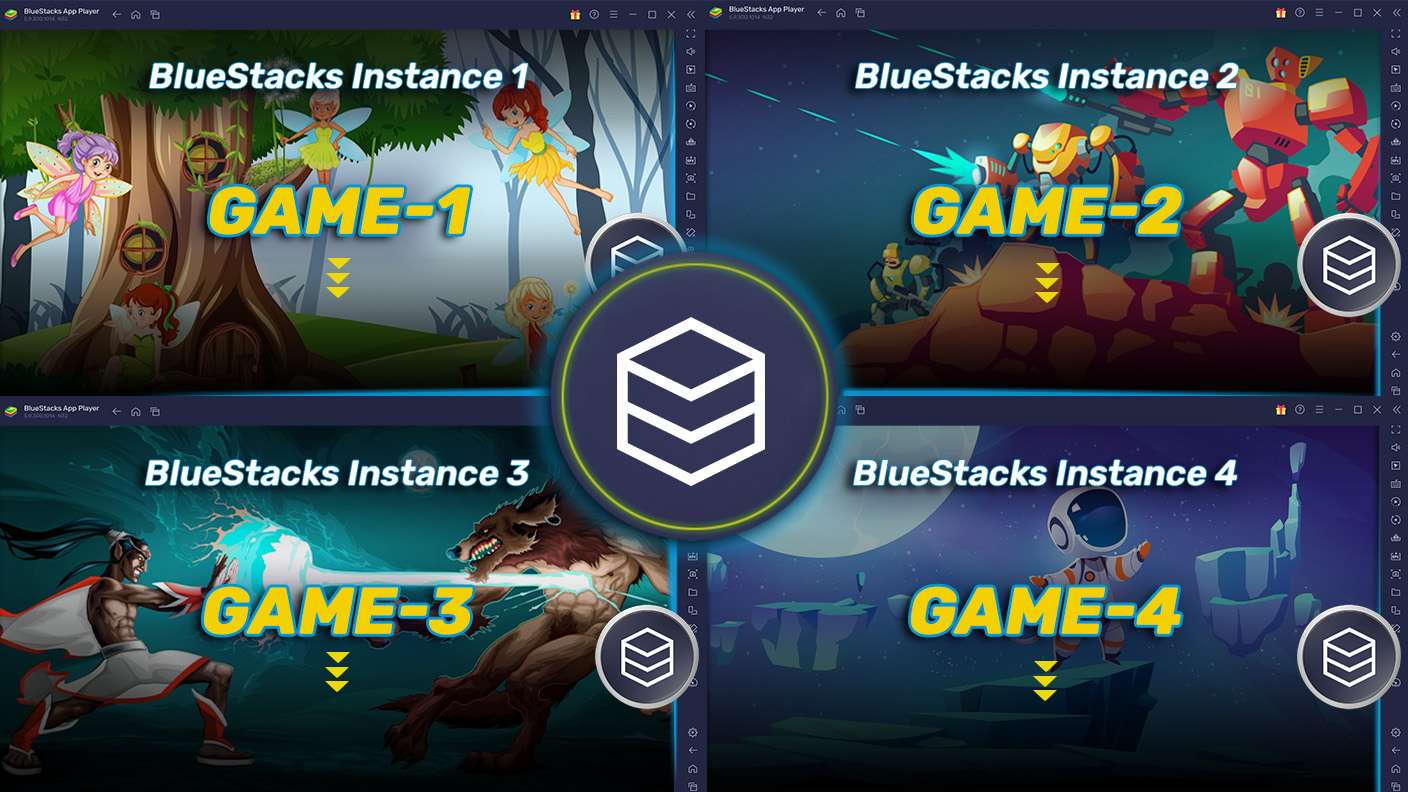
Multi Instance

Why limit to one game on your phone when you can play many on your PC? Open multiple instances of Slow Mo Smash: Time Strike at once with Multi-Instance. Leverage the power of different accounts by doing more.
Multi Instance Sync

Multi Instance Sync

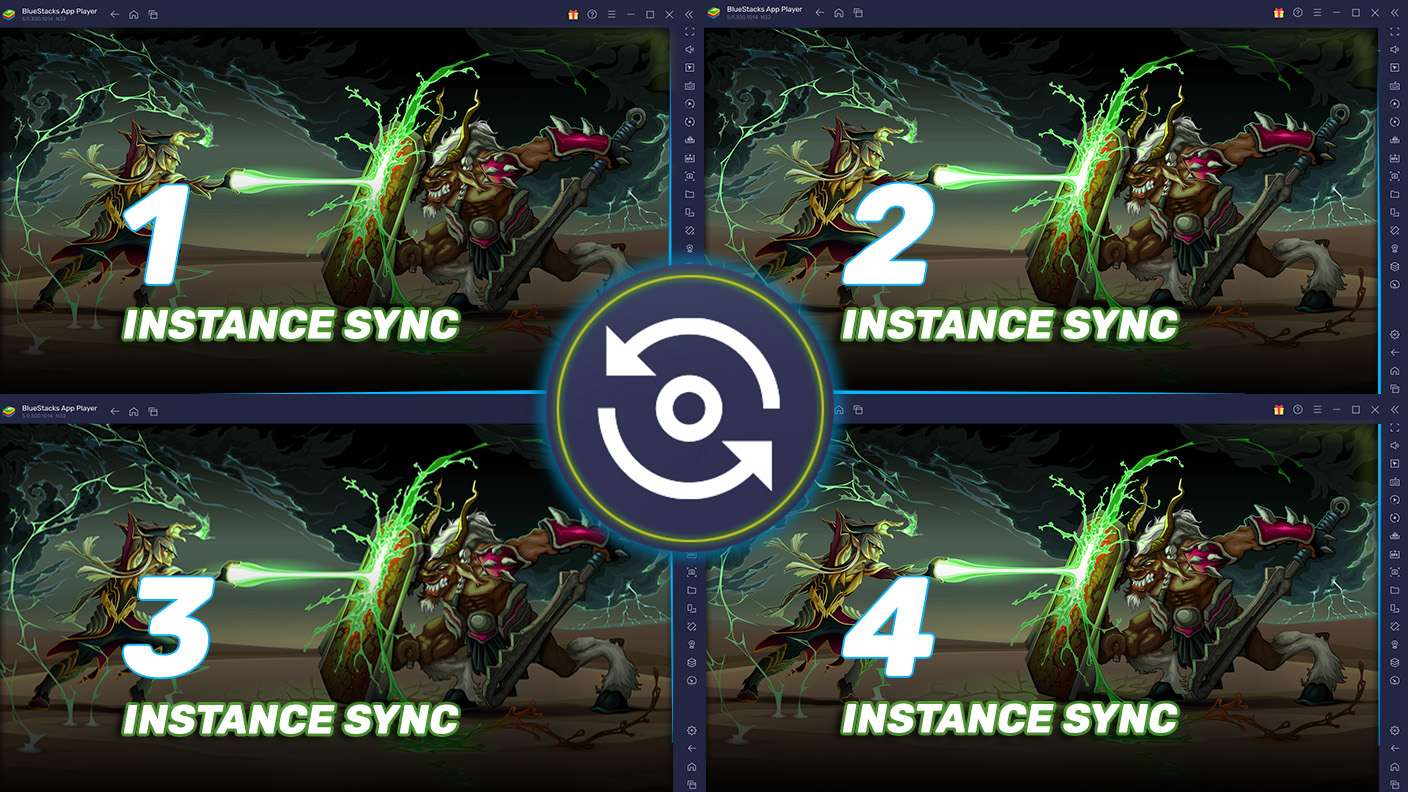
Get the best out of Slow Mo Smash: Time Strike with Multi-Instance Sync. Play the game from different accounts and build your own empire. Use Multi-instance sync to repeat the action in the main BlueStacks instance on all other instances.
Eco Mode

Eco Mode

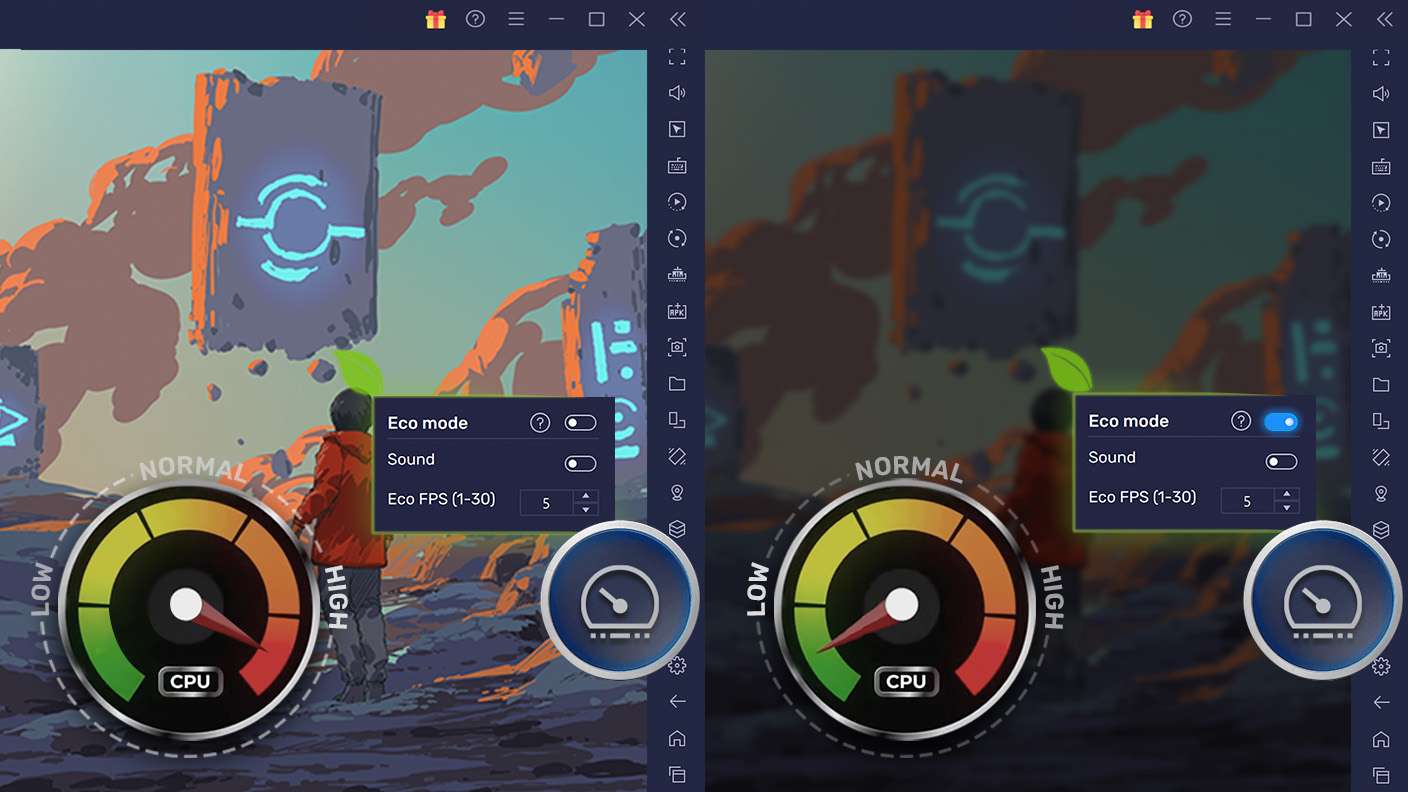
Find the rarest heroes by making multiple summons in Slow Mo Smash: Time Strike. And while you are at it, reduce your PC’s resource consumption with the Eco Mode. Farm efficiently. Get the best results.
Read More

How to Download and Play Slow Mo Smash: Time Strike on PC or Mac

  • Download and install BlueStacks on your PC or Mac

  • Complete Google sign-in to access the Play Store, or do it later

  • Look for Slow Mo Smash: Time Strike in the search bar at the top right corner

  • Click to install Slow Mo Smash: Time Strike from the search results

  • Complete Google sign-in (if you skipped step 2) to install Slow Mo Smash: Time Strike

  • Click the Slow Mo Smash: Time Strike icon on the home screen to start playing

video
Watch Video

Minimum System Requirements

With BlueStacks 5, you can get started on a PC that fulfills the following requirements.

  • Operating System

    Microsoft Windows 7 or above, macOS 11 (Big Sur) or above

  • Processor

    Intel, AMD or Apple Silicon Processor

  • RAM

    at least 4GB

  • HDD

    10GB Free Disk Space

Note:

* You must be an Administrator on your PC. Up to date graphics drivers from Microsoft or the chipset vendor.

Slow Mo Smash: Time Strike - FAQs

  • How to play Slow Mo Smash: Time Strike on Windows PC & Mac?

    Play Slow Mo Smash: Time Strike on your PC or Mac by following these simple steps.

    • Click on 'Play Slow Mo Smash: Time Strike on PC’ to download BlueStacks
    • Install it and log-in to Google Play Store
    • Launch and play the game.
  • Why is BlueStacks the fastest and safest platform to play games on PC?

    BlueStacks respects your privacy and is always safe and secure to use. It does not carry any malware, spyware, or any sort of additional software that could harm your PC.

    It is engineered to optimize speed and performance for a seamless gaming experience.

  • What are Slow Mo Smash: Time Strike PC requirements?

    Minimum requirement to run Slow Mo Smash: Time Strike on your PC

    • OS: Microsoft Windows 7 or above MacOS 11 (Big Sur) or above
    • Processor: Intel, AMD or Apple Silicon Processor
    • RAM: Your PC must have at least 4GB of RAM. (Note that having 4GB or more disk space is not a substitute for RAM)
    • HDD: 10GB Free Disk Space.
    • You must be an Administrator on your PC.