Tiny Mouse: Car Builder

Tiny Mouse: Car Builder

Action

| Appodeal Accelerator Labs

Play on PC with BlueStacks or from our cloud

  • Overview
  • Game Features
  • How to Play

Page Modified On: October 21, 2026

Play Tiny Mouse: Car Builder on PC or Mac

Step into the World of Tiny Mouse: Car Builder, a thrilling Action game from the house of Appodeal Accelerator Labs. Play this Android game on BlueStacks App Player and experience immersive gaming on PC or Mac.

About the Game

Tiny Mouse: Car Builder is an Action game where a fearless little mouse turns everyday junk into ridiculous rideable contraptions. You’ll bolt parts onto cans, cartons, and even fruit, then let real physics decide whether you clear a stack of books or tumble into a glorious crash. Want a wider view while you build and test? You can play it on BlueStacks, too.

Game Features

  • Build-from-junk creativity: Turn soda cans, milk cartons, bananas, and tape into a working car by snapping parts wherever they make sense (or don’t).
  • Real physics mayhem: Your creations roll, tip, flip, and sometimes explode into pieces—one misplaced wheel can send you snout-first into the floor.
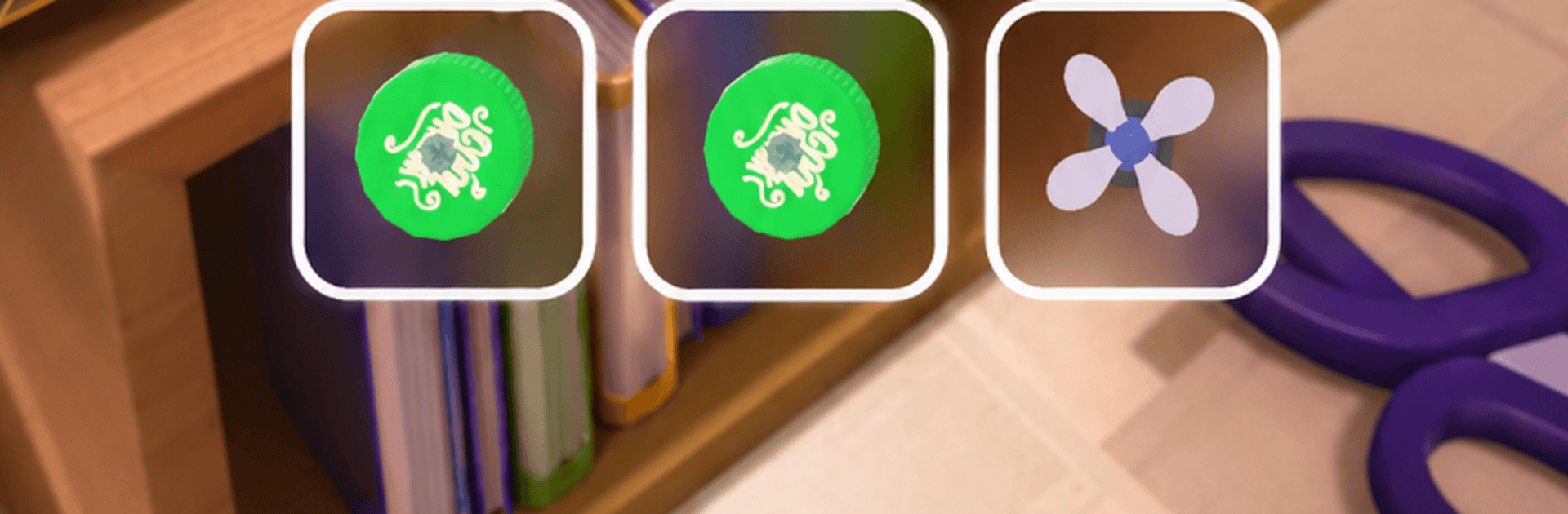
  • Rockets, fans, and boosters: Mix propulsion and balance tools to launch harder, glide over gaps, or keep the front end from nosediving.
  • One tiny daredevil: Stuart rides every build, leaning into turns, bracing over bumps, and breaking into goofy dances when left to his own devices.
  • Big room, big stunts: Charge across a busy desk, shoot up cardboard ramps, skim along bookshelves, and rattle over tiles while knocking down props.
  • Quick to pick up: Simple one-tap driving and short levels make it easy to squeeze in runs or chase that “just one more try” feeling.
  • Many paths to the finish: There’s no single correct design—experiment, tweak placements, and discover the setup that actually survives.
  • Style your space: Unlock new looks for the workshop and make your tinkering zone feel just right.
  • Handcrafted courses: Tackle carefully built stages that reward smart builds and bold driving.

Start your journey now. Download the game on BlueStacks, invite your friends, and march on a new adventure.


Game Features

Enhancements

  • Macros
  • Multi Instance
  • Multi Instance Sync
  • Eco Mode
  • Enhancements
Macros

Macros

Skip the boring parts of a game. Play Tiny Mouse: Car Builder with Macros and get the edge. Simply record a sequence of commands and execute them at any moment.
Multi Instance

Multi Instance

Why limit to one game on your phone when you can play many on your PC? Open multiple instances of Tiny Mouse: Car Builder at once with Multi-Instance. Leverage the power of different accounts by doing more.
Multi Instance Sync

Multi Instance Sync

Get the best out of Tiny Mouse: Car Builder with Multi-Instance Sync. Play the game from different accounts and build your own empire. Use Multi-instance sync to repeat the action in the main BlueStacks instance on all other instances.
Eco Mode

Eco Mode

Find the rarest heroes by making multiple summons in Tiny Mouse: Car Builder. And while you are at it, reduce your PC’s resource consumption with the Eco Mode. Farm efficiently. Get the best results.
Read More

How to Download and Play Tiny Mouse: Car Builder on PC or Mac

  • Download and install BlueStacks on your PC or Mac

  • Complete Google sign-in to access the Play Store, or do it later

  • Look for Tiny Mouse: Car Builder in the search bar at the top right corner

  • Click to install Tiny Mouse: Car Builder from the search results

  • Complete Google sign-in (if you skipped step 2) to install Tiny Mouse: Car Builder

  • Click the Tiny Mouse: Car Builder icon on the home screen to start playing

video
Watch Video

Minimum System Requirements

With BlueStacks 5, you can get started on a PC that fulfills the following requirements.

  • Operating System

    Microsoft Windows 7 or above, macOS 11 (Big Sur) or above

  • Processor

    Intel, AMD or Apple Silicon Processor

  • RAM

    at least 4GB

  • HDD

    10GB Free Disk Space

Note:

* You must be an Administrator on your PC. Up to date graphics drivers from Microsoft or the chipset vendor.

Tiny Mouse: Car Builder - FAQs

  • How to play Tiny Mouse: Car Builder on Windows PC & Mac?

    Play Tiny Mouse: Car Builder on your PC or Mac by following these simple steps.

    • Click on 'Play Tiny Mouse: Car Builder on PC’ to download BlueStacks
    • Install it and log-in to Google Play Store
    • Launch and play the game.
  • Why is BlueStacks the fastest and safest platform to play games on PC?

    BlueStacks respects your privacy and is always safe and secure to use. It does not carry any malware, spyware, or any sort of additional software that could harm your PC.

    It is engineered to optimize speed and performance for a seamless gaming experience.

  • What are Tiny Mouse: Car Builder PC requirements?

    Minimum requirement to run Tiny Mouse: Car Builder on your PC

    • OS: Microsoft Windows 7 or above MacOS 11 (Big Sur) or above
    • Processor: Intel, AMD or Apple Silicon Processor
    • RAM: Your PC must have at least 4GB of RAM. (Note that having 4GB or more disk space is not a substitute for RAM)
    • HDD: 10GB Free Disk Space.
    • You must be an Administrator on your PC.