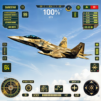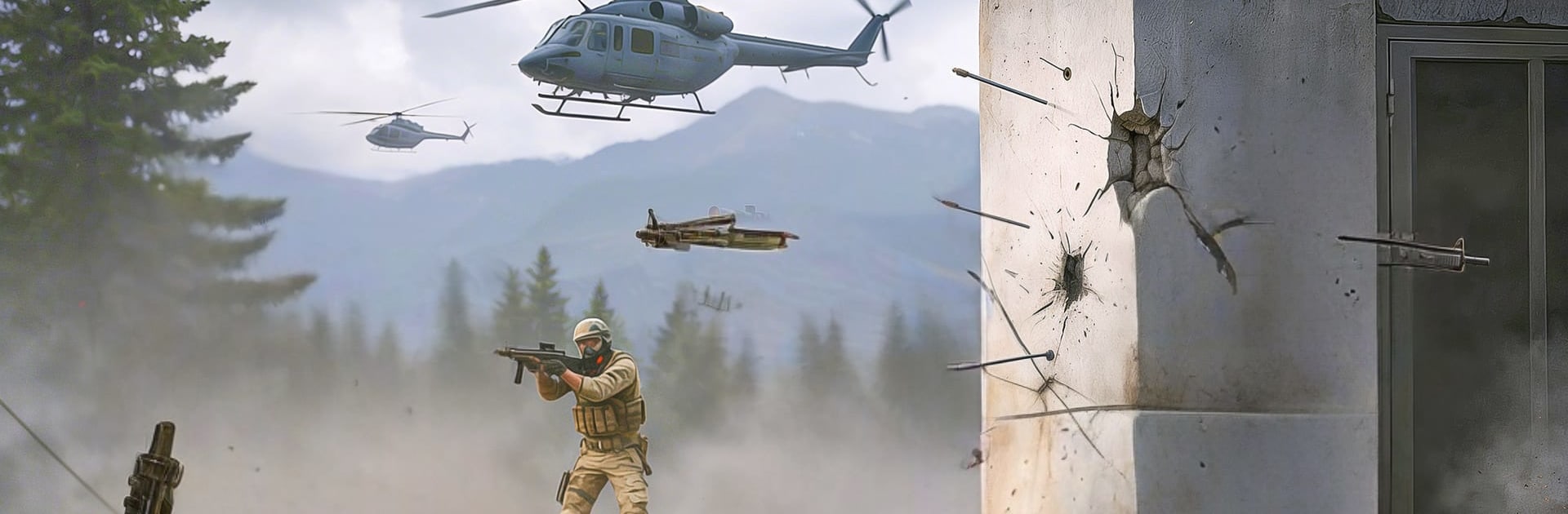
3D FPS Shooting - 3D FPS Game

3D FPS Shooting - 3D FPS Game

Adventure

| Game Skills

Play on PC with BlueStacks or from our cloud

  • Overview
  • Game Features
  • How to Play

Page Modified On: October 23, 2026

Play 3D FPS Shooting - 3D FPS Game on PC or Mac

Step into the World of 3D FPS Shooting – 3D FPS Game, a thrilling Adventure game from the house of Game Skills. Play this Android game on BlueStacks App Player and experience immersive gaming on PC or Mac.

About the Game

3D FPS Shooting – 3D FPS Game throws you into fast, first-person shootouts with a slick mix of close-quarters chaos and clean long-range sniping. It’s an Adventure built around quick decisions, smart positioning, and the pure rush of a well-placed shot. Prefer a bigger screen and tighter aim? It runs smoothly on BlueStacks, so you can settle in and get precise.

Game Features

  • Fast, Tactical Firefights: Jump into quick encounters where timing your reloads, peeking corners, and controlling recoil decide every clash.
  • Sniper Missions That Matter: Line up shots across varied maps, account for distance and timing, and make every bullet count in focused sniper scenarios.
  • Modes for Every Mood: Swap between Assault, Sniper, and Team Death Match to suit your pace—go aggressive, play it patient, or coordinate with a squad.
  • Modern Arsenal: Pick from a range of assault rifles and sniper rifles, each with its own feel, strengths, and satisfying punch.
  • Crisp 3D Look & Sound: Clean visuals highlight sightlines and cover, while punchy audio cues help you track threats and react faster.
  • Controls That Feel Right: Smooth, responsive aiming and steady movement make tracking targets and snapping to sights feel natural.
  • Play Online or Offline: Tackle solo missions without a connection, or jump into team skirmishes when you want that competitive push.
  • Varied Battlegrounds: Fight across maps tuned for different styles—tight routes for aggressive plays and open lanes for long-range picks.

Get ready for a buttery smooth, high-performance gaming action only on BlueStacks.

Game Features

Enhancements

  • Macros
  • Multi Instance
  • Multi Instance Sync
  • Script
  • Enhancements
Macros

Macros

Automate the predictable in 3D FPS Shooting - 3D FPS Game and transform your gameplay with Macros. Get access to inventive Macros in the BlueStacks Macro Community
Multi Instance

Multi Instance

Play 3D FPS Shooting - 3D FPS Game on one window. And chat with your friend on the other. Press CTRL + Shift + 8 to open the Multi-Instance Manager. And start creating fresh instances or clone an existing one.
Multi Instance Sync

Multi Instance Sync

Play 3D FPS Shooting - 3D FPS Game with the power of Multi-Instance Sync. Replicate what you are doing on the main instance on all other instances. Level up faster, play more.
Script

Script

Script your way to gaming glory in 3D FPS Shooting - 3D FPS Game with BlueStacks Script. Write and run a set of commands to automate repeated tasks. Trigger the command by assigning it to any key.
Read More

How to Download and Play 3D FPS Shooting - 3D FPS Game on PC or Mac

  • Download and install BlueStacks on your PC or Mac

  • Complete Google sign-in to access the Play Store, or do it later

  • Look for 3D FPS Shooting - 3D FPS Game in the search bar at the top right corner

  • Click to install 3D FPS Shooting - 3D FPS Game from the search results

  • Complete Google sign-in (if you skipped step 2) to install 3D FPS Shooting - 3D FPS Game

  • Click the 3D FPS Shooting - 3D FPS Game icon on the home screen to start playing

video
Watch Video

Minimum System Requirements

With BlueStacks 5, you can get started on a PC that fulfills the following requirements.

  • Operating System

    Microsoft Windows 7 or above, macOS 11 (Big Sur) or above

  • Processor

    Intel, AMD or Apple Silicon Processor

  • RAM

    at least 4GB

  • HDD

    10GB Free Disk Space

Note:

* You must be an Administrator on your PC. Up to date graphics drivers from Microsoft or the chipset vendor.

3D FPS Shooting - 3D FPS Game - FAQs

  • How to play 3D FPS Shooting - 3D FPS Game on Windows PC & Mac?

    Play 3D FPS Shooting - 3D FPS Game on your PC or Mac by following these simple steps.

    • Click on 'Play 3D FPS Shooting - 3D FPS Game on PC’ to download BlueStacks
    • Install it and log-in to Google Play Store
    • Launch and play the game.
  • Why is BlueStacks the fastest and safest platform to play games on PC?

    BlueStacks respects your privacy and is always safe and secure to use. It does not carry any malware, spyware, or any sort of additional software that could harm your PC.

    It is engineered to optimize speed and performance for a seamless gaming experience.

  • What are 3D FPS Shooting - 3D FPS Game PC requirements?

    Minimum requirement to run 3D FPS Shooting - 3D FPS Game on your PC

    • OS: Microsoft Windows 7 or above MacOS 11 (Big Sur) or above
    • Processor: Intel, AMD or Apple Silicon Processor
    • RAM: Your PC must have at least 4GB of RAM. (Note that having 4GB or more disk space is not a substitute for RAM)
    • HDD: 10GB Free Disk Space.
    • You must be an Administrator on your PC.