Cat Hero Idle
Cat Hero Idle

Cat Hero Idle

Adventure

| Bold Moray

Play on PC with BlueStacks or from our cloud

  • Overview
  • Game Features
  • How to Play

Page Modified On: October 23, 2026

Play Cat Hero Idle on PC or Mac

Step into the World of Cat Hero Idle, a thrilling Adventure game from the house of Bold Moray. Play this Android game on BlueStacks App Player and experience immersive gaming on PC or Mac.

About the Game

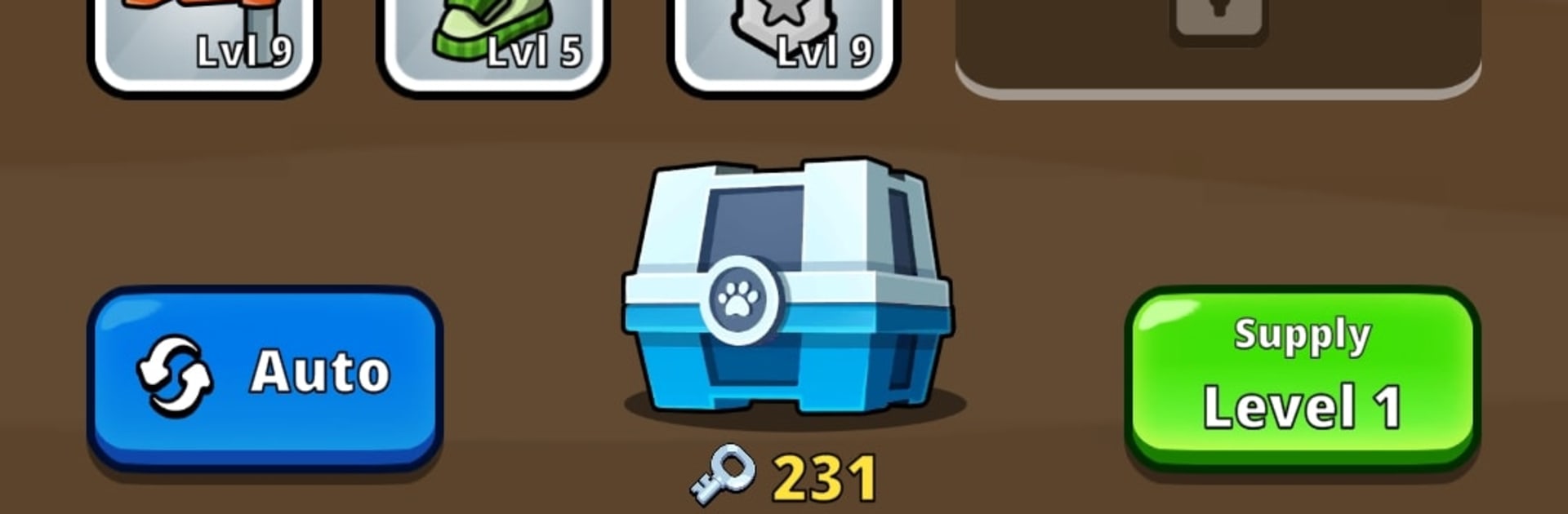
Cat Hero Idle is an Adventure where a scrappy little feline turns into a one-cat wrecking crew. You’ll collect gear, tinker with builds, and send your hero swatting through waves of wonderfully odd creatures—even when you’re off doing something else. Prefer playing on a bigger display? It runs smoothly on BlueStacks without getting in the way.

Game Features

  • Always-on action: Your cat keeps battling nonstop, stacking gold, materials, and progress so you can jump back in, cash out, and push further.
  • Gear hunt with bite: Snag swords, blasters, and quirky relics, then enhance and combine them to feel real power spikes, not just tiny stat bumps.
  • Oddballs to outsmart: Take on strange, colorful monsters with tricky patterns that nudge you to tweak loadouts and try fresh combos.
  • Upgrades that matter: Boost core stats, unlock perks, and find synergies that flip your fluffy rookie into a pint-sized powerhouse.
  • Quick sessions, real progress: Spend loot, queue upgrades, and make a few smart swaps in a minute—then let your hero keep working.
  • Stage-by-stage momentum: Break into new areas, chase rarer drops, and see how your build holds up as enemies get meaner and weirder.
  • Punchy feedback: Snappy hits, chunky crits, and playful animations make every scrap feel lively—even the idle stretches look satisfying.

Start playing Cat Hero Idle on BlueStacks and get a smoother, more comfortable PC or Mac setup.

Game Features

Enhancements

  • Macros
  • Multi Instance
  • Multi Instance Sync
  • Script
  • Enhancements
Macros

Macros

Automate the predictable in Cat Hero Idle and transform your gameplay with Macros. Get access to inventive Macros in the BlueStacks Macro Community
Multi Instance

Multi Instance

Play Cat Hero Idle on one window. And chat with your friend on the other. Press CTRL + Shift + 8 to open the Multi-Instance Manager. And start creating fresh instances or clone an existing one.
Multi Instance Sync

Multi Instance Sync

Play Cat Hero Idle with the power of Multi-Instance Sync. Replicate what you are doing on the main instance on all other instances. Level up faster, play more.
Script

Script

Script your way to gaming glory in Cat Hero Idle with BlueStacks Script. Write and run a set of commands to automate repeated tasks. Trigger the command by assigning it to any key.
Read More

How to Download and Play Cat Hero Idle on PC or Mac

  • Download and install BlueStacks on your PC or Mac

  • Complete Google sign-in to access the Play Store, or do it later

  • Look for Cat Hero Idle in the search bar at the top right corner

  • Click to install Cat Hero Idle from the search results

  • Complete Google sign-in (if you skipped step 2) to install Cat Hero Idle

  • Click the Cat Hero Idle icon on the home screen to start playing

video
Watch Video

Minimum System Requirements

With BlueStacks 5, you can get started on a PC that fulfills the following requirements.

  • Operating System

    Microsoft Windows 7 or above, macOS 11 (Big Sur) or above

  • Processor

    Intel, AMD or Apple Silicon Processor

  • RAM

    at least 4GB

  • HDD

    10GB Free Disk Space

Note:

* You must be an Administrator on your PC. Up to date graphics drivers from Microsoft or the chipset vendor.

Cat Hero Idle - FAQs

  • How to play Cat Hero Idle on Windows PC & Mac?

    Play Cat Hero Idle on your PC or Mac by following these simple steps.

    • Click on 'Play Cat Hero Idle on PC’ to download BlueStacks
    • Install it and log-in to Google Play Store
    • Launch and play the game.
  • Why is BlueStacks the fastest and safest platform to play games on PC?

    BlueStacks respects your privacy and is always safe and secure to use. It does not carry any malware, spyware, or any sort of additional software that could harm your PC.

    It is engineered to optimize speed and performance for a seamless gaming experience.

  • What are Cat Hero Idle PC requirements?

    Minimum requirement to run Cat Hero Idle on your PC

    • OS: Microsoft Windows 7 or above MacOS 11 (Big Sur) or above
    • Processor: Intel, AMD or Apple Silicon Processor
    • RAM: Your PC must have at least 4GB of RAM. (Note that having 4GB or more disk space is not a substitute for RAM)
    • HDD: 10GB Free Disk Space.
    • You must be an Administrator on your PC.