City Bus Simulator 3D Offline

City Bus Simulator 3D Offline

Adventure

| Games Quest

Play on PC with BlueStacks or from our cloud

  • Overview
  • Game Features
  • How to Play

Page Modified On: November 20, 2025

Play City Bus Simulator 3D Offline on PC or Mac

From the innovators and creators at Games Quest, City Bus Simulator 3D Offline is another fun addition to the World of Adventure games. Go beyond your mobile screen and play it bigger and better on your PC or Mac. An immersive experience awaits you.

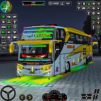
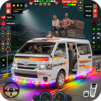
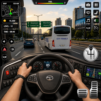
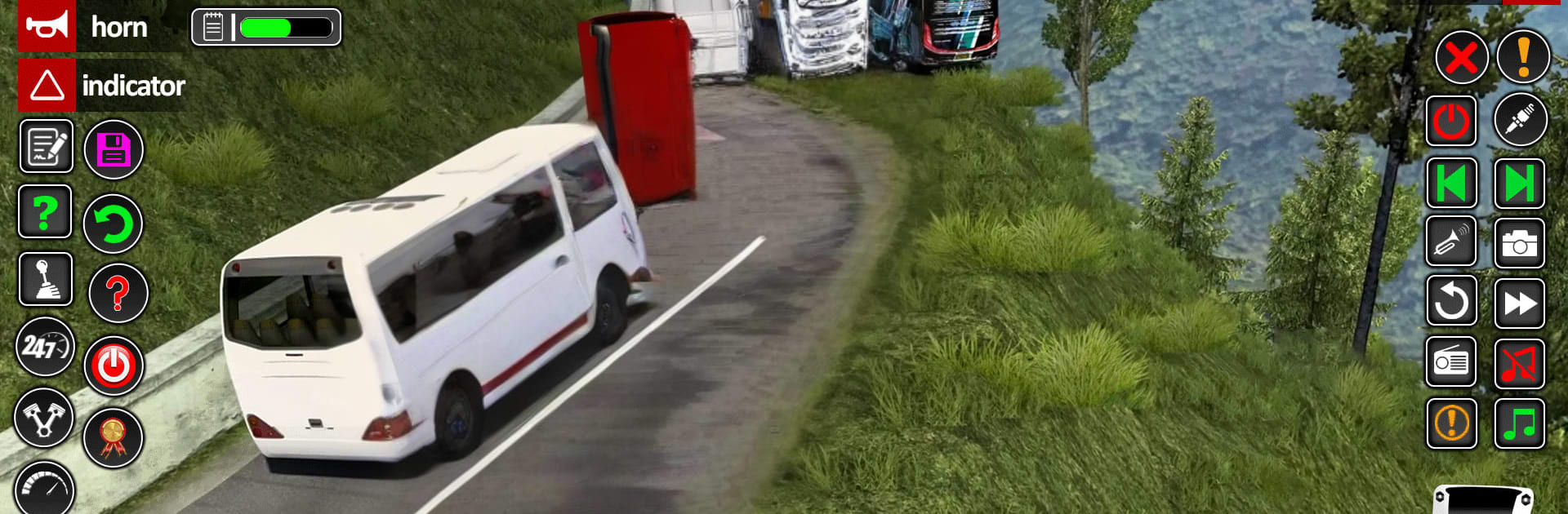
City Bus Simulator 3D Offline is all about slow, steady bus driving with a bunch of little rules that make it feel like an actual route. Players buckle up, read the short challenge brief, start the engine, and then try to keep to traffic laws while picking up people at stops around a big city. It is not just flat streets either. There are offroad hills, narrow turns, crowded intersections, and highway stretches where the game even throws racing-style runs into the mix. There is a career feel to it with pick and drop jobs, plus side modes like parking trials and highway runs. Hit a car or roll a stop and the game will fine the player, and fuel needs attention too, which adds a nice bit of pressure. Buses come in a handful of styles, from shiny coaches to those Indian city rides, and there is customization so the favorite one can be tuned a little. Camera options help a lot, especially the interior view with mirrors, and the weather shifts keep things from feeling samey.

On PC with BlueStacks, the bus handles well with a keyboard, and camera control on a mouse makes tight turns and parking less fussy than tapping a screen. The graphics are not mind blowing but the city looks busy enough, the interiors have decent detail, and the horn and engine sounds sell the weight of these big vehicles. It runs offline, loads quick, and works fine for anyone who likes a calm driving game that still punishes sloppy habits.

Start your journey now. Download the game on BlueStacks, invite your friends, and march on a new adventure.


Game Features

Enhancements

  • Macros
  • Multi Instance
  • Multi Instance Sync
  • Script
  • Enhancements
Macros

Macros

Automate the predictable in City Bus Simulator 3D Offline and transform your gameplay with Macros. Get access to inventive Macros in the BlueStacks Macro Community
Multi Instance

Multi Instance

Play City Bus Simulator 3D Offline on one window. And chat with your friend on the other. Press CTRL + Shift + 8 to open the Multi-Instance Manager. And start creating fresh instances or clone an existing one.
Multi Instance Sync

Multi Instance Sync

Play City Bus Simulator 3D Offline with the power of Multi-Instance Sync. Replicate what you are doing on the main instance on all other instances. Level up faster, play more.
Script

Script

Script your way to gaming glory in City Bus Simulator 3D Offline with BlueStacks Script. Write and run a set of commands to automate repeated tasks. Trigger the command by assigning it to any key.
Read More

How to Download and Play City Bus Simulator 3D Offline on PC or Mac

  • Download and install BlueStacks on your PC or Mac

  • Complete Google sign-in to access the Play Store, or do it later

  • Look for City Bus Simulator 3D Offline in the search bar at the top right corner

  • Click to install City Bus Simulator 3D Offline from the search results

  • Complete Google sign-in (if you skipped step 2) to install City Bus Simulator 3D Offline

  • Click the City Bus Simulator 3D Offline icon on the home screen to start playing

video
Watch Video

Minimum System Requirements

With BlueStacks 5, you can get started on a PC that fulfills the following requirements.

  • Operating System

    Microsoft Windows 7 or above, macOS 11 (Big Sur) or above

  • Processor

    Intel, AMD or Apple Silicon Processor

  • RAM

    at least 4GB

  • HDD

    10GB Free Disk Space

Note:

* You must be an Administrator on your PC. Up to date graphics drivers from Microsoft or the chipset vendor.

City Bus Simulator 3D Offline - FAQs

  • How to play City Bus Simulator 3D Offline on Windows PC & Mac?

    Play City Bus Simulator 3D Offline on your PC or Mac by following these simple steps.

    • Click on 'Play City Bus Simulator 3D Offline on PC’ to download BlueStacks
    • Install it and log-in to Google Play Store
    • Launch and play the game.
  • Why is BlueStacks the fastest and safest platform to play games on PC?

    BlueStacks respects your privacy and is always safe and secure to use. It does not carry any malware, spyware, or any sort of additional software that could harm your PC.

    It is engineered to optimize speed and performance for a seamless gaming experience.

  • What are City Bus Simulator 3D Offline PC requirements?

    Minimum requirement to run City Bus Simulator 3D Offline on your PC

    • OS: Microsoft Windows 7 or above MacOS 11 (Big Sur) or above
    • Processor: Intel, AMD or Apple Silicon Processor
    • RAM: Your PC must have at least 4GB of RAM. (Note that having 4GB or more disk space is not a substitute for RAM)
    • HDD: 10GB Free Disk Space.
    • You must be an Administrator on your PC.