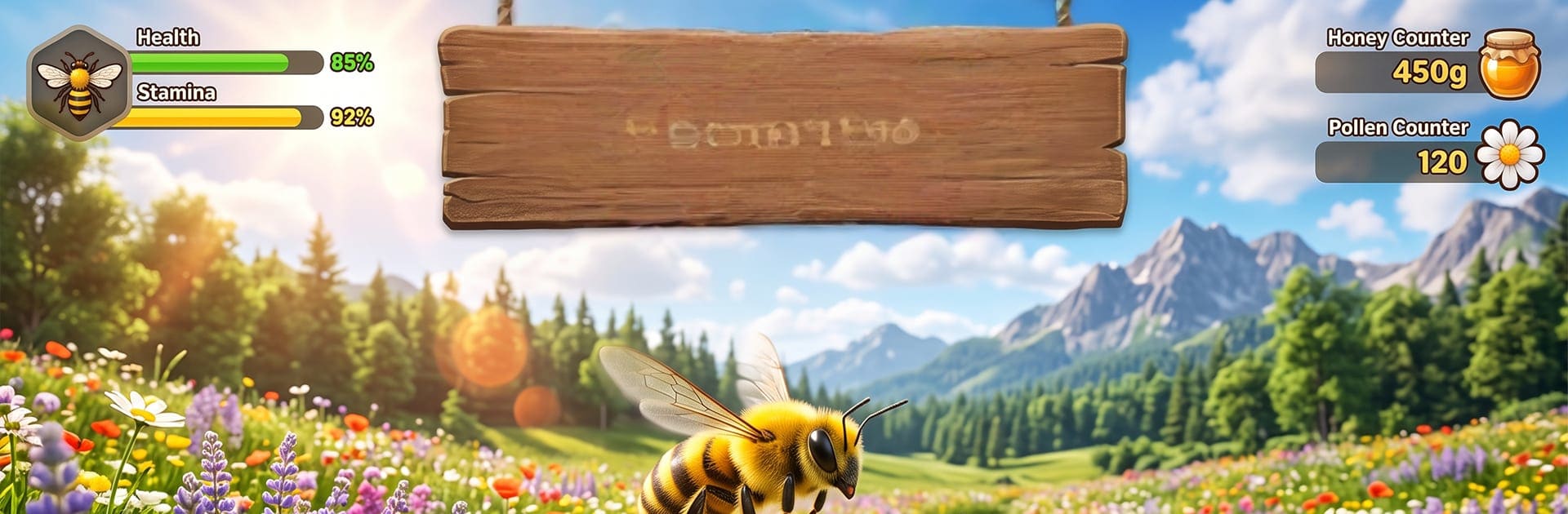
Honey Bee Life Simulator 3D

Honey Bee Life Simulator 3D

Adventure

| Games Astra

Play on PC with BlueStacks or from our cloud

  • Overview
  • Game Features
  • How to Play

Page Modified On: October 12, 2026

Play Honey Bee Life Simulator 3D on PC or Mac

Bring your A-game to Honey Bee Life Simulator 3D, the Adventure game sensation from Games Astra. Give your gameplay the much-needed boost with precise game controls, high FPS graphics, and top-tier features on your PC or Mac with BlueStacks.

About the Game

Ever wonder what a day in a hive really feels like? Honey Bee Life Simulator 3D is an Adventure that puts you behind tiny wings in a bright, living world where every flower counts and every trip back to the hive matters. Prefer playing on a bigger screen? BlueStacks is an easy way to buzz around on PC without missing a beat.

Game Features

  • Free-flight feeling: Zip between blossoms, skim over grass, and weave through branches with smooth, responsive controls that feel instantly natural.
  • Nectar-to-honey loop: Seek out the best blooms, gather nectar, and haul it home to fuel honey production and keep your hive stocked.
  • Build the perfect hive: Expand your honeycomb home step by step, opening new sections and growing a space that supports a bustling colony.
  • Colony care and protection: Support your fellow bees and keep the hive safe from threats, balancing bold flights with careful defense.
  • Missions with momentum: Tackle short, focused objectives that test speed, navigation, and smart route planning without dragging on.
  • A world worth exploring: Unlock fresh areas filled with colorful flowers, winding paths, and little details that make each flight feel new.
  • Easygoing but engaging: Bright 3D visuals and a calm, steady pace make it relaxing, while the next objective always gives you something to aim for.

Start playing Honey Bee Life Simulator 3D on BlueStacks and get a smoother, more comfortable PC or Mac setup.


Game Features

Enhancements

  • Macros
  • Multi Instance
  • Multi Instance Sync
  • Script
  • Enhancements
Macros

Macros

Automate the predictable in Honey Bee Life Simulator 3D and transform your gameplay with Macros. Get access to inventive Macros in the BlueStacks Macro Community
Multi Instance

Multi Instance

Play Honey Bee Life Simulator 3D on one window. And chat with your friend on the other. Press CTRL + Shift + 8 to open the Multi-Instance Manager. And start creating fresh instances or clone an existing one.
Multi Instance Sync

Multi Instance Sync

Play Honey Bee Life Simulator 3D with the power of Multi-Instance Sync. Replicate what you are doing on the main instance on all other instances. Level up faster, play more.
Script

Script

Script your way to gaming glory in Honey Bee Life Simulator 3D with BlueStacks Script. Write and run a set of commands to automate repeated tasks. Trigger the command by assigning it to any key.
Read More

How to Download and Play Honey Bee Life Simulator 3D on PC or Mac

  • Download and install BlueStacks on your PC or Mac

  • Complete Google sign-in to access the Play Store, or do it later

  • Look for Honey Bee Life Simulator 3D in the search bar at the top right corner

  • Click to install Honey Bee Life Simulator 3D from the search results

  • Complete Google sign-in (if you skipped step 2) to install Honey Bee Life Simulator 3D

  • Click the Honey Bee Life Simulator 3D icon on the home screen to start playing

video
Watch Video

Minimum System Requirements

With BlueStacks 5, you can get started on a PC that fulfills the following requirements.

  • Operating System

    Microsoft Windows 7 or above, macOS 11 (Big Sur) or above

  • Processor

    Intel, AMD or Apple Silicon Processor

  • RAM

    at least 4GB

  • HDD

    10GB Free Disk Space

Note:

* You must be an Administrator on your PC. Up to date graphics drivers from Microsoft or the chipset vendor.

Honey Bee Life Simulator 3D - FAQs

  • How to play Honey Bee Life Simulator 3D on Windows PC & Mac?

    Play Honey Bee Life Simulator 3D on your PC or Mac by following these simple steps.

    • Click on 'Play Honey Bee Life Simulator 3D on PC’ to download BlueStacks
    • Install it and log-in to Google Play Store
    • Launch and play the game.
  • Why is BlueStacks the fastest and safest platform to play games on PC?

    BlueStacks respects your privacy and is always safe and secure to use. It does not carry any malware, spyware, or any sort of additional software that could harm your PC.

    It is engineered to optimize speed and performance for a seamless gaming experience.

  • What are Honey Bee Life Simulator 3D PC requirements?

    Minimum requirement to run Honey Bee Life Simulator 3D on your PC

    • OS: Microsoft Windows 7 or above MacOS 11 (Big Sur) or above
    • Processor: Intel, AMD or Apple Silicon Processor
    • RAM: Your PC must have at least 4GB of RAM. (Note that having 4GB or more disk space is not a substitute for RAM)
    • HDD: 10GB Free Disk Space.
    • You must be an Administrator on your PC.