Island Survival: Craft & Build

Island Survival: Craft & Build

Adventure

| Aspire Studios

Play on PC with BlueStacks or from our cloud

  • Overview
  • Game Features
  • How to Play

Page Modified On: October 30, 2026

Play Island Survival: Craft & Build on PC or Mac

Step into the World of Island Survival: Craft & Build, a thrilling Adventure game from the house of Aspire Studios. Play this Android game on BlueStacks App Player and experience immersive gaming on PC or Mac.

About the Game

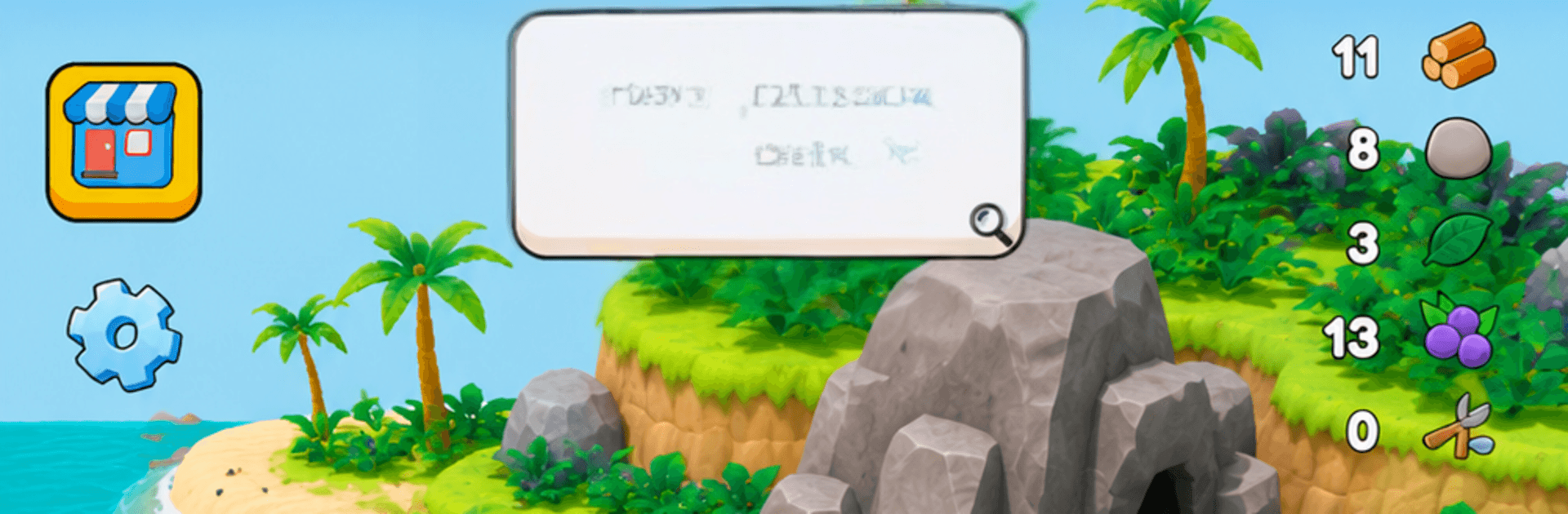
Shipwrecked with nothing but your wits, Island Survival: Craft & Build throws you into an Adventure where every stick, stone, and wave can make or break your day. Gather what you need, shape a safe haven, and brace for trouble when night crawlers show up. Prefer a bigger view and comfy controls? It plays nicely on PC with BlueStacks, too.

Game Features

  • Resource Gathering: Chop trees, break rocks, pick pumpkins and coconuts, and cast a line to fish so your stomach isn’t doing the complaining.
  • Deep Crafting: Turn raw finds into tools, weapons, and camp gear; cook berries into jam and hammer out the essentials that keep you going.
  • Modular Building: Snap together tents, storage huts, rafts, and bridges to grow from a scrappy beach camp into a network of sturdy outposts.
  • Helpful Companions: Recruit AI Helpers to haul materials, stash resources, and speed up construction while you scout and scavenge.
  • Real-Time Combat: When darkness hits, skeletons don’t knock—defend your base with crafted blades, bows, and quick reflexes.
  • Living World: Shifting weather, a true day–night cycle, and varied biomes—from sunny coves to eerie, fog-laced islands—keep each run fresh.
  • Offline Play: No connection needed; jump in anywhere and keep progressing without waiting on a signal.
  • Smooth Performance: Clean UI, stylized 3D visuals, and a lean install size keep the world sharp and responsive without the bloat.
  • Guided Progress: A smart mission log nudges you toward the next craft, upgrade, or objective so you’re learning while surviving.

Start your journey now. Download the game on BlueStacks, invite your friends, and march on a new adventure.


Game Features

Enhancements

  • Macros
  • Multi Instance
  • Multi Instance Sync
  • Script
  • Enhancements
Macros

Macros

Automate the predictable in Island Survival: Craft & Build and transform your gameplay with Macros. Get access to inventive Macros in the BlueStacks Macro Community
Multi Instance

Multi Instance

Play Island Survival: Craft & Build on one window. And chat with your friend on the other. Press CTRL + Shift + 8 to open the Multi-Instance Manager. And start creating fresh instances or clone an existing one.
Multi Instance Sync

Multi Instance Sync

Play Island Survival: Craft & Build with the power of Multi-Instance Sync. Replicate what you are doing on the main instance on all other instances. Level up faster, play more.
Script

Script

Script your way to gaming glory in Island Survival: Craft & Build with BlueStacks Script. Write and run a set of commands to automate repeated tasks. Trigger the command by assigning it to any key.
Read More

How to Download and Play Island Survival: Craft & Build on PC or Mac

  • Download and install BlueStacks on your PC or Mac

  • Complete Google sign-in to access the Play Store, or do it later

  • Look for Island Survival: Craft & Build in the search bar at the top right corner

  • Click to install Island Survival: Craft & Build from the search results

  • Complete Google sign-in (if you skipped step 2) to install Island Survival: Craft & Build

  • Click the Island Survival: Craft & Build icon on the home screen to start playing

video
Watch Video

Minimum System Requirements

With BlueStacks 5, you can get started on a PC that fulfills the following requirements.

  • Operating System

    Microsoft Windows 7 or above, macOS 11 (Big Sur) or above

  • Processor

    Intel, AMD or Apple Silicon Processor

  • RAM

    at least 4GB

  • HDD

    10GB Free Disk Space

Note:

* You must be an Administrator on your PC. Up to date graphics drivers from Microsoft or the chipset vendor.

Island Survival: Craft & Build - FAQs

  • How to play Island Survival: Craft & Build on Windows PC & Mac?

    Play Island Survival: Craft & Build on your PC or Mac by following these simple steps.

    • Click on 'Play Island Survival: Craft & Build on PC’ to download BlueStacks
    • Install it and log-in to Google Play Store
    • Launch and play the game.
  • Why is BlueStacks the fastest and safest platform to play games on PC?

    BlueStacks respects your privacy and is always safe and secure to use. It does not carry any malware, spyware, or any sort of additional software that could harm your PC.

    It is engineered to optimize speed and performance for a seamless gaming experience.

  • What are Island Survival: Craft & Build PC requirements?

    Minimum requirement to run Island Survival: Craft & Build on your PC

    • OS: Microsoft Windows 7 or above MacOS 11 (Big Sur) or above
    • Processor: Intel, AMD or Apple Silicon Processor
    • RAM: Your PC must have at least 4GB of RAM. (Note that having 4GB or more disk space is not a substitute for RAM)
    • HDD: 10GB Free Disk Space.
    • You must be an Administrator on your PC.