Layton: Unwound Future in HD

Layton: Unwound Future in HD

Adventure

| LEVEL-5 Inc.

Play on PC with BlueStacks or from our cloud

  • Overview
  • Game Features
  • How to Play

Page Modified On: October 21, 2026

Play Layton: Unwound Future in HD on PC or Mac

Explore a whole new adventure with Layton: Unwound Future in HD, a Adventure game created by LEVEL-5 Inc.. Experience great gameplay with BlueStacks, the most popular gaming platform to play Android games on your PC or Mac.

About the Game

Layton: Unwound Future in HD puts a time-twisting mystery in your hands and asks a simple question: what would you do if your friend wrote to you from ten years ahead? Professor Layton and Luke follow a letter into a London rattled by a disastrous time experiment, and nothing is quite what it seems. It’s an Adventure packed with clever puzzles, a gripping story, and a gorgeous HD makeover—great on its own and extra comfy with BlueStacks if you like playing on a bigger screen.

Game Features

  • Time-bending mystery: A message from “Future Luke” sends the duo from a quiet clock shop to the heart of a city upended by a failed time machine, with twists that actually land.
  • 200+ brainteasers: Tackle riddles, logic problems, spatial tricks, and visual puzzles crafted by puzzle master Akira Tago—fair, varied, and deeply satisfying.
  • HD remaster: Clean, crisp art and smooth animation make every scene, clue, and character expression pop without losing that classic charm.
  • Intuitive play: Tap through scenes, rotate gadgets, jot notes, and uncover secrets; with BlueStacks, mouse clicks feel natural for relaxed sleuthing.
  • Charming mini-games: Guide a toy car through crafty routes, assemble a wonderfully odd picture book, and coach a parrot to deliver packages like a pro.
  • Built-in hints: Use hint coins for gentle nudges when a puzzle digs in its heels—helpful without spoiling the “aha!”.
  • Explore at your pace: Wander distinct districts, chat with quirky locals, and hunt for hidden hint coins without pressure or timers.
  • Offline after setup: Once installed, you can keep playing the full story without a connection.
  • Language options: Enjoy the adventure in English, French, or Spanish.

Start playing Layton: Unwound Future in HD on BlueStacks and get a smoother, more comfortable PC or Mac setup.

Game Features

Enhancements

  • Macros
  • Multi Instance
  • Multi Instance Sync
  • Script
  • Enhancements
Macros

Macros

Automate the predictable in Layton: Unwound Future in HD and transform your gameplay with Macros. Get access to inventive Macros in the BlueStacks Macro Community
Multi Instance

Multi Instance

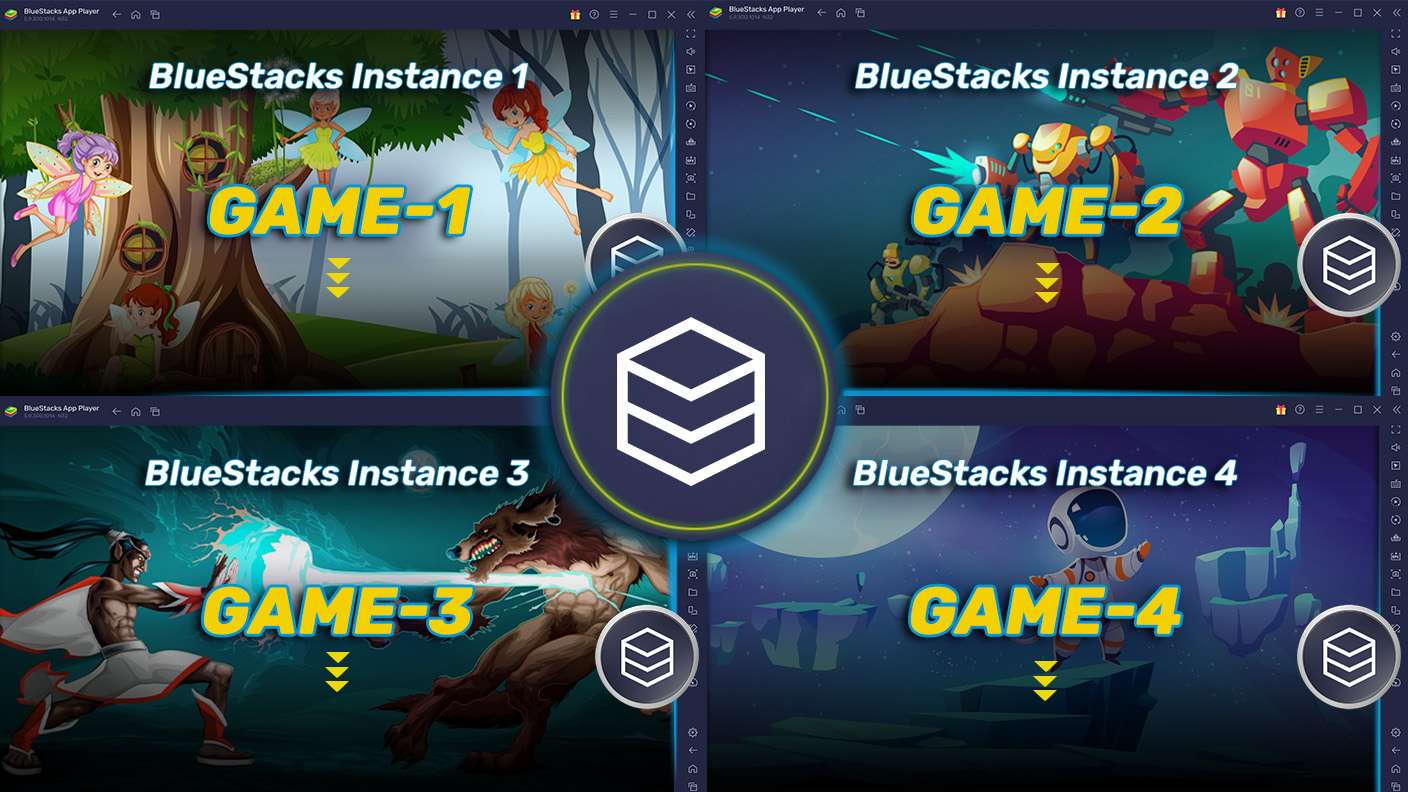
Play Layton: Unwound Future in HD on one window. And chat with your friend on the other. Press CTRL + Shift + 8 to open the Multi-Instance Manager. And start creating fresh instances or clone an existing one.
Multi Instance Sync

Multi Instance Sync

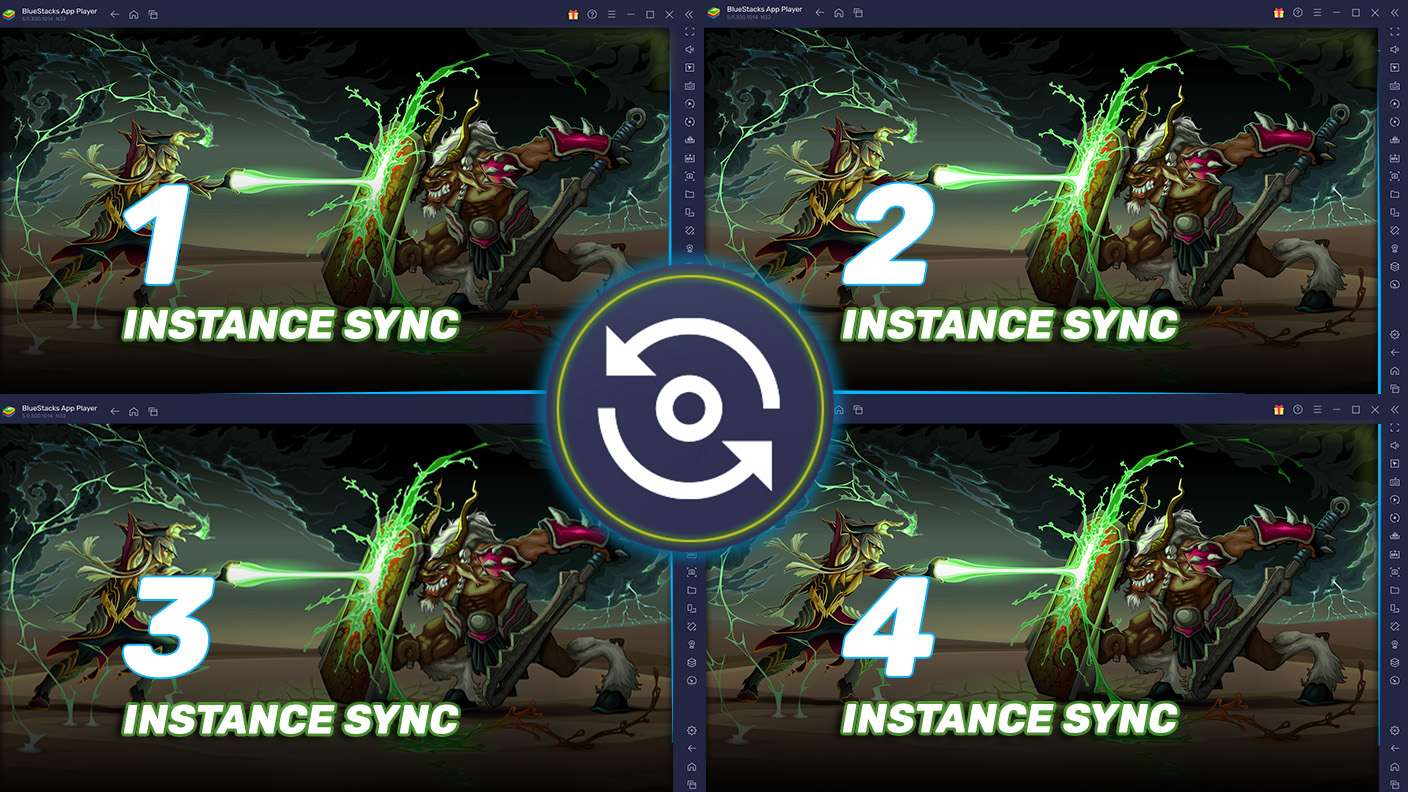
Play Layton: Unwound Future in HD with the power of Multi-Instance Sync. Replicate what you are doing on the main instance on all other instances. Level up faster, play more.
Script

Script

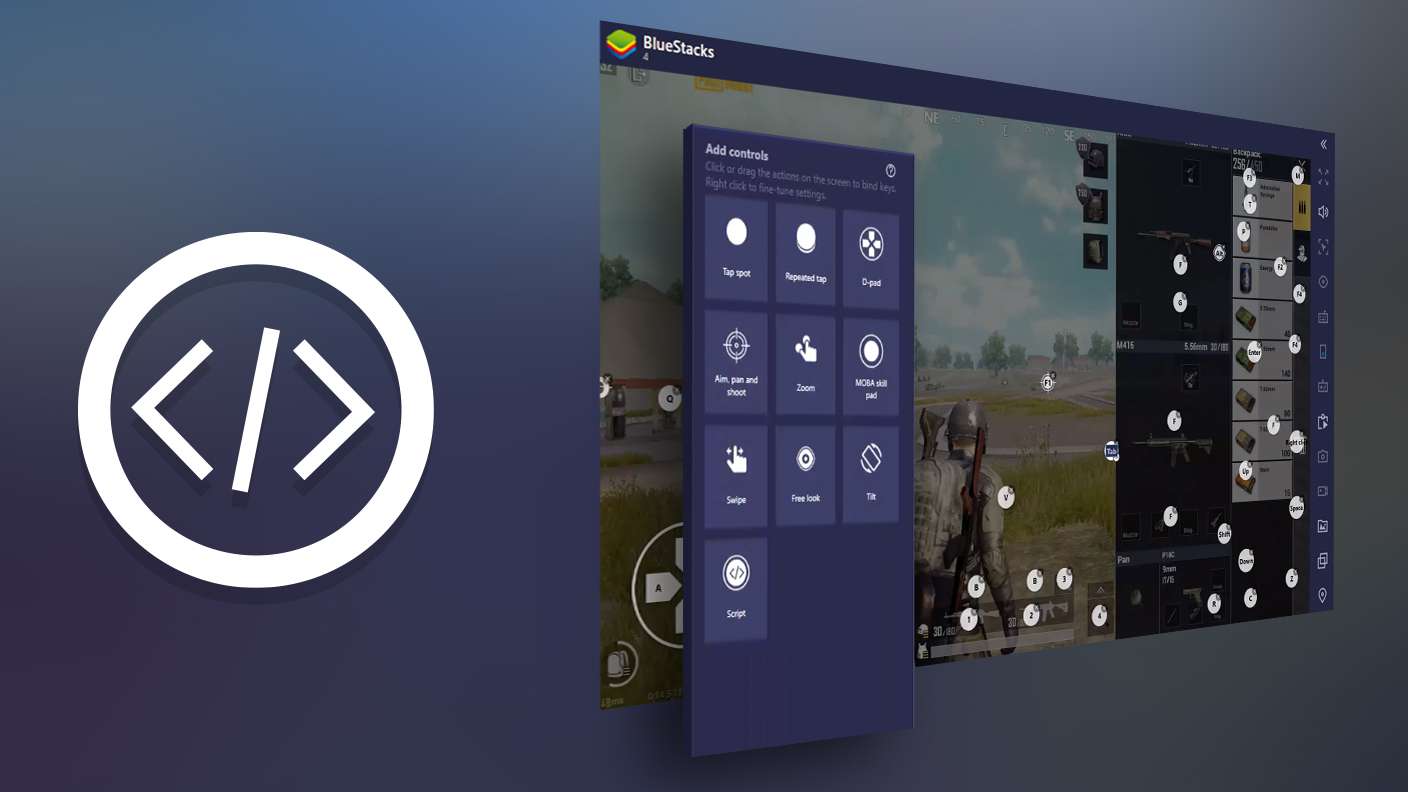
Script your way to gaming glory in Layton: Unwound Future in HD with BlueStacks Script. Write and run a set of commands to automate repeated tasks. Trigger the command by assigning it to any key.
Read More

How to Download and Play Layton: Unwound Future in HD on PC or Mac

  • Download and install BlueStacks on your PC or Mac

  • Complete Google sign-in to access the Play Store, or do it later

  • Look for Layton: Unwound Future in HD in the search bar at the top right corner

  • Click to install Layton: Unwound Future in HD from the search results

  • Complete Google sign-in (if you skipped step 2) to install Layton: Unwound Future in HD

  • Click the Layton: Unwound Future in HD icon on the home screen to start playing

video
Watch Video

Minimum System Requirements

With BlueStacks 5, you can get started on a PC that fulfills the following requirements.

  • Operating System

    Microsoft Windows 7 or above, macOS 11 (Big Sur) or above

  • Processor

    Intel, AMD or Apple Silicon Processor

  • RAM

    at least 4GB

  • HDD

    10GB Free Disk Space

Note:

* You must be an Administrator on your PC. Up to date graphics drivers from Microsoft or the chipset vendor.

Layton: Unwound Future in HD - FAQs

  • How to play Layton: Unwound Future in HD on Windows PC & Mac?

    Play Layton: Unwound Future in HD on your PC or Mac by following these simple steps.

    • Click on 'Play Layton: Unwound Future in HD on PC’ to download BlueStacks
    • Install it and log-in to Google Play Store
    • Launch and play the game.
  • Why is BlueStacks the fastest and safest platform to play games on PC?

    BlueStacks respects your privacy and is always safe and secure to use. It does not carry any malware, spyware, or any sort of additional software that could harm your PC.

    It is engineered to optimize speed and performance for a seamless gaming experience.

  • What are Layton: Unwound Future in HD PC requirements?

    Minimum requirement to run Layton: Unwound Future in HD on your PC

    • OS: Microsoft Windows 7 or above MacOS 11 (Big Sur) or above
    • Processor: Intel, AMD or Apple Silicon Processor
    • RAM: Your PC must have at least 4GB of RAM. (Note that having 4GB or more disk space is not a substitute for RAM)
    • HDD: 10GB Free Disk Space.
    • You must be an Administrator on your PC.