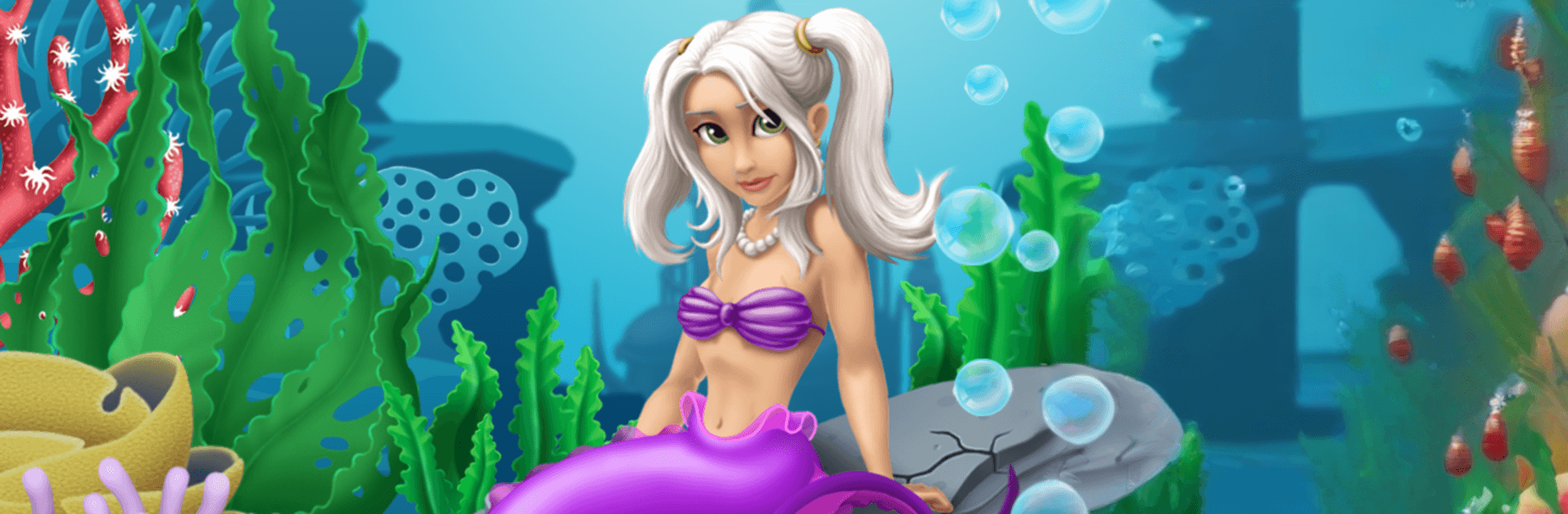
Mermaid: underwater adventure

Mermaid: underwater adventure

Adventure

| Y-Group games

Play on PC with BlueStacks or from our cloud

  • Overview
  • Game Features
  • How to Play

Page Modified On: September 11, 2026

Play Mermaid: underwater adventure on PC or Mac

Step into the World of Mermaid: underwater adventure, a thrilling Adventure game from the house of Y-Group games. Play this Android game on BlueStacks App Player and experience immersive gaming on PC or Mac.

About the Game

Mermaid: underwater adventure is an Adventure where you help a friendly mermaid clean up her world, care for sea life, and bring an old ocean palace back to life. It mixes cozy tasks with playful mini-games—one minute you’re styling tails and hair, the next you’re rescuing a sick seahorse or hunting for pirate loot. Prefer a bigger screen? It plays smoothly on BlueStacks, too.

Game Features

  • Ocean Cleanup Missions: Sweep trash, sort debris, and restore bright, healthy reefs one area at a time.
  • Palace Repair & Makeover: Patch broken arches, repaint coral walls, and decorate each room with your style.
  • Aquarium Design: Arrange plants, shells, and toys, then watch curious fish enjoy their refreshed home.
  • Marine Care Mini-Games: Diagnose fish troubles, treat them gently, and send your happy patients back to the water.
  • Mermaid Styling: Pick cute hairstyles, colorful swimsuits, and accessories to match any mood.
  • Treasure Hunts & Hidden Objects: Search shipwrecks and sandy nooks for shiny artifacts and secret goodies.
  • Playful Dolphin Run: Race with a cheeky dolphin, snag coins, and zip past seaweed and rocks.
  • Gentle Puzzles for All Ages: Quick, satisfying challenges with clear goals and simple, friendly controls.
  • Progress and Rewards: Earn coins to unlock décor, outfits, and handy upgrades as you play.
  • Cozy Visuals & Sounds: Soft colors, bubbly effects, and cheerful tunes make the ocean feel warm and welcoming.
  • Play Your Way: Hop in for a few tasks or settle in for a relaxed session—works great on BlueStacks.

Get ready for a buttery smooth, high-performance gaming action only on BlueStacks.

Game Features

Enhancements

  • Macros
  • Multi Instance
  • Multi Instance Sync
  • Script
  • Enhancements
Macros

Macros

Automate the predictable in Mermaid: underwater adventure and transform your gameplay with Macros. Get access to inventive Macros in the BlueStacks Macro Community
Multi Instance

Multi Instance

Play Mermaid: underwater adventure on one window. And chat with your friend on the other. Press CTRL + Shift + 8 to open the Multi-Instance Manager. And start creating fresh instances or clone an existing one.
Multi Instance Sync

Multi Instance Sync

Play Mermaid: underwater adventure with the power of Multi-Instance Sync. Replicate what you are doing on the main instance on all other instances. Level up faster, play more.
Script

Script

Script your way to gaming glory in Mermaid: underwater adventure with BlueStacks Script. Write and run a set of commands to automate repeated tasks. Trigger the command by assigning it to any key.
Read More

How to Download and Play Mermaid: underwater adventure on PC or Mac

  • Download and install BlueStacks on your PC or Mac

  • Complete Google sign-in to access the Play Store, or do it later

  • Look for Mermaid: underwater adventure in the search bar at the top right corner

  • Click to install Mermaid: underwater adventure from the search results

  • Complete Google sign-in (if you skipped step 2) to install Mermaid: underwater adventure

  • Click the Mermaid: underwater adventure icon on the home screen to start playing

video
Watch Video

Minimum System Requirements

With BlueStacks 5, you can get started on a PC that fulfills the following requirements.

  • Operating System

    Microsoft Windows 7 or above, macOS 11 (Big Sur) or above

  • Processor

    Intel, AMD or Apple Silicon Processor

  • RAM

    at least 4GB

  • HDD

    10GB Free Disk Space

Note:

* You must be an Administrator on your PC. Up to date graphics drivers from Microsoft or the chipset vendor.

Mermaid: underwater adventure - FAQs

  • How to play Mermaid: underwater adventure on Windows PC & Mac?

    Play Mermaid: underwater adventure on your PC or Mac by following these simple steps.

    • Click on 'Play Mermaid: underwater adventure on PC’ to download BlueStacks
    • Install it and log-in to Google Play Store
    • Launch and play the game.
  • Why is BlueStacks the fastest and safest platform to play games on PC?

    BlueStacks respects your privacy and is always safe and secure to use. It does not carry any malware, spyware, or any sort of additional software that could harm your PC.

    It is engineered to optimize speed and performance for a seamless gaming experience.

  • What are Mermaid: underwater adventure PC requirements?

    Minimum requirement to run Mermaid: underwater adventure on your PC

    • OS: Microsoft Windows 7 or above MacOS 11 (Big Sur) or above
    • Processor: Intel, AMD or Apple Silicon Processor
    • RAM: Your PC must have at least 4GB of RAM. (Note that having 4GB or more disk space is not a substitute for RAM)
    • HDD: 10GB Free Disk Space.
    • You must be an Administrator on your PC.