Ball Break: Number Blocks

Ball Break: Number Blocks

Arcade

| Devio Studio

Play on PC with BlueStacks or from our cloud

  • Overview
  • Game Features
  • How to Play

Page Modified On: August 14, 2026

Play Ball Break: Number Blocks on PC or Mac

Play Ball Break: Number Blocks by Devio Studio on PC or Mac with BlueStacks. Use a bigger screen, mouse and keyboard controls, and smoother performance while you play.

About the Game
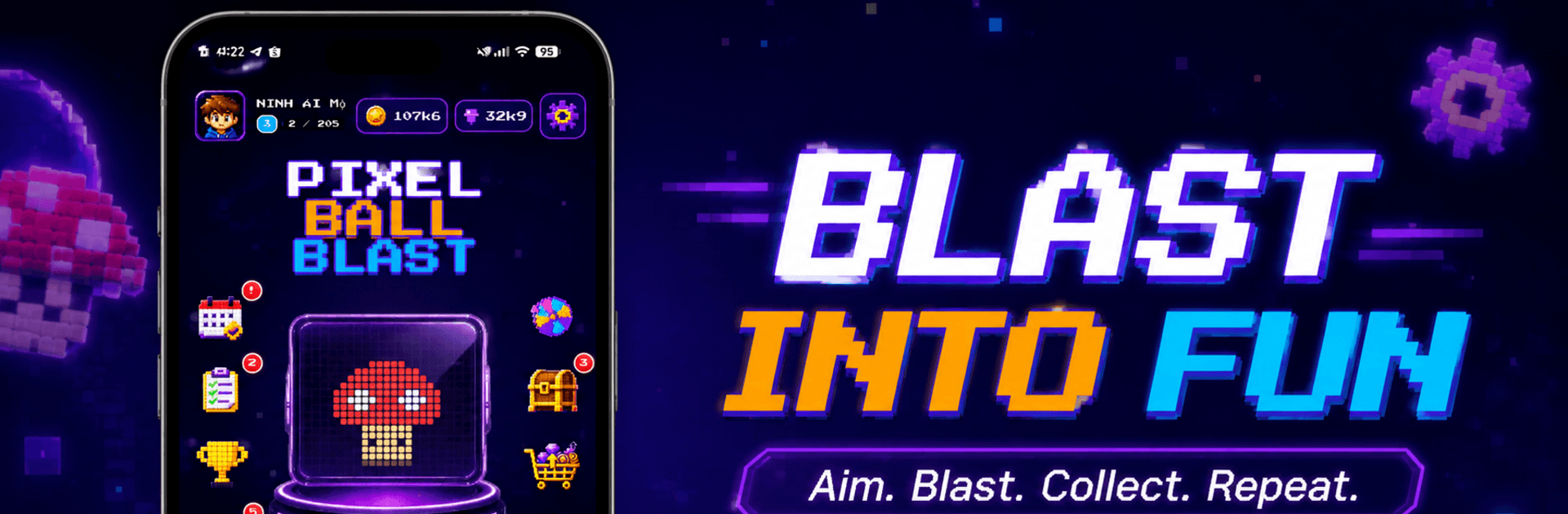
Ball Break: Number Blocks is a fresh, punchy Arcade twist on the classic brick-busting idea. You’re aiming and banking shots to chip down numbered blocks while pesky pixel monsters crowd the arena—quick decisions and clever angles matter as much as reflexes. Want a bigger view while you play? It runs smoothly on BlueStacks, too.

Game Features
– Monster Campaign: Tackle 205 handcrafted stages packed with quirky pixel foes, each one dialing up the challenge in new ways.
– Endless Rush Mode: Face an unbroken stream of monsters and blocks, sharpen your aim on the fly, and chase that personal best.
– Create-a-Monster Studio: Draw your own pixel creature on a tight 23×18 grid, test it instantly, and send it out for others to try.
– Community Playlists: Browse what’s Popular, New, or trending worldwide; smash through community-made monsters, drop likes, and set speed records.
– Power Balls, Real Variety: Unlock 21 special shots—think piercing lines, icy slows, explosive blasts, chain lightning, magnetic pulls, even a fiery dragon ball—each changing how you plan your angles.
– Paddles With Personality: Swap among 9 distinct paddles to suit your style, from speedy catchers to sturdy crowd-controllers.
– Style Your Arena: Pick from multiple number-block looks and backgrounds to keep things fresh while you play.
– Progress That Sticks: Grow your collection and push for milestones over time—plenty to earn just by playing and improving.
– Play Your Way: English and Vietnamese supported, plus options for sound, language, avatar, and profile tweaks. Sign in to sync your progression and unlocks across devices.

Get ready for a buttery smooth, high-performance gaming action only on BlueStacks.

Game Features

Enhancements

  • Macros
  • Multi Instance
  • Multi Instance Sync
  • Script
  • Enhancements
Macros

Macros

Automate the predictable in Ball Break: Number Blocks and transform your gameplay with Macros. Get access to inventive Macros in the BlueStacks Macro Community
Multi Instance

Multi Instance

Play Ball Break: Number Blocks on one window. And chat with your friend on the other. Press CTRL + Shift + 8 to open the Multi-Instance Manager. And start creating fresh instances or clone an existing one.
Multi Instance Sync

Multi Instance Sync

Play Ball Break: Number Blocks with the power of Multi-Instance Sync. Replicate what you are doing on the main instance on all other instances. Level up faster, play more.
Script

Script

Script your way to gaming glory in Ball Break: Number Blocks with BlueStacks Script. Write and run a set of commands to automate repeated tasks. Trigger the command by assigning it to any key.
Read More

How to Download and Play Ball Break: Number Blocks on PC or Mac

  • Download and install BlueStacks on your PC or Mac

  • Complete Google sign-in to access the Play Store, or do it later

  • Look for Ball Break: Number Blocks in the search bar at the top right corner

  • Click to install Ball Break: Number Blocks from the search results

  • Complete Google sign-in (if you skipped step 2) to install Ball Break: Number Blocks

  • Click the Ball Break: Number Blocks icon on the home screen to start playing

video
Watch Video

Minimum System Requirements

With BlueStacks 5, you can get started on a PC that fulfills the following requirements.

  • Operating System

    Microsoft Windows 7 or above, macOS 11 (Big Sur) or above

  • Processor

    Intel, AMD or Apple Silicon Processor

  • RAM

    at least 4GB

  • HDD

    10GB Free Disk Space

Note:

* You must be an Administrator on your PC. Up to date graphics drivers from Microsoft or the chipset vendor.

Ball Break: Number Blocks - FAQs

  • How to play Ball Break: Number Blocks on Windows PC & Mac?

    Play Ball Break: Number Blocks on your PC or Mac by following these simple steps.

    • Click on 'Play Ball Break: Number Blocks on PC’ to download BlueStacks
    • Install it and log-in to Google Play Store
    • Launch and play the game.
  • Why is BlueStacks the fastest and safest platform to play games on PC?

    BlueStacks respects your privacy and is always safe and secure to use. It does not carry any malware, spyware, or any sort of additional software that could harm your PC.

    It is engineered to optimize speed and performance for a seamless gaming experience.

  • What are Ball Break: Number Blocks PC requirements?

    Minimum requirement to run Ball Break: Number Blocks on your PC

    • OS: Microsoft Windows 7 or above MacOS 11 (Big Sur) or above
    • Processor: Intel, AMD or Apple Silicon Processor
    • RAM: Your PC must have at least 4GB of RAM. (Note that having 4GB or more disk space is not a substitute for RAM)
    • HDD: 10GB Free Disk Space.
    • You must be an Administrator on your PC.