


Explore a whole new adventure with Backgammon, a Board game created by AI Factory Limited. Experience great gameplay with BlueStacks, the most popular gaming platform to play Android games on your PC or Mac.
About the Game
Backgammon from AI Factory Limited brings a timeless board game straight to your device, whether you’re a longtime fan or just curious about why it’s stuck around for centuries. This digital version gives you a smart, frustration-free way to play, whether you’re going solo against the computer, asking a friend to join you, or diving into classic match rules. There’s plenty of history in every roll—but don’t worry, you don’t need to be a history buff to get caught up in the competition. If you’re used to gathering for a casual game in a coffee shop or trying your luck with friends, this one’s got a little something for everyone—no backroom needed.
Game Features
- Challenging AI Opponents
Choose from seven different difficulty levels—perfect for complete beginners or seasoned Backgammon strategists. With two powerful AI engines behind every move, you’ll get a fresh challenge any time you want. - Replay and Analyze Your Matches
After each match, step back and dig into a full review of your game. Export your moves, spot your best plays (or those “what was I thinking?” moments), and try out new strategies whenever you want. - Test Dice Fairness
There’s nothing worse than thinking the computer’s cheating! Set your own dice seed to replay games or check dice integrity—plus, you can even enter dice rolls manually for that classic, hands-on feeling. - Comprehensive Stats Tracking
Curious about your personal best, favorite board setups, or how your technique’s evolving? Dive into in-depth lifetime and match statistics—lots of numbers, but all in the service of helping you sharpen your skills. - Play How You Like
Enjoy solo games against the computer or hand the device off to a friend for some friendly rivalry. Match play, the Doubling Cube, and full Crawford rules are all included, so classic Backgammon fans won’t miss out. - Board Customization
Choose from four different boards and piece sets to keep things interesting—or just pick the look that catches your eye that day. - Easy-To-Use Dice Options
Go fully digital with auto or seeded dice, or take control yourself with manual dice input. Handy if you love rolling real dice but prefer digital scoring or stats. - Plays Nicely on Any Device
Designed for both phones and tablets, so you don’t have to worry about wonky layouts or tiny pieces—especially when playing on a bigger screen, maybe using BlueStacks for an even larger view. - Hints and Help When You Need Them
Stuck or unsure what move to make? Hints are built-in, and there’s detailed documentation if you ever want to learn more about a feature or polish your strategies.
No matter how you like your Backgammon—serious, social, or somewhere in between—this version from AI Factory Limited keeps all the essentials and adds plenty of smart extras.
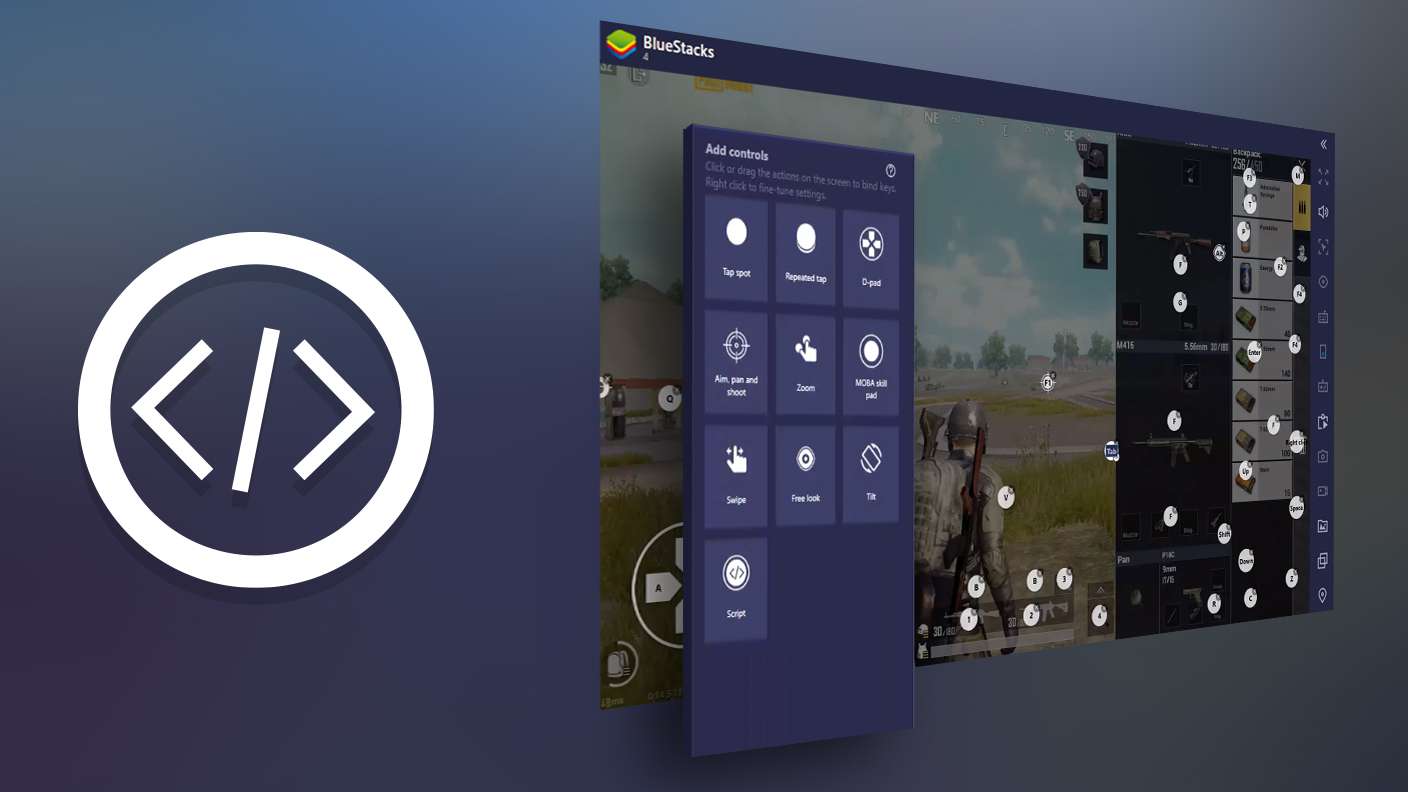
Make your gaming sessions memorable with precise controls that give you an edge in close combats and visuals that pop up, bringing every character to life.