Domino Fever - Tile Master

Domino Fever - Tile Master

Board

| WildCard Games

Play on PC with BlueStacks or from our cloud

  • Overview
  • Game Features
  • How to Play

Page Modified On: October 23, 2026

Play Domino Fever - Tile Master on PC or Mac

Play Domino Fever – Tile Master by WildCard Games on PC or Mac with BlueStacks. Use a bigger screen, mouse and keyboard controls, and smoother performance while you play.

About the Game

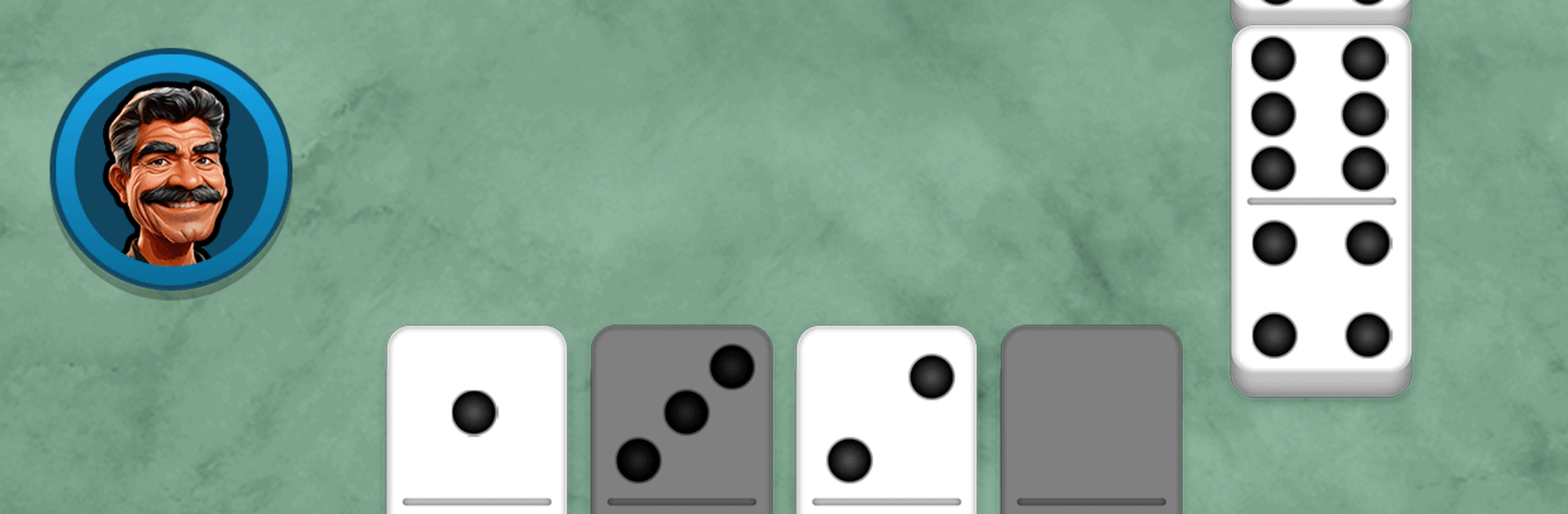
Domino Fever – Tile Master takes the timeless table game you know and gives it a sharp, modern twist. This Board experience blends accessible rules with sneaky depth—match pips, block bold plays, and squeeze out every last point. Want a bigger view? It also runs smoothly on PC with BlueStacks.

Game Features

  • Classic modes: Swap between Draw for straight-up tile battles and All Fives when you’re chasing clever scoring combos.
  • Competitive ranks: Climb leaderboards, track how you’re improving, and see where you stand against serious domino fans.
  • Quick matchmaking: Find a seat fast or square off with friends—easy setup, smooth flow, plenty of back-and-forth.
  • Strategy-first flow: Read the layout, bait risky moves, and time your placements to open scoring windows—or slam the door on theirs.
  • Stylish boards: Play on crisp, themed tables with clean visuals and lively effects, from classic looks to sets inspired by different eras.
  • Custom looks: Pick avatars and skins that match your vibe, so your table presence feels as personal as your playstyle.
  • Free to play: Jump into full matches without paying; optional purchases are available if you want a few extras.

BlueStacks gives you more room to focus on the game and less time adjusting around mobile limitations.


Game Features

Enhancements

  • Macros
  • Multi Instance
  • Multi Instance Sync
  • Script
  • Enhancements
Macros

Macros

Automate the predictable in Domino Fever - Tile Master and transform your gameplay with Macros. Get access to inventive Macros in the BlueStacks Macro Community
Multi Instance

Multi Instance

Play Domino Fever - Tile Master on one window. And chat with your friend on the other. Press CTRL + Shift + 8 to open the Multi-Instance Manager. And start creating fresh instances or clone an existing one.
Multi Instance Sync

Multi Instance Sync

Play Domino Fever - Tile Master with the power of Multi-Instance Sync. Replicate what you are doing on the main instance on all other instances. Level up faster, play more.
Script

Script

Script your way to gaming glory in Domino Fever - Tile Master with BlueStacks Script. Write and run a set of commands to automate repeated tasks. Trigger the command by assigning it to any key.
Read More

How to Download and Play Domino Fever - Tile Master on PC or Mac

  • Download and install BlueStacks on your PC or Mac

  • Complete Google sign-in to access the Play Store, or do it later

  • Look for Domino Fever - Tile Master in the search bar at the top right corner

  • Click to install Domino Fever - Tile Master from the search results

  • Complete Google sign-in (if you skipped step 2) to install Domino Fever - Tile Master

  • Click the Domino Fever - Tile Master icon on the home screen to start playing

video
Watch Video

Minimum System Requirements

With BlueStacks 5, you can get started on a PC that fulfills the following requirements.

  • Operating System

    Microsoft Windows 7 or above, macOS 11 (Big Sur) or above

  • Processor

    Intel, AMD or Apple Silicon Processor

  • RAM

    at least 4GB

  • HDD

    10GB Free Disk Space

Note:

* You must be an Administrator on your PC. Up to date graphics drivers from Microsoft or the chipset vendor.

Domino Fever - Tile Master - FAQs

  • How to play Domino Fever - Tile Master on Windows PC & Mac?

    Play Domino Fever - Tile Master on your PC or Mac by following these simple steps.

    • Click on 'Play Domino Fever - Tile Master on PC’ to download BlueStacks
    • Install it and log-in to Google Play Store
    • Launch and play the game.
  • Why is BlueStacks the fastest and safest platform to play games on PC?

    BlueStacks respects your privacy and is always safe and secure to use. It does not carry any malware, spyware, or any sort of additional software that could harm your PC.

    It is engineered to optimize speed and performance for a seamless gaming experience.

  • What are Domino Fever - Tile Master PC requirements?

    Minimum requirement to run Domino Fever - Tile Master on your PC

    • OS: Microsoft Windows 7 or above MacOS 11 (Big Sur) or above
    • Processor: Intel, AMD or Apple Silicon Processor
    • RAM: Your PC must have at least 4GB of RAM. (Note that having 4GB or more disk space is not a substitute for RAM)
    • HDD: 10GB Free Disk Space.
    • You must be an Administrator on your PC.