Learn Chess: How to play chess

Learn Chess: How to play chess

Board

| Chess Improvement Apps

Play on PC with BlueStacks or from our cloud

  • Overview
  • Game Features
  • How to Play

Page Modified On: April 24, 2026

Play Learn Chess: How to play chess on PC or Mac

From the innovators and creators at Chess Improvement Apps, Learn Chess: How to play chess is another fun addition to the World of Board games. Go beyond your mobile screen and play it bigger and better on your PC or Mac. An immersive experience awaits you.

About the Game

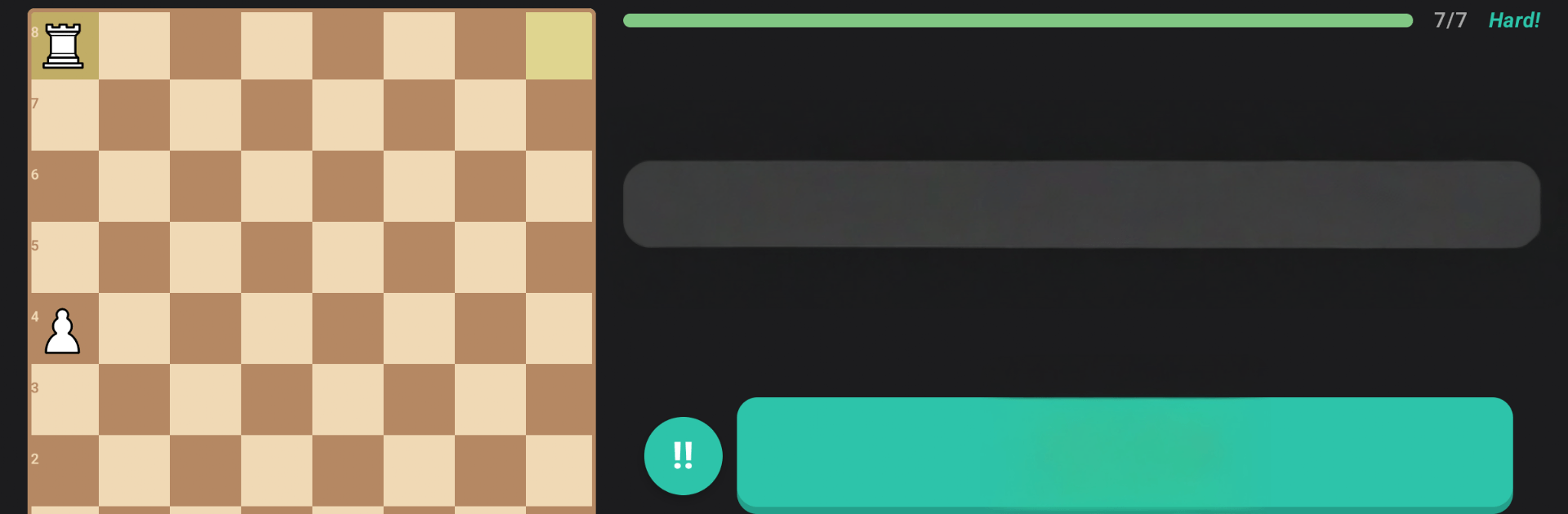
Brand-new to chess or just fuzzy on the rules? Learn Chess: How to play chess from Chess Improvement Apps is a friendly, step-by-step tutor that gets you playing with confidence. It teaches the fundamentals through short, interactive lessons—great on your phone, and easy to enjoy on a bigger screen with BlueStacks if you prefer.

Game Features

  • Start from square one: Meet every piece, learn how each one moves, and understand essentials like check, checkmate, and stalemate. You’ll also cover castling, en passant, and pawn promotion—then bring it all together in your first full game.
  • Interactive lessons: You won’t just read about ideas—you’ll move pieces on a live board and try quick tasks right after each explanation.
  • Progress you can see: Earn stars, collect coins, and follow a simple map that shows what you’ve finished and what’s up next.
  • Daily streaks that stick: Gentle reminders help you build a consistent practice routine without pressure.
  • Beginner-friendly bot: Take on a calm, supportive Baby Bot designed to help new players win early and learn faster.
  • Free play sandbox: Set up custom positions, test different lines, and experiment at your own pace—no timers, no stress.
  • Voice narration: Prefer listening? Turn on narration so instructions are read aloud while you focus on the board.
  • Dark mode comfort: A full dark theme makes late-night study easier on the eyes.
  • Built for true beginners: Clear, no-jargon explanations make it great for kids, adults starting fresh, or anyone who tried before and felt lost.

Get ready for a buttery smooth, high-performance gaming action only on BlueStacks.

Game Features

Enhancements

  • Macros
  • Multi Instance
  • Multi Instance Sync
  • Script
  • Enhancements
Macros

Macros

Automate the predictable in Learn Chess: How to play chess and transform your gameplay with Macros. Get access to inventive Macros in the BlueStacks Macro Community
Multi Instance

Multi Instance

Play Learn Chess: How to play chess on one window. And chat with your friend on the other. Press CTRL + Shift + 8 to open the Multi-Instance Manager. And start creating fresh instances or clone an existing one.
Multi Instance Sync

Multi Instance Sync

Play Learn Chess: How to play chess with the power of Multi-Instance Sync. Replicate what you are doing on the main instance on all other instances. Level up faster, play more.
Script

Script

Script your way to gaming glory in Learn Chess: How to play chess with BlueStacks Script. Write and run a set of commands to automate repeated tasks. Trigger the command by assigning it to any key.
Read More

How to Download and Play Learn Chess: How to play chess on PC or Mac

  • Download and install BlueStacks on your PC or Mac

  • Complete Google sign-in to access the Play Store, or do it later

  • Look for Learn Chess: How to play chess in the search bar at the top right corner

  • Click to install Learn Chess: How to play chess from the search results

  • Complete Google sign-in (if you skipped step 2) to install Learn Chess: How to play chess

  • Click the Learn Chess: How to play chess icon on the home screen to start playing

video
Watch Video

Minimum System Requirements

With BlueStacks 5, you can get started on a PC that fulfills the following requirements.

  • Operating System

    Microsoft Windows 7 or above, macOS 11 (Big Sur) or above

  • Processor

    Intel, AMD or Apple Silicon Processor

  • RAM

    at least 4GB

  • HDD

    10GB Free Disk Space

Note:

* You must be an Administrator on your PC. Up to date graphics drivers from Microsoft or the chipset vendor.

Learn Chess: How to play chess - FAQs

  • How to play Learn Chess: How to play chess on Windows PC & Mac?

    Play Learn Chess: How to play chess on your PC or Mac by following these simple steps.

    • Click on 'Play Learn Chess: How to play chess on PC’ to download BlueStacks
    • Install it and log-in to Google Play Store
    • Launch and play the game.
  • Why is BlueStacks the fastest and safest platform to play games on PC?

    BlueStacks respects your privacy and is always safe and secure to use. It does not carry any malware, spyware, or any sort of additional software that could harm your PC.

    It is engineered to optimize speed and performance for a seamless gaming experience.

  • What are Learn Chess: How to play chess PC requirements?

    Minimum requirement to run Learn Chess: How to play chess on your PC

    • OS: Microsoft Windows 7 or above MacOS 11 (Big Sur) or above
    • Processor: Intel, AMD or Apple Silicon Processor
    • RAM: Your PC must have at least 4GB of RAM. (Note that having 4GB or more disk space is not a substitute for RAM)
    • HDD: 10GB Free Disk Space.
    • You must be an Administrator on your PC.