Wallz Game: Strategy Online

Wallz Game: Strategy Online

Board

| DDI Games

Play on PC with BlueStacks or from our cloud

  • Overview
  • Game Features
  • How to Play

Page Modified On: August 03, 2026

Play Wallz Game: Strategy Online on PC or Mac

Wallz Game: Strategy Online brings the Board genre to life, and throws up exciting challenges for gamers. Developed by DDI Games, this Android game is best experienced on BlueStacks, the World’s #1 app player for PC and Mac users.

About the Game

Wallz Game: Strategy Online is a quick-thinking Board battler where two pawns race across a 9×9 grid while building clever detours. Every turn puts you on the spot: push your pawn closer to the finish, or drop a wall that nudges your rival off the shortest route. Matches are short, tense, and surprisingly deep—easy to pick up, yet full of little tricks you’ll want to master.

Game Features

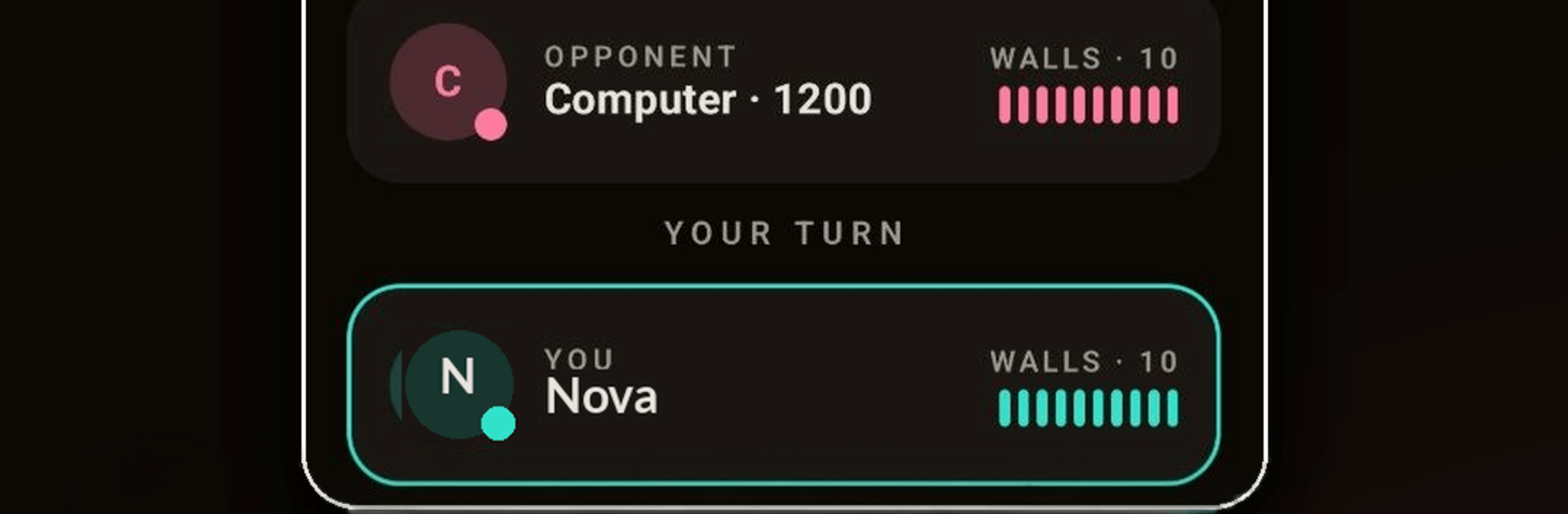
  • Simple rules, real depth — Two pawns, ten walls each, and a straight goal: reach the opposite edge first. The twist is deciding when to move and when to spend a wall.
  • Barriers, not cages — Walls can’t seal anyone in, so it’s all about forcing longer paths, trading time, and choosing the right moment to redirect the race.
  • Ranked online play — Jump into quick matchmaking, earn Elo, and climb a global ladder. Check your win rate, recent streaks, and a clean match history.
  • Your pace, your call — Pick Bullet (1+1), Blitz (3+1), or Rapid (5+1). Go for lightning scrambles or more thoughtful duels.
  • Smart solo practice — Face an adjustable AI that ranges from forgiving to ruthless. Great for testing openings and wall patterns.
  • Friends, near or far — Create private challenges or share a device in classic pass-and-play hot-seat.
  • Casual modes — Unranked games and a Race flavor when you want to experiment without Elo on the line.
  • Replays that teach — Save matches, review pivotal turns, and spot the patterns that decide close finishes.
  • Strategy fans welcome — If you enjoy tight, positional mind games—think tempo battles, traps, and endgame sprints—this will feel right at home.
  • Smooth and lightweight — Snappy turns and clean visuals keep the focus on the puzzle, not the UI.
  • Play comfortably on PC — Prefer a bigger screen and precise mouse input? Fire it up with BlueStacks and settle in.

BlueStacks gives you more room to focus on the game and less time adjusting around mobile limitations.


Game Features

Enhancements

  • Macros
  • Multi Instance
  • Multi Instance Sync
  • Script
  • Enhancements
Macros

Macros

Automate the predictable in Wallz Game: Strategy Online and transform your gameplay with Macros. Get access to inventive Macros in the BlueStacks Macro Community
Multi Instance

Multi Instance

Play Wallz Game: Strategy Online on one window. And chat with your friend on the other. Press CTRL + Shift + 8 to open the Multi-Instance Manager. And start creating fresh instances or clone an existing one.
Multi Instance Sync

Multi Instance Sync

Play Wallz Game: Strategy Online with the power of Multi-Instance Sync. Replicate what you are doing on the main instance on all other instances. Level up faster, play more.
Script

Script

Script your way to gaming glory in Wallz Game: Strategy Online with BlueStacks Script. Write and run a set of commands to automate repeated tasks. Trigger the command by assigning it to any key.
Read More

How to Download and Play Wallz Game: Strategy Online on PC or Mac

  • Download and install BlueStacks on your PC or Mac

  • Complete Google sign-in to access the Play Store, or do it later

  • Look for Wallz Game: Strategy Online in the search bar at the top right corner

  • Click to install Wallz Game: Strategy Online from the search results

  • Complete Google sign-in (if you skipped step 2) to install Wallz Game: Strategy Online

  • Click the Wallz Game: Strategy Online icon on the home screen to start playing

video
Watch Video

Minimum System Requirements

With BlueStacks 5, you can get started on a PC that fulfills the following requirements.

  • Operating System

    Microsoft Windows 7 or above, macOS 11 (Big Sur) or above

  • Processor

    Intel, AMD or Apple Silicon Processor

  • RAM

    at least 4GB

  • HDD

    10GB Free Disk Space

Note:

* You must be an Administrator on your PC. Up to date graphics drivers from Microsoft or the chipset vendor.

Wallz Game: Strategy Online - FAQs

  • How to play Wallz Game: Strategy Online on Windows PC & Mac?

    Play Wallz Game: Strategy Online on your PC or Mac by following these simple steps.

    • Click on 'Play Wallz Game: Strategy Online on PC’ to download BlueStacks
    • Install it and log-in to Google Play Store
    • Launch and play the game.
  • Why is BlueStacks the fastest and safest platform to play games on PC?

    BlueStacks respects your privacy and is always safe and secure to use. It does not carry any malware, spyware, or any sort of additional software that could harm your PC.

    It is engineered to optimize speed and performance for a seamless gaming experience.

  • What are Wallz Game: Strategy Online PC requirements?

    Minimum requirement to run Wallz Game: Strategy Online on your PC

    • OS: Microsoft Windows 7 or above MacOS 11 (Big Sur) or above
    • Processor: Intel, AMD or Apple Silicon Processor
    • RAM: Your PC must have at least 4GB of RAM. (Note that having 4GB or more disk space is not a substitute for RAM)
    • HDD: 10GB Free Disk Space.
    • You must be an Administrator on your PC.