Phong Hầu Tam Quốc
Phong Hầu Tam Quốc

Phong Hầu Tam Quốc

Card

| SOHAGAME INC

Play on PC with BlueStacks or from our cloud

  • Overview
  • Game Features
  • How to Play

Page Modified On: April 24, 2026

Play Phong Hầu Tam Quốc on PC or Mac

Join millions to experience Phong Hầu Tam Quốc, an exciting Card game from SOHAGAME INC. With BlueStacks App Player, you are always a step ahead of your opponent, ready to outplay them with faster gameplay and better control with the mouse and keyboard on your PC or Mac.

About the Game

Phong Hầu Tam Quốc is a Card game from SOHAGAME INC that mixes collectible heroes with clever team-building and a healthy dose of Three Kingdoms drama. It’s all about building a stacked roster, experimenting with synergies, and watching wild combos pop off in battle. Prefer a bigger screen? It plays smoothly on BlueStacks too.

Game Features

  • Generous day-one perks: Log in and you’re showered with 2,090 pulls plus guaranteed SSRs, so your lineup doesn’t start from scratch.
  • SSR legends on arrival: Big names like Cao Cao, Sun Quan, Guan Yu, Guo Jia, and Zhang Fei join early, giving you serious firepower right out of the gate.
  • Switch factions freely: One tap lets you move heroes between Wei, Shu, and Wu. Mix unlikely allies, unlock fresh team comps, and cook up strategies you can’t get anywhere else.
  • Minister system with shared gains: Recruit other players as your ministers and pocket a tidy 10% of their Silver and EXP. If things go south and you’re captured, you can even call for help.
  • 12-layer hero growth: Shape each general your way through a deep upgrade web—skills, divine weapons, beast souls, ancient artifacts, and more. The same hero can feel totally different in different hands.
  • Guild wealth and mine control: Team up, seize mines, and split the profits. Hold more territory, watch the coffers grow—it’s that simple.
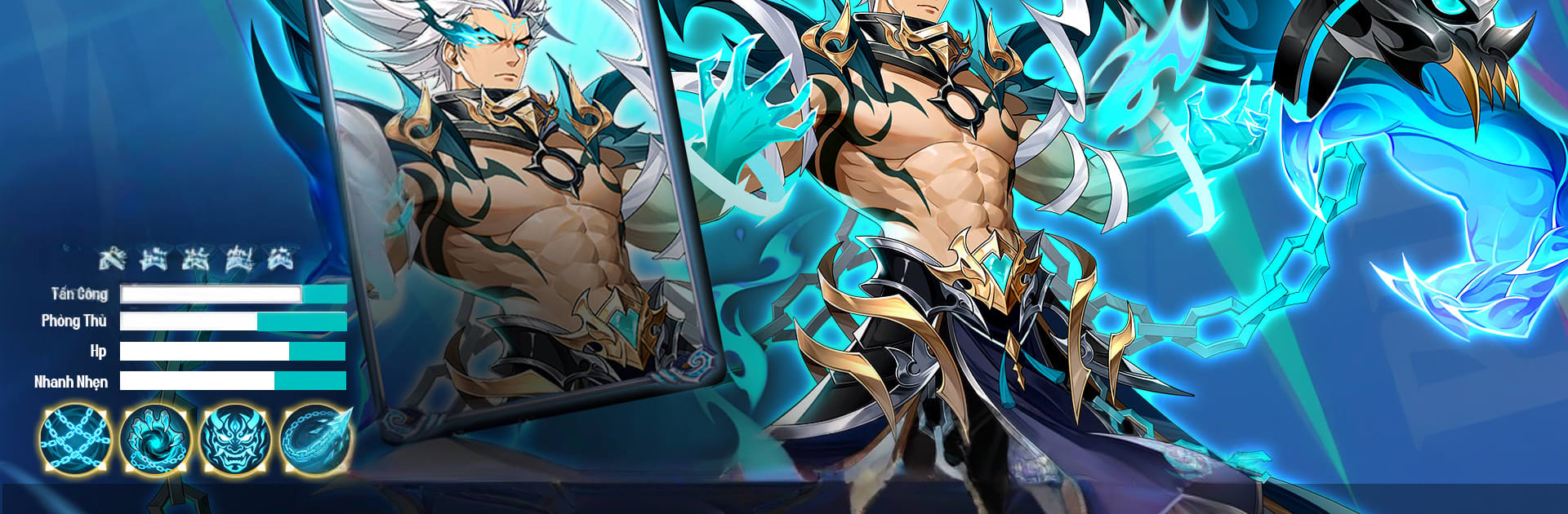
  • Bold art and big moments: Standout character designs, punchy animations, and effects that make every ultimate feel like an event. It looks sharp and plays fast, keeping battles snappy and satisfying.

Make your gaming sessions memorable with precise controls that give you an edge in close combats and visuals that pop up, bringing every character to life.


Game Features

Enhancements

  • Macros
  • Multi Instance
  • Multi Instance Sync
  • Script
  • Enhancements
Macros

Macros

Automate the predictable in Phong Hầu Tam Quốc and transform your gameplay with Macros. Get access to inventive Macros in the BlueStacks Macro Community
Multi Instance

Multi Instance

Play Phong Hầu Tam Quốc on one window. And chat with your friend on the other. Press CTRL + Shift + 8 to open the Multi-Instance Manager. And start creating fresh instances or clone an existing one.
Multi Instance Sync

Multi Instance Sync

Play Phong Hầu Tam Quốc with the power of Multi-Instance Sync. Replicate what you are doing on the main instance on all other instances. Level up faster, play more.
Script

Script

Script your way to gaming glory in Phong Hầu Tam Quốc with BlueStacks Script. Write and run a set of commands to automate repeated tasks. Trigger the command by assigning it to any key.
Read More

How to Download and Play Phong Hầu Tam Quốc on PC or Mac

  • Download and install BlueStacks on your PC or Mac

  • Complete Google sign-in to access the Play Store, or do it later

  • Look for Phong Hầu Tam Quốc in the search bar at the top right corner

  • Click to install Phong Hầu Tam Quốc from the search results

  • Complete Google sign-in (if you skipped step 2) to install Phong Hầu Tam Quốc

  • Click the Phong Hầu Tam Quốc icon on the home screen to start playing

video
Watch Video

Minimum System Requirements

With BlueStacks 5, you can get started on a PC that fulfills the following requirements.

  • Operating System

    Microsoft Windows 7 or above, macOS 11 (Big Sur) or above

  • Processor

    Intel, AMD or Apple Silicon Processor

  • RAM

    at least 4GB

  • HDD

    10GB Free Disk Space

Note:

* You must be an Administrator on your PC. Up to date graphics drivers from Microsoft or the chipset vendor.

Phong Hầu Tam Quốc - FAQs

  • How to play Phong Hầu Tam Quốc on Windows PC & Mac?

    Play Phong Hầu Tam Quốc on your PC or Mac by following these simple steps.

    • Click on 'Play Phong Hầu Tam Quốc on PC’ to download BlueStacks
    • Install it and log-in to Google Play Store
    • Launch and play the game.
  • Why is BlueStacks the fastest and safest platform to play games on PC?

    BlueStacks respects your privacy and is always safe and secure to use. It does not carry any malware, spyware, or any sort of additional software that could harm your PC.

    It is engineered to optimize speed and performance for a seamless gaming experience.

  • What are Phong Hầu Tam Quốc PC requirements?

    Minimum requirement to run Phong Hầu Tam Quốc on your PC

    • OS: Microsoft Windows 7 or above MacOS 11 (Big Sur) or above
    • Processor: Intel, AMD or Apple Silicon Processor
    • RAM: Your PC must have at least 4GB of RAM. (Note that having 4GB or more disk space is not a substitute for RAM)
    • HDD: 10GB Free Disk Space.
    • You must be an Administrator on your PC.