Pass Pass Pass
Pass Pass Pass

Pass Pass Pass

Card

| Goto Games

Play on PC with BlueStacks or from our cloud

  • Overview
  • Game Features
  • How to Play

Page Modified On: October 23, 2026

Play Pass Pass Pass on PC or Mac

Pass Pass Pass brings the Card genre to life, and throws up exciting challenges for gamers. Developed by Goto Games, this Android game is best experienced on BlueStacks, the World’s #1 app player for PC and Mac users.

About the Game

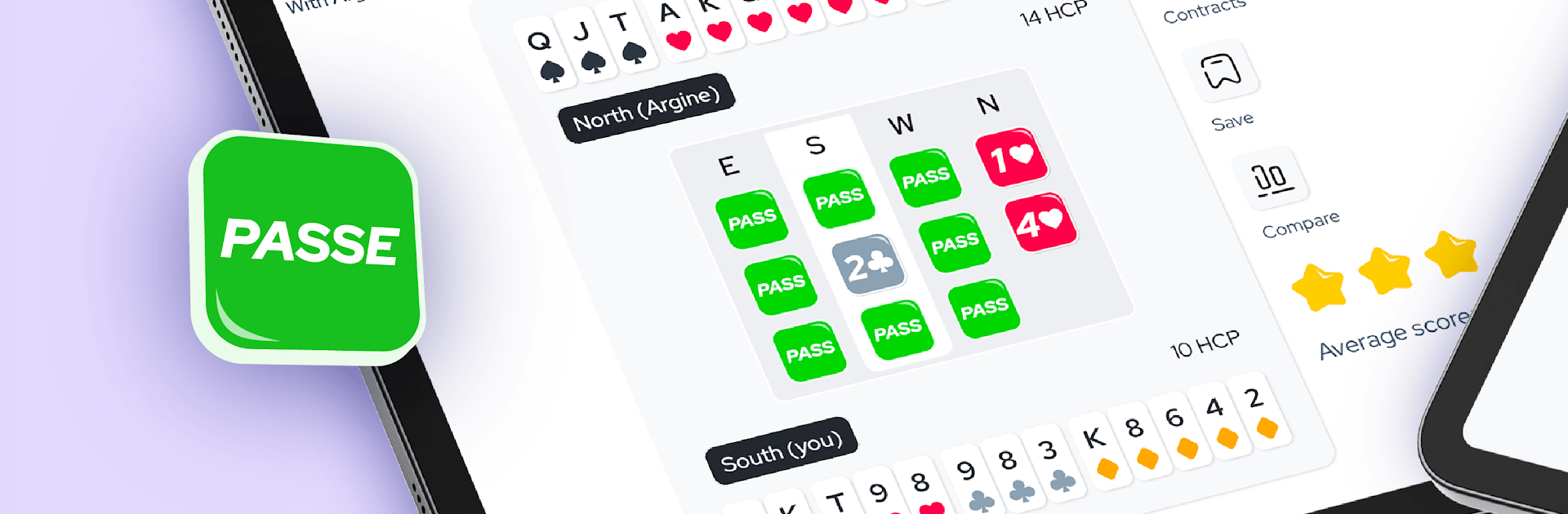
Pass Pass Pass is a Card training ground for bridge fans who want cleaner, sharper bidding. Team up with a partner or go solo, then get instant feedback on whether you steered to the right contract. If you like a bigger view and smooth controls, playing on BlueStacks feels great while you focus on decisions that matter.

Game Features

  • Asynchronous Partner Play: Invite your regular partner and practice at your own pace—no need to be online at the same time.
  • Smart Solo Practice: Work with Argine, an adaptive AI that learns from your style and keeps the challenge fresh.
  • Targeted Themes: Drill specific bidding areas like Stayman, 2/1 game forcing, reopening bids, and more whenever you need focused reps.
  • Guided Lessons: Follow interactive lessons with exercises that suit both beginners getting started and veterans tuning their system.
  • Pro-Level Benchmarks: Compare your choices with expert bids to spot gaps and strengthen agreements.
  • Quick, Clear Scoring: See how your contract stacks up against the best outcome and get a simple star rating after each hand.
  • Helpful Suggestions: Turn on bidding tips when you want a nudge, then switch them off to test your judgment.
  • Post-Hand Analysis: Review sequences in detail or discuss them with your partner to refine conventions and priorities.
  • Your Conventions, Your Way: Use any agreements you like, import setups from Funbridge, or pick from popular systems such as 5-Card Majors, SAYC, 2/1, Acol, Polish Club, Nordic Standard, NBB Standaard, Forum D, and Precision Club.
  • Daily Tournaments & Leagues: Enter regular events, earn points, and move through divisions at a pace that suits you.
  • Personal Library: Save memorable deals so you can revisit, annotate, and talk them through later with your partner or friends.

Start your journey now. Download the game on BlueStacks, invite your friends, and march on a new adventure.


Game Features

Enhancements

  • Macros
  • Multi Instance
  • Multi Instance Sync
  • Script
  • Enhancements
Macros

Macros

Automate the predictable in Pass Pass Pass and transform your gameplay with Macros. Get access to inventive Macros in the BlueStacks Macro Community
Multi Instance

Multi Instance

Play Pass Pass Pass on one window. And chat with your friend on the other. Press CTRL + Shift + 8 to open the Multi-Instance Manager. And start creating fresh instances or clone an existing one.
Multi Instance Sync

Multi Instance Sync

Play Pass Pass Pass with the power of Multi-Instance Sync. Replicate what you are doing on the main instance on all other instances. Level up faster, play more.
Script

Script

Script your way to gaming glory in Pass Pass Pass with BlueStacks Script. Write and run a set of commands to automate repeated tasks. Trigger the command by assigning it to any key.
Read More

How to Download and Play Pass Pass Pass on PC or Mac

  • Download and install BlueStacks on your PC or Mac

  • Complete Google sign-in to access the Play Store, or do it later

  • Look for Pass Pass Pass in the search bar at the top right corner

  • Click to install Pass Pass Pass from the search results

  • Complete Google sign-in (if you skipped step 2) to install Pass Pass Pass

  • Click the Pass Pass Pass icon on the home screen to start playing

video
Watch Video

Minimum System Requirements

With BlueStacks 5, you can get started on a PC that fulfills the following requirements.

  • Operating System

    Microsoft Windows 7 or above, macOS 11 (Big Sur) or above

  • Processor

    Intel, AMD or Apple Silicon Processor

  • RAM

    at least 4GB

  • HDD

    10GB Free Disk Space

Note:

* You must be an Administrator on your PC. Up to date graphics drivers from Microsoft or the chipset vendor.

Pass Pass Pass - FAQs

  • How to play Pass Pass Pass on Windows PC & Mac?

    Play Pass Pass Pass on your PC or Mac by following these simple steps.

    • Click on 'Play Pass Pass Pass on PC’ to download BlueStacks
    • Install it and log-in to Google Play Store
    • Launch and play the game.
  • Why is BlueStacks the fastest and safest platform to play games on PC?

    BlueStacks respects your privacy and is always safe and secure to use. It does not carry any malware, spyware, or any sort of additional software that could harm your PC.

    It is engineered to optimize speed and performance for a seamless gaming experience.

  • What are Pass Pass Pass PC requirements?

    Minimum requirement to run Pass Pass Pass on your PC

    • OS: Microsoft Windows 7 or above MacOS 11 (Big Sur) or above
    • Processor: Intel, AMD or Apple Silicon Processor
    • RAM: Your PC must have at least 4GB of RAM. (Note that having 4GB or more disk space is not a substitute for RAM)
    • HDD: 10GB Free Disk Space.
    • You must be an Administrator on your PC.