Babysitter Madness
Babysitter Madness

Babysitter Madness

Casual

| TabTale

Play on PC with BlueStacks or from our cloud

  • Overview
  • Game Features
  • How to Play

Page Modified On: August 31, 2026

Play Babysitter Madness on PC or Mac

Babysitter Madness by TabTale has plenty to keep you busy. BlueStacks lets you play it on PC or Mac with more screen space, better control, and fewer mobile limits.

About the Game

Babysitter Madness turns everyday childcare into a playful, hands-on adventure where chaos is part of the charm. This Casual experience lets you step into the sitter role and keep a crew of energetic kiddos happy, busy, and (mostly) clean while bouncing between creative projects, pool days, and silly mini-games. Want bigger visuals and smoother clicks? It runs nicely on BlueStacks.

Game Features

  • Hands-on Babysitting: Keep lively little ones entertained while tackling messes, moods, and mini challenges—from playtime shenanigans to winding down for bed.
  • Arts & Crafts Studio: Break out crayons, paint, and safety scissors to craft posters, decorate projects, and turn the playroom into your own colorful workshop.
  • Fashion Contest Fun: Style your best babysitter look, strut your outfit, and let the babies cast their votes for the ultimate sitter style champion.
  • Pasta Jewelry Maker: Thread uncooked pasta into earrings, bracelets, and necklaces, then customize colors for the perfect crafty glow-up.
  • Pool Time & Sun Safety: Suit up for a splashy swim session, apply sunscreen, and keep an eye on the clock so everyone gets a turn to jump in.
  • Tasty Treat Station: Whip up peanut butter and jelly sandwiches in cute shapes and top off the day with a swirl of homemade frozen yogurt.
  • Gymboree Mix-Up: Help each child find their sitter buddy in a cheerful matching mini-game that’s quick, light, and surprisingly funny.
  • DIY Doll Workshop: Pick your favorite fabrics and design a custom doll, then add finishing touches to make it totally one-of-a-kind.

Ready to top the leaderboard? We bet you do. Let precise controls and sharp visuals optimized on BlueStacks lead you to victory.


Game Features

Enhancements

  • Macros
  • Multi Instance
  • Script
  • Repeated Tap
  • Enhancements
Macros

Macros

Automate the predictable in Babysitter Madness and transform your gameplay with Macros. Get access to inventive Macros in the BlueStacks Macro Community
Multi Instance

Multi Instance

Play Babysitter Madness on one window. And chat with your friend on the other. Press CTRL + Shift + 8 to open the Multi-Instance Manager. And start creating fresh instances or clone an existing one.
Script

Script

Script your way to gaming glory in Babysitter Madness with BlueStacks Script. Write and run a set of commands to automate repeated tasks. Trigger the command by assigning it to any key.
Repeated Tap

Repeated Tap

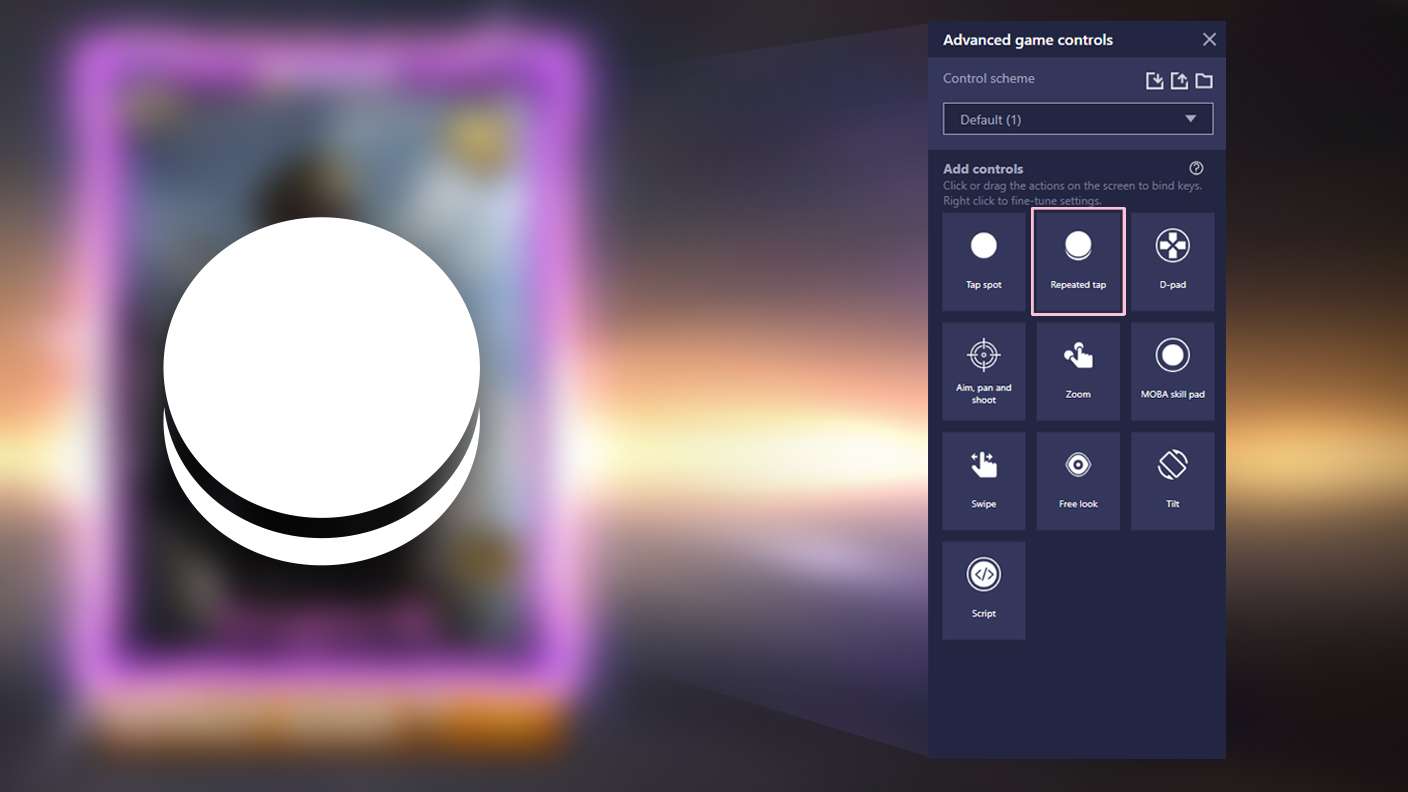
BlueStacks lets you master Babysitter Madness with useful features like the Repeated Tap. Now you do not have to press the same key repeatedly to initiate an action. Just assign it to one key and you are good to go.
Read More

How to Download and Play Babysitter Madness on PC or Mac

  • Download and install BlueStacks on your PC or Mac

  • Complete Google sign-in to access the Play Store, or do it later

  • Look for Babysitter Madness in the search bar at the top right corner

  • Click to install Babysitter Madness from the search results

  • Complete Google sign-in (if you skipped step 2) to install Babysitter Madness

  • Click the Babysitter Madness icon on the home screen to start playing

video
Watch Video

Minimum System Requirements

With BlueStacks 5, you can get started on a PC that fulfills the following requirements.

  • Operating System

    Microsoft Windows 7 or above, macOS 11 (Big Sur) or above

  • Processor

    Intel, AMD or Apple Silicon Processor

  • RAM

    at least 4GB

  • HDD

    10GB Free Disk Space

Note:

* You must be an Administrator on your PC. Up to date graphics drivers from Microsoft or the chipset vendor.

Babysitter Madness - FAQs

  • How to play Babysitter Madness on Windows PC & Mac?

    Play Babysitter Madness on your PC or Mac by following these simple steps.

    • Click on 'Play Babysitter Madness on PC’ to download BlueStacks
    • Install it and log-in to Google Play Store
    • Launch and play the game.
  • Why is BlueStacks the fastest and safest platform to play games on PC?

    BlueStacks respects your privacy and is always safe and secure to use. It does not carry any malware, spyware, or any sort of additional software that could harm your PC.

    It is engineered to optimize speed and performance for a seamless gaming experience.

  • What are Babysitter Madness PC requirements?

    Minimum requirement to run Babysitter Madness on your PC

    • OS: Microsoft Windows 7 or above MacOS 11 (Big Sur) or above
    • Processor: Intel, AMD or Apple Silicon Processor
    • RAM: Your PC must have at least 4GB of RAM. (Note that having 4GB or more disk space is not a substitute for RAM)
    • HDD: 10GB Free Disk Space.
    • You must be an Administrator on your PC.