Bubble Word Sort
Bubble Word Sort

Bubble Word Sort

Puzzle

| Tripledot Studios Limited

Play on PC with BlueStacks or from our cloud

  • Overview
  • Game Features
  • How to Play

Page Modified On: October 12, 2026

Play Bubble Word Sort on PC or Mac

Play Bubble Word Sort by Tripledot Studios Limited on PC or Mac with BlueStacks. Use a bigger screen, mouse and keyboard controls, and smoother performance while you play.

About the Game

Bubble Word Sort is a clever little Puzzle that asks one question: what do these words and pictures have in common? Each level lays out a set of items and a row of empty pipes; your job is to group the four that share a hidden theme and watch the label pop up. It’s calm, thoughtful, and full of “aha” moments—great with a cup of coffee or on BlueStacks when you want a bigger canvas.

Game Features

  • Hidden themes, revealed: Fill a pipe with four matching items and the secret category appears right after, no guesswork needed.
  • Word + picture play: Pair vocabulary with visual hints; some clues are images, others are terms, and both matter.
  • Smart comparisons: Items can seem like they belong in more than one place; test combos and trust the strongest connection.
  • Quick-to-grasp controls: Pick an item, choose a pipe, and sort—simple, tidy, and satisfying from the first level.
  • Fair, logic-first challenges: Solutions rely on meaning and associations rather than obscure trivia or trick questions.
  • Fresh sets every level: New mixes of words and icons keep patterns from repeating and your brain on its toes.
  • Gentle start, sneaky later: Early rounds teach the flow, then turn up the challenge with subtler links.
  • Clear visual layout: Clean icons and uncluttered boards make scanning options and spotting patterns easier.
  • Plays nicely on BlueStacks: Comfortable cursor control and roomy visuals make precise grouping feel effortless.

Ready to top the leaderboard? We bet you do. Let precise controls and sharp visuals optimized on BlueStacks lead you to victory.


Game Features

Enhancements

  • Macros
  • Multi Instance
  • Multi Instance Sync
  • Script
  • Enhancements
Macros

Macros

Automate the predictable in Bubble Word Sort and transform your gameplay with Macros. Get access to inventive Macros in the BlueStacks Macro Community
Multi Instance

Multi Instance

Play Bubble Word Sort on one window. And chat with your friend on the other. Press CTRL + Shift + 8 to open the Multi-Instance Manager. And start creating fresh instances or clone an existing one.
Multi Instance Sync

Multi Instance Sync

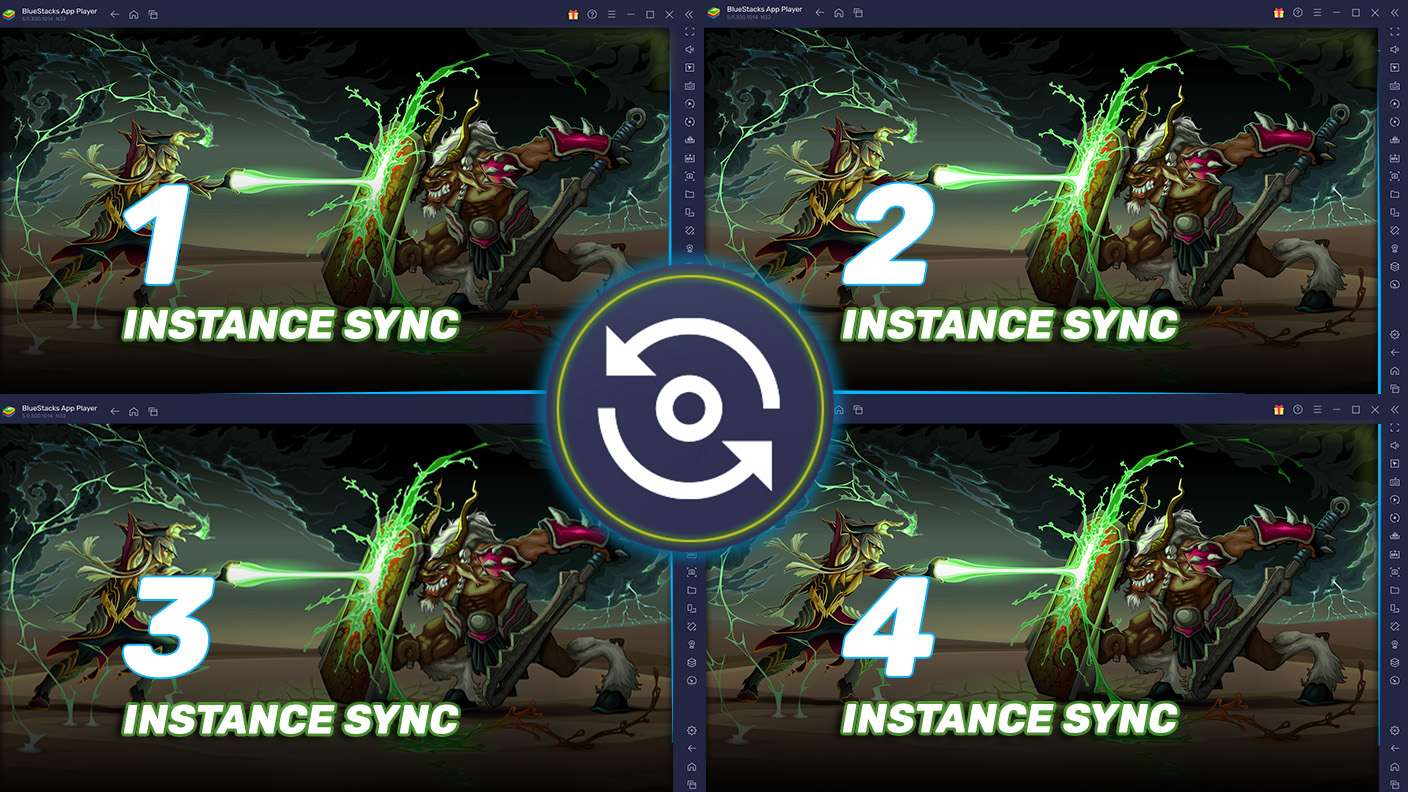
Play Bubble Word Sort with the power of Multi-Instance Sync. Replicate what you are doing on the main instance on all other instances. Level up faster, play more.
Script

Script

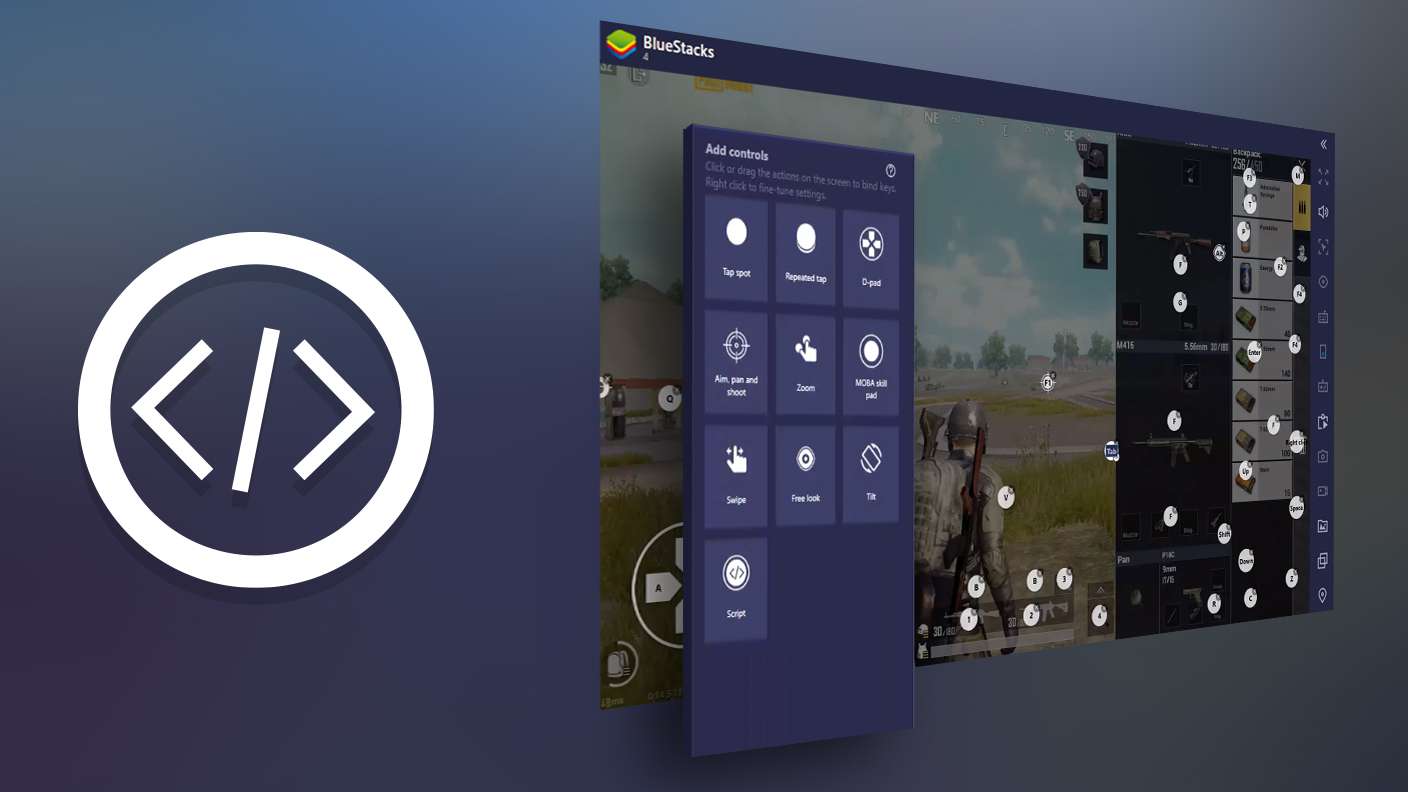
Script your way to gaming glory in Bubble Word Sort with BlueStacks Script. Write and run a set of commands to automate repeated tasks. Trigger the command by assigning it to any key.
Read More

How to Download and Play Bubble Word Sort on PC or Mac

  • Download and install BlueStacks on your PC or Mac

  • Complete Google sign-in to access the Play Store, or do it later

  • Look for Bubble Word Sort in the search bar at the top right corner

  • Click to install Bubble Word Sort from the search results

  • Complete Google sign-in (if you skipped step 2) to install Bubble Word Sort

  • Click the Bubble Word Sort icon on the home screen to start playing

video
Watch Video

Minimum System Requirements

With BlueStacks 5, you can get started on a PC that fulfills the following requirements.

  • Operating System

    Microsoft Windows 7 or above, macOS 11 (Big Sur) or above

  • Processor

    Intel, AMD or Apple Silicon Processor

  • RAM

    at least 4GB

  • HDD

    10GB Free Disk Space

Note:

* You must be an Administrator on your PC. Up to date graphics drivers from Microsoft or the chipset vendor.

Bubble Word Sort - FAQs

  • How to play Bubble Word Sort on Windows PC & Mac?

    Play Bubble Word Sort on your PC or Mac by following these simple steps.

    • Click on 'Play Bubble Word Sort on PC’ to download BlueStacks
    • Install it and log-in to Google Play Store
    • Launch and play the game.
  • Why is BlueStacks the fastest and safest platform to play games on PC?

    BlueStacks respects your privacy and is always safe and secure to use. It does not carry any malware, spyware, or any sort of additional software that could harm your PC.

    It is engineered to optimize speed and performance for a seamless gaming experience.

  • What are Bubble Word Sort PC requirements?

    Minimum requirement to run Bubble Word Sort on your PC

    • OS: Microsoft Windows 7 or above MacOS 11 (Big Sur) or above
    • Processor: Intel, AMD or Apple Silicon Processor
    • RAM: Your PC must have at least 4GB of RAM. (Note that having 4GB or more disk space is not a substitute for RAM)
    • HDD: 10GB Free Disk Space.
    • You must be an Administrator on your PC.