Dumpling Squishy: ASMR Unbox

Dumpling Squishy: ASMR Unbox

Casual

| HIGAME LTD.

Play on PC with BlueStacks or from our cloud

  • Overview
  • Game Features
  • How to Play

Page Modified On: September 18, 2026

Play Dumpling Squishy: ASMR Unbox on PC or Mac

Step into the World of Dumpling Squishy: ASMR Unbox, a thrilling Casual game from the house of HIGAME LTD.. Play this Android game on BlueStacks App Player and experience immersive gaming on PC or Mac.

About the Game

Dumpling Squishy: ASMR Unbox is a relaxed Casual treat that blends shopping, livestream unboxings, and hands-on squishy fun. You’ll browse adorable blind boxes, crack them open on camera, and then press, pop, and stretch each dumpling with soothing ASMR sounds humming in the background. Prefer a bigger screen and crisp audio? It feels great on BlueStacks too.

Game Features

  • Cute Market Runs: Stroll a stylish mini-mall, pick out mystery dumpling boxes, rainbow steamers, and cosmic bundles, then ring them up for your next reveal.
  • Go Live, Get Hype: Set your rig, hit the broadcast button, unbox in real time, and watch the chat light up with hearts, likes, and tips when rare finds roll out.
  • Tactile Squishy Therapy: Press, pop, squeeze, and stretch with soft, bouncy physics and satisfying ASMR sounds that take the edge off a long day.
  • Rare Finds & Collections: Hunt down starry, ultra-cute dim sum designs, complete sets, and show off your favorites during streams or on your display shelf.
  • Upgrade Your Studio: Use earnings to deck out your space with charming decor, new backdrops, and better gear so every show looks extra polished.
  • Easy, Chill Controls: Tap, hold, and drag—simple gestures that feel natural and keep the focus on unboxing and fidgety fun.
  • Eye-Candy Chibi Style: Bright colors, sparkly highlights, and pastel vibes make every squishy and box a little piece of eye candy.

BlueStacks gives you more room to focus on the game and less time adjusting around mobile limitations.


Game Features

Enhancements

  • Macros
  • Multi Instance
  • Script
  • Repeated Tap
  • Enhancements
Macros

Macros

Automate the predictable in Dumpling Squishy: ASMR Unbox and transform your gameplay with Macros. Get access to inventive Macros in the BlueStacks Macro Community
Multi Instance

Multi Instance

Play Dumpling Squishy: ASMR Unbox on one window. And chat with your friend on the other. Press CTRL + Shift + 8 to open the Multi-Instance Manager. And start creating fresh instances or clone an existing one.
Script

Script

Script your way to gaming glory in Dumpling Squishy: ASMR Unbox with BlueStacks Script. Write and run a set of commands to automate repeated tasks. Trigger the command by assigning it to any key.
Repeated Tap

Repeated Tap

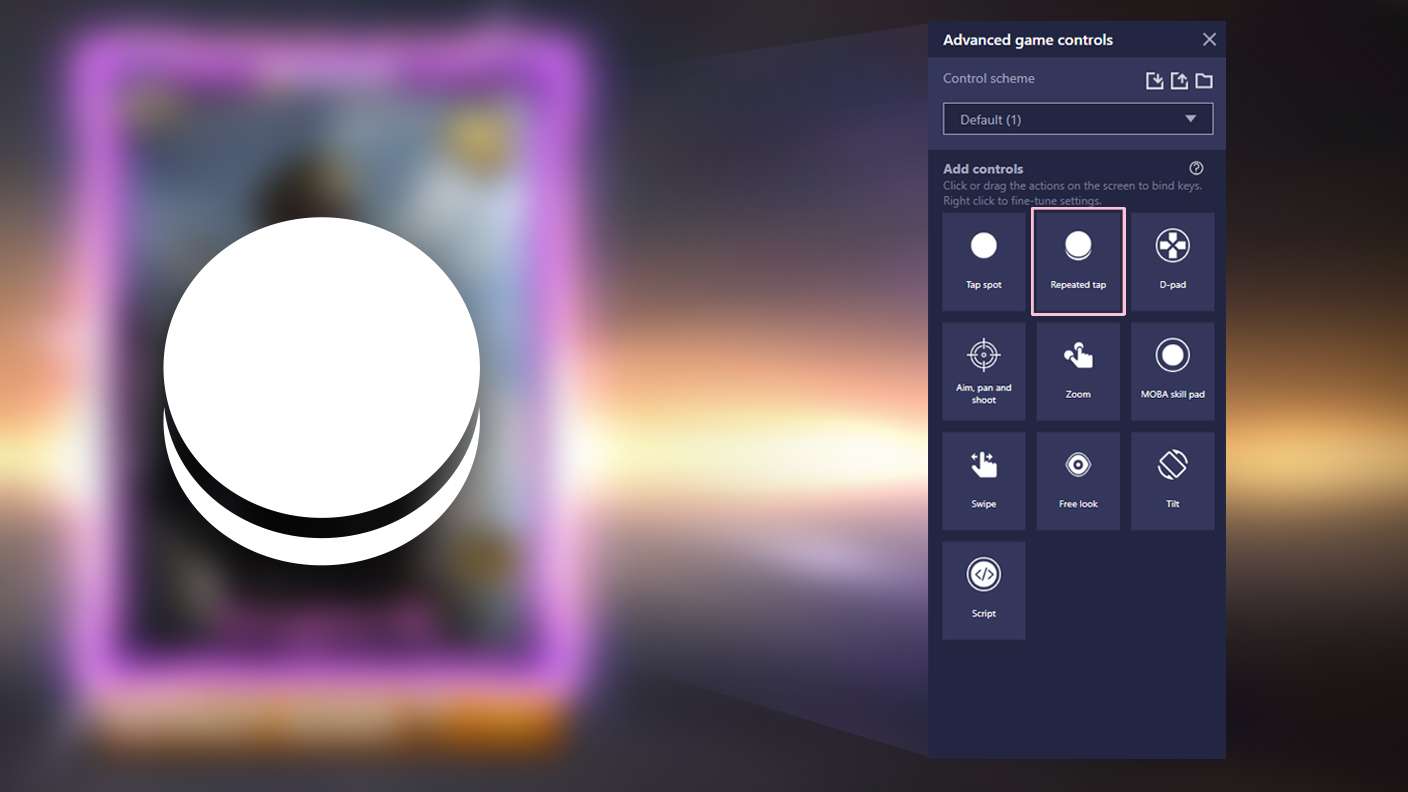
BlueStacks lets you master Dumpling Squishy: ASMR Unbox with useful features like the Repeated Tap. Now you do not have to press the same key repeatedly to initiate an action. Just assign it to one key and you are good to go.
Read More

How to Download and Play Dumpling Squishy: ASMR Unbox on PC or Mac

  • Download and install BlueStacks on your PC or Mac

  • Complete Google sign-in to access the Play Store, or do it later

  • Look for Dumpling Squishy: ASMR Unbox in the search bar at the top right corner

  • Click to install Dumpling Squishy: ASMR Unbox from the search results

  • Complete Google sign-in (if you skipped step 2) to install Dumpling Squishy: ASMR Unbox

  • Click the Dumpling Squishy: ASMR Unbox icon on the home screen to start playing

video
Watch Video

Minimum System Requirements

With BlueStacks 5, you can get started on a PC that fulfills the following requirements.

  • Operating System

    Microsoft Windows 7 or above, macOS 11 (Big Sur) or above

  • Processor

    Intel, AMD or Apple Silicon Processor

  • RAM

    at least 4GB

  • HDD

    10GB Free Disk Space

Note:

* You must be an Administrator on your PC. Up to date graphics drivers from Microsoft or the chipset vendor.

Dumpling Squishy: ASMR Unbox - FAQs

  • How to play Dumpling Squishy: ASMR Unbox on Windows PC & Mac?

    Play Dumpling Squishy: ASMR Unbox on your PC or Mac by following these simple steps.

    • Click on 'Play Dumpling Squishy: ASMR Unbox on PC’ to download BlueStacks
    • Install it and log-in to Google Play Store
    • Launch and play the game.
  • Why is BlueStacks the fastest and safest platform to play games on PC?

    BlueStacks respects your privacy and is always safe and secure to use. It does not carry any malware, spyware, or any sort of additional software that could harm your PC.

    It is engineered to optimize speed and performance for a seamless gaming experience.

  • What are Dumpling Squishy: ASMR Unbox PC requirements?

    Minimum requirement to run Dumpling Squishy: ASMR Unbox on your PC

    • OS: Microsoft Windows 7 or above MacOS 11 (Big Sur) or above
    • Processor: Intel, AMD or Apple Silicon Processor
    • RAM: Your PC must have at least 4GB of RAM. (Note that having 4GB or more disk space is not a substitute for RAM)
    • HDD: 10GB Free Disk Space.
    • You must be an Administrator on your PC.